












This year’s Treehouse of Horror Halloween cutouts include Homer from “The Shinning”, Snail Lisa, the Frog Prince, and Groundskeeper Willie as Freddie Krueger. They are a life sized, and most have an audio clip as an additional interactive element.
I try to make the cutouts life size whenever possible. Standard 4′ x 8′ sheets of plywood are big enough for most of the characters I’ve made. However, my vehicle doesn’t have a big enough cargo area to fit a full sheet, so I have to get them ripped down to fit in the trunk. When necessary I’ll “stitch” the sheets back together to create a large enough workspace.
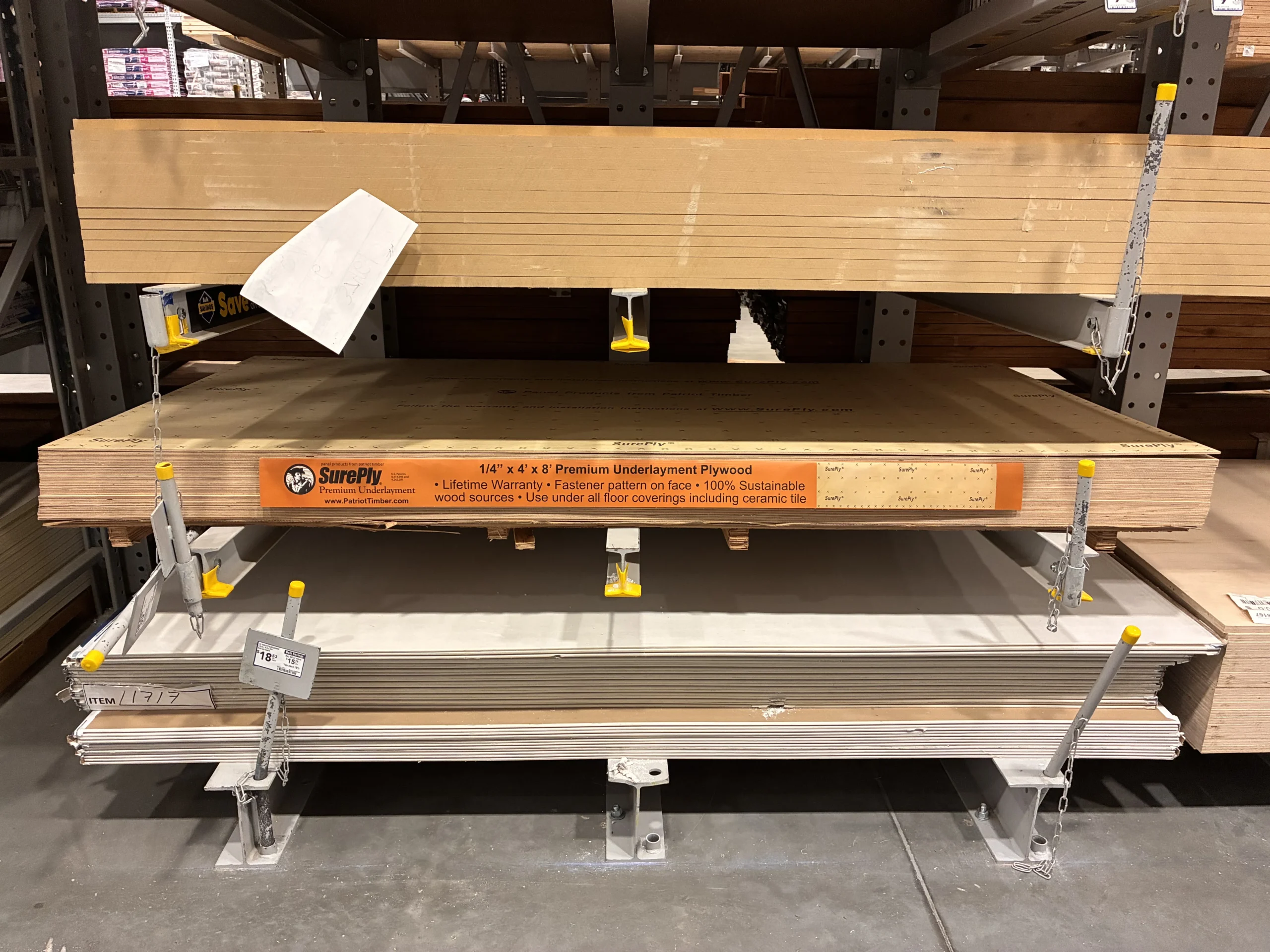
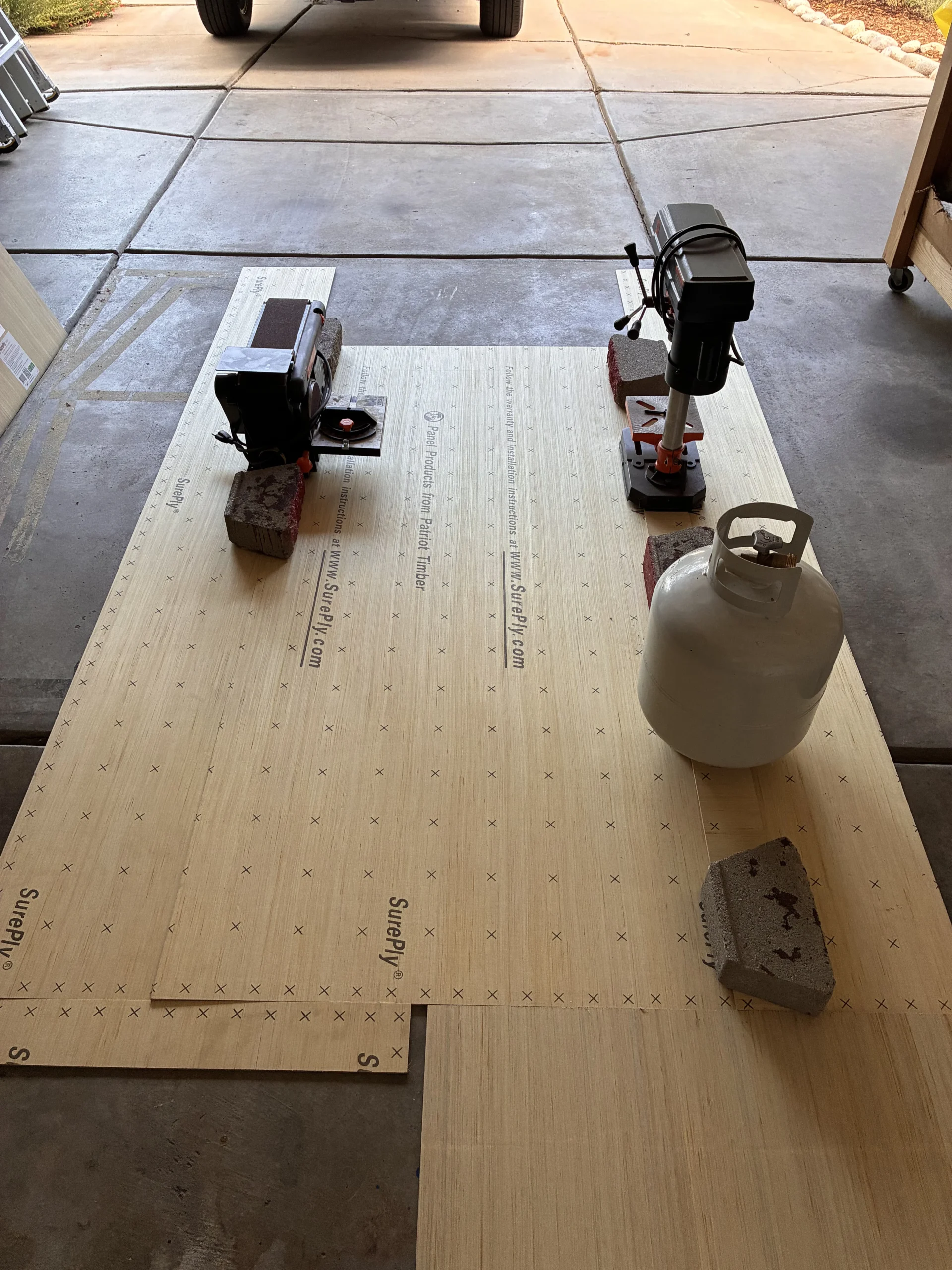
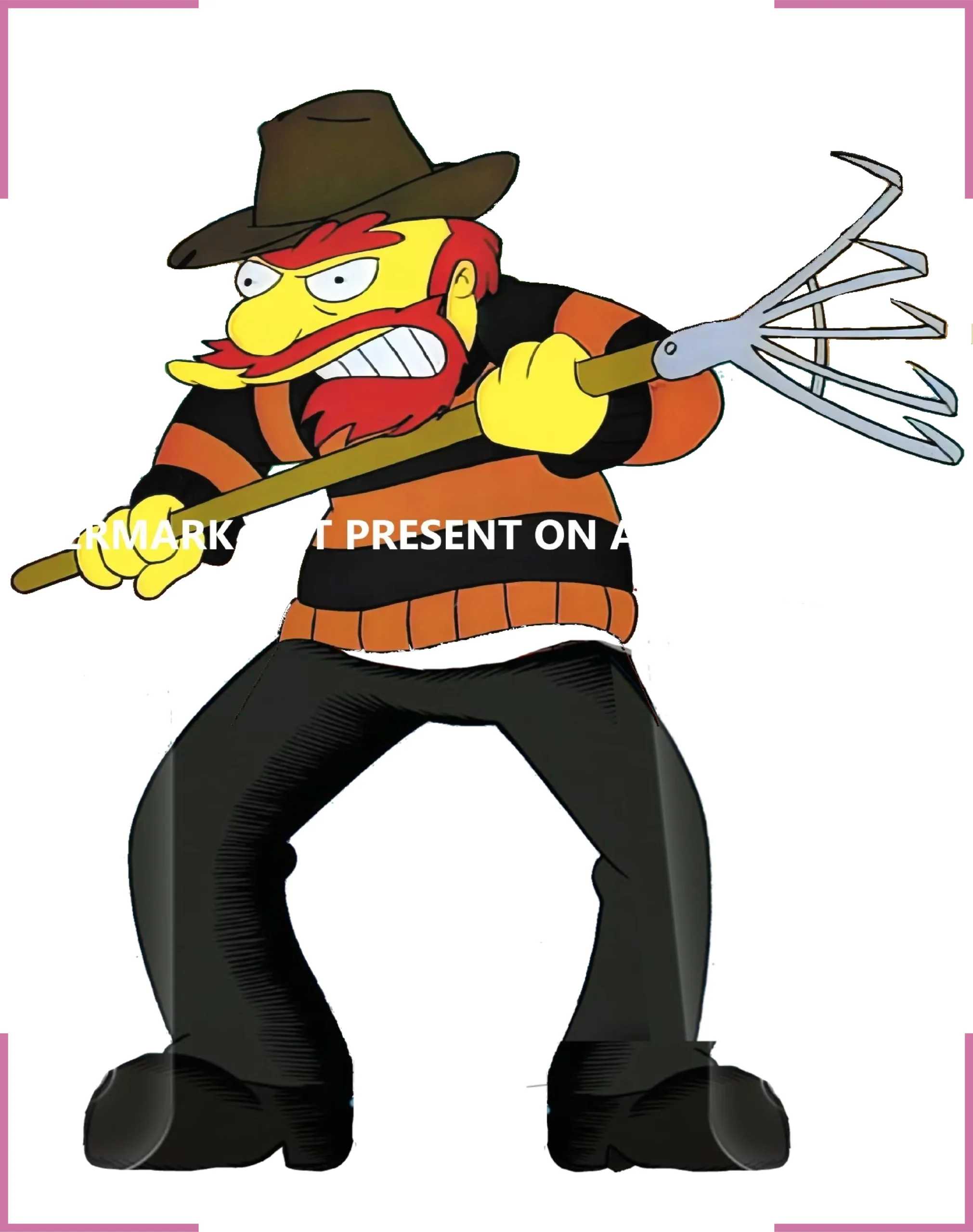
I’ll source images from various places online. The most memorable characters are easily found with a simple Google search. Screenshots from individual episodes are another convenient source. When necessary I will do some minor image editing to isolate characters and fill in missing details.
Once I have my characters isolated I use Adobe Illustrator to create full size templates that I project onto the plywood sheets.
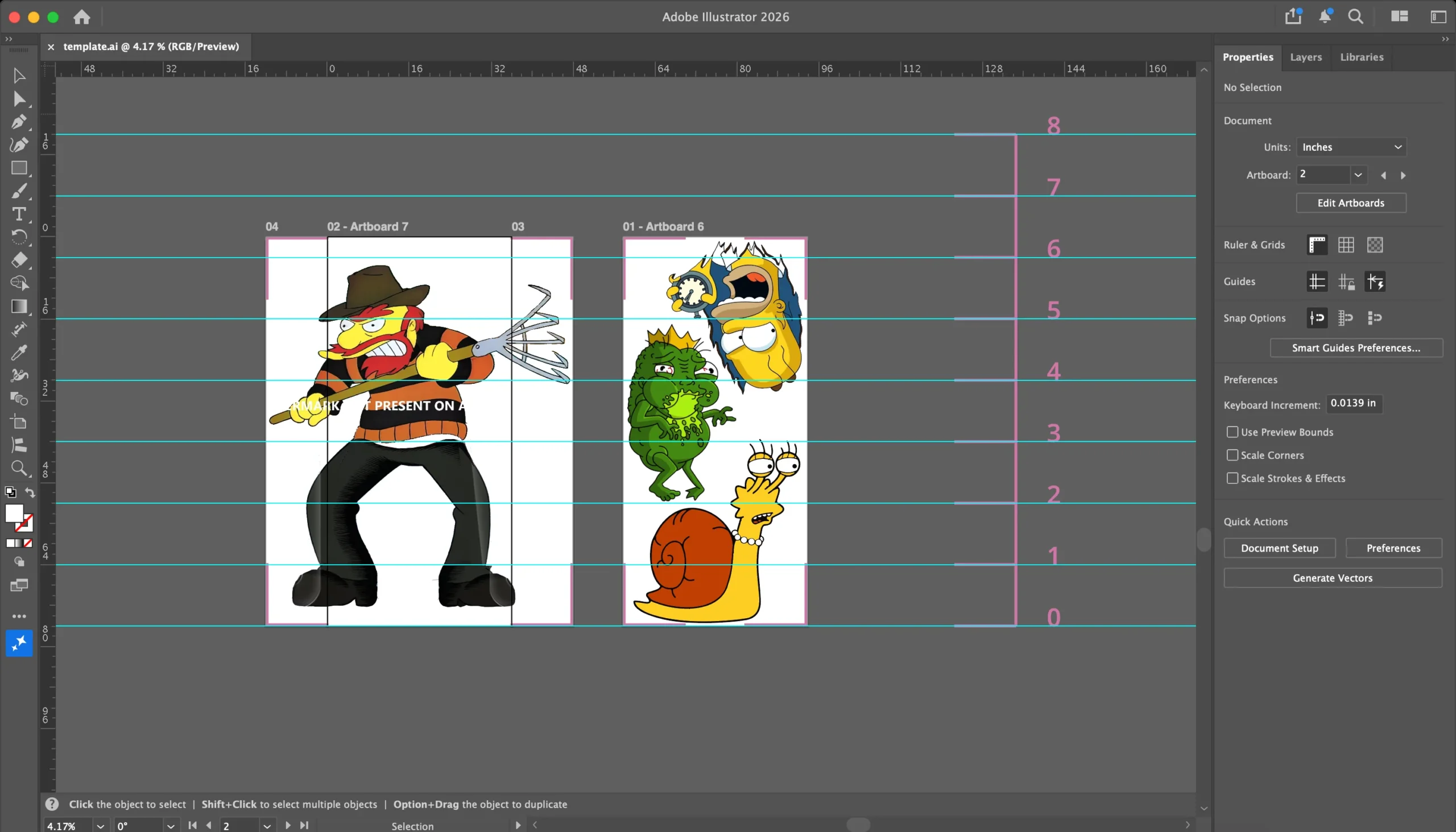
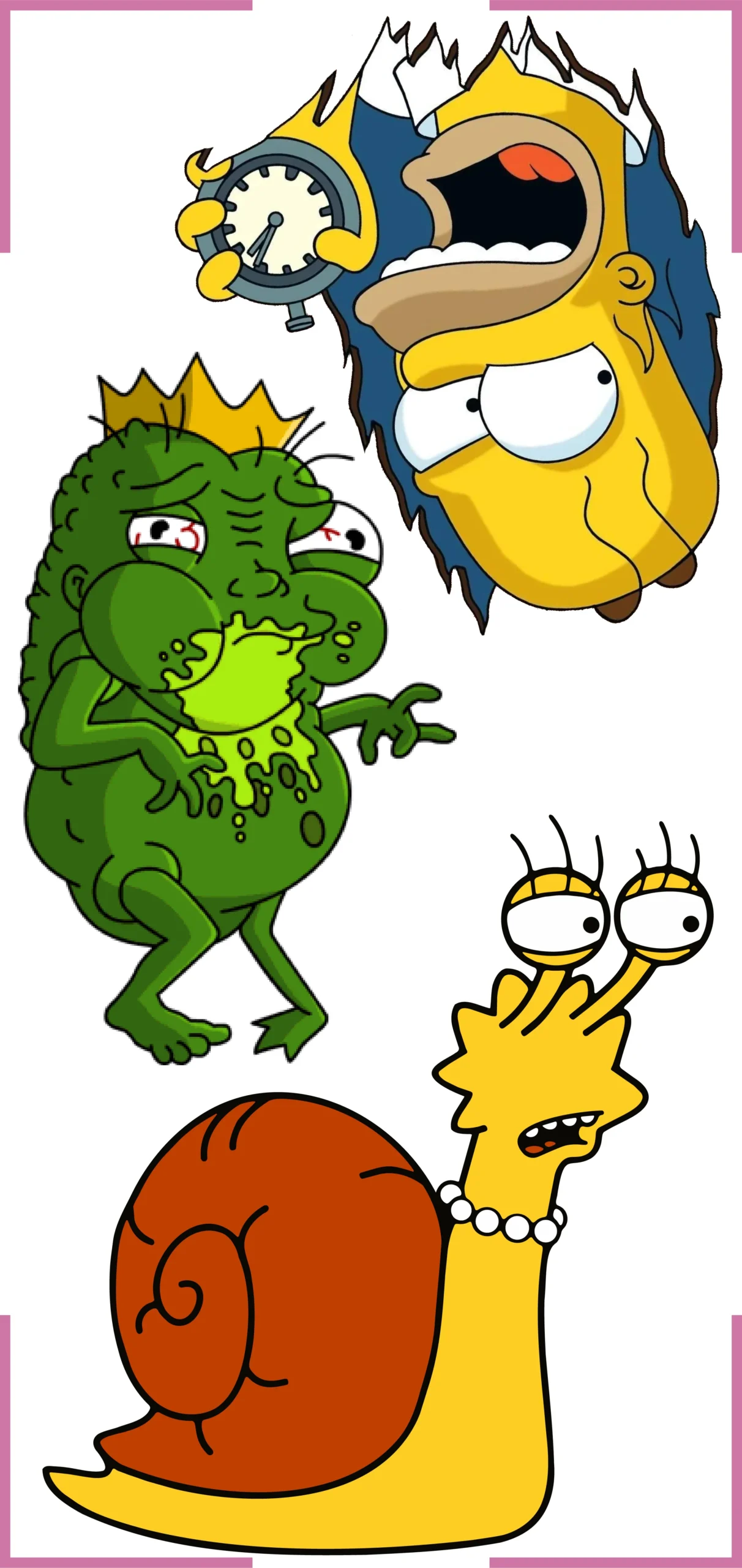
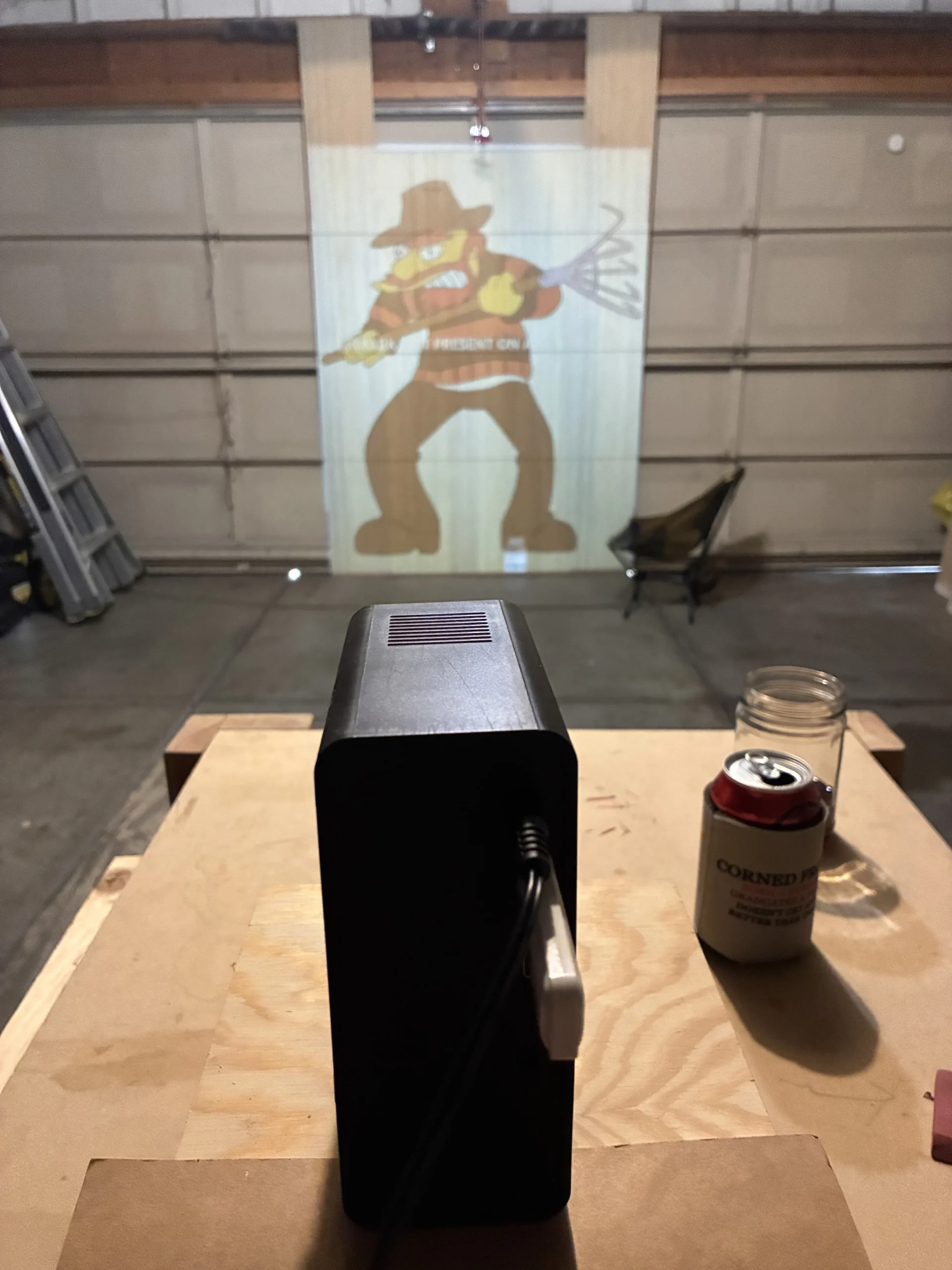
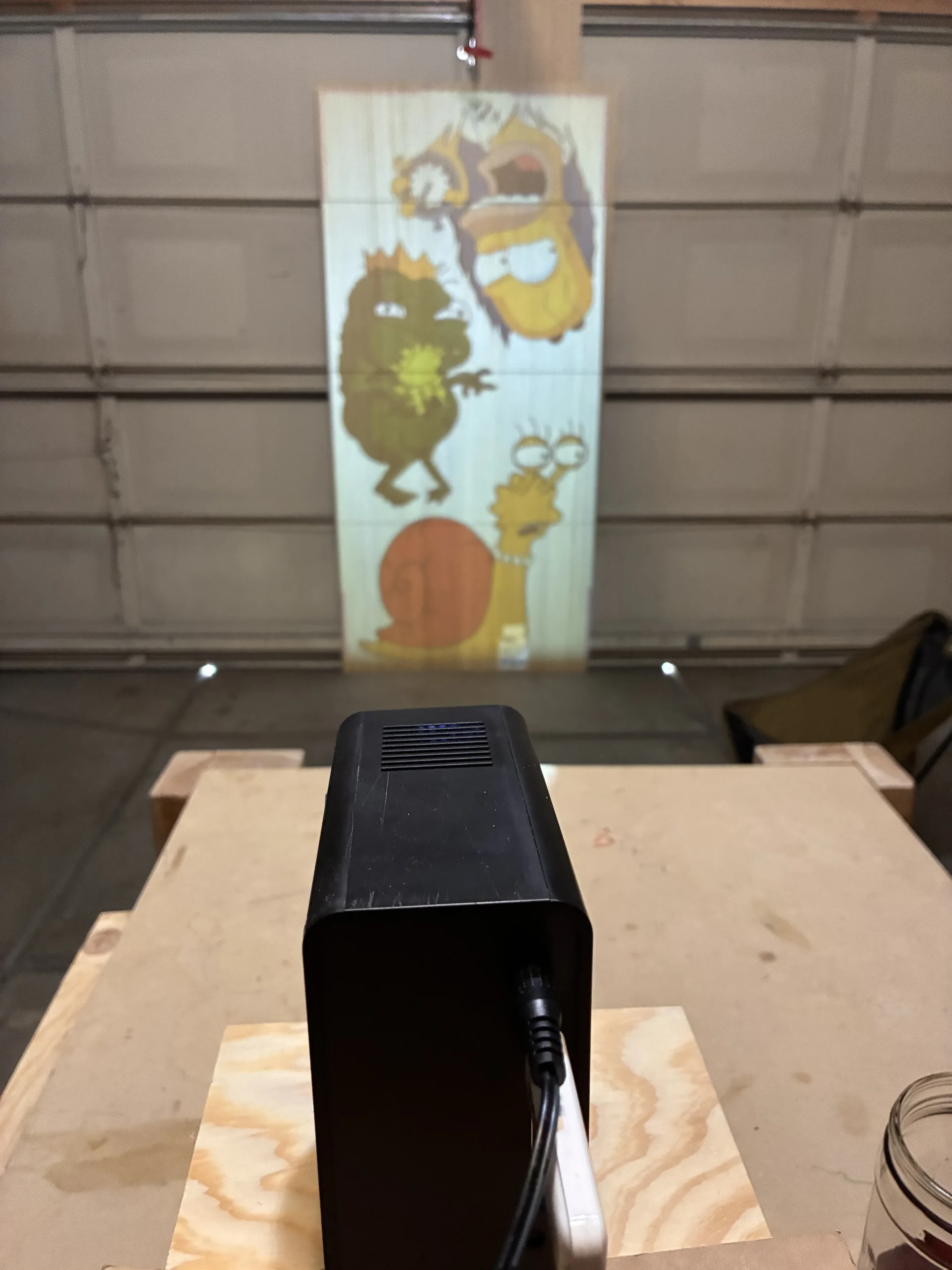
I project the templates onto the plywood sheets. With a pencil I trace all the outlines and other details I want to capture.
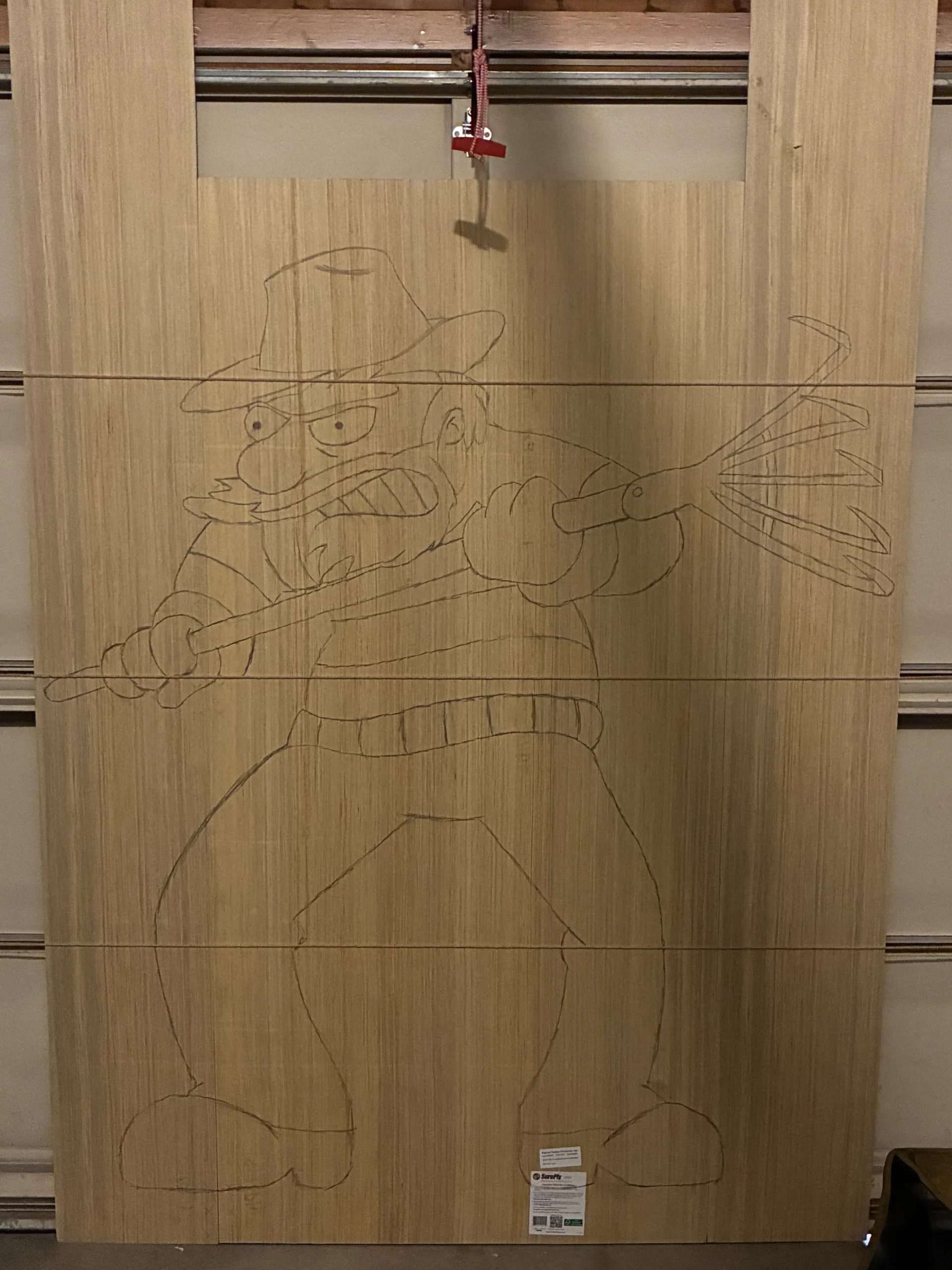
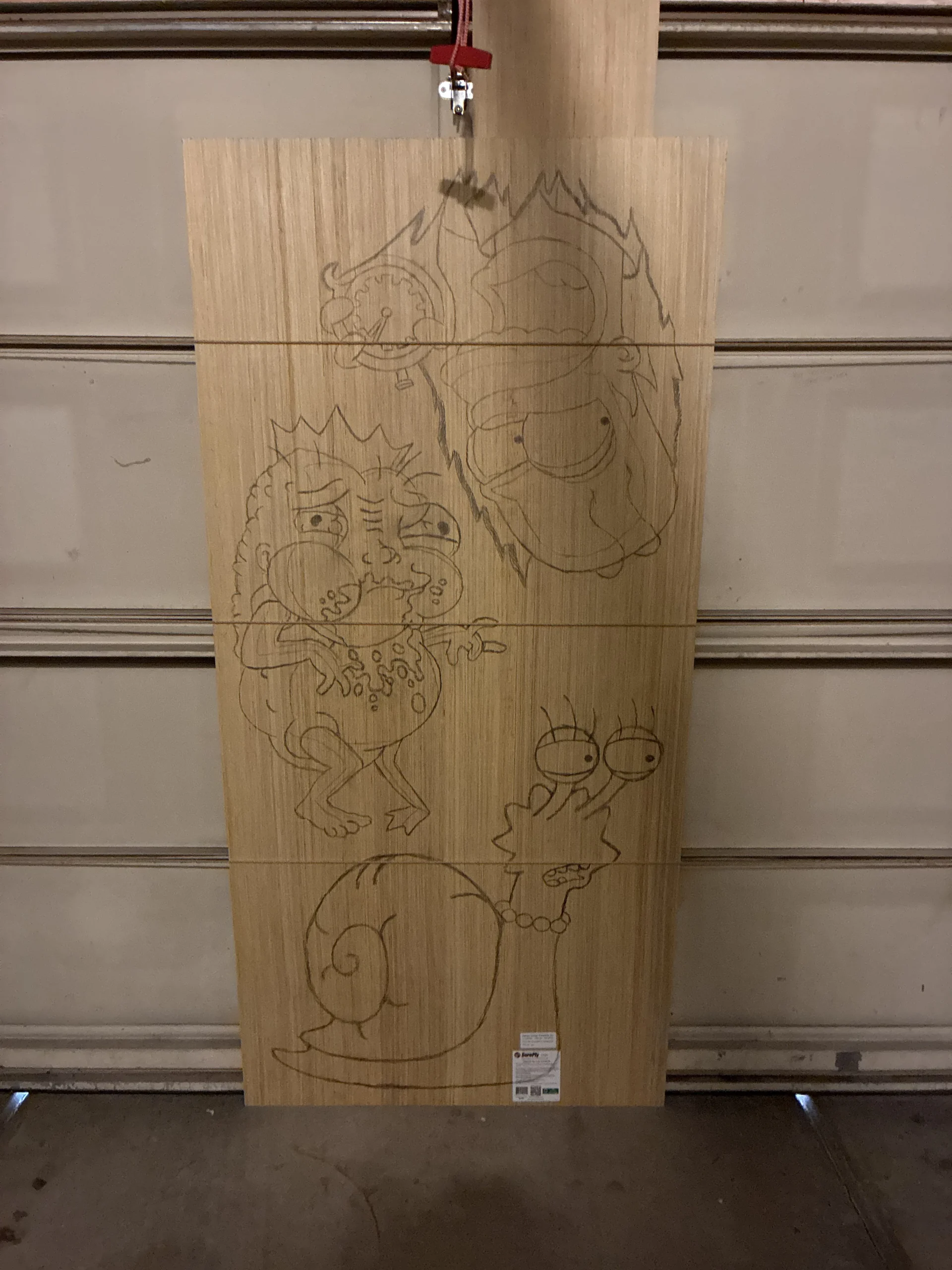
Using a Magnum Sharpie I add a thick outline to the tracings. This provides a buffer for uneven cutting, and ensures there’s enough space for the paint to create smooth lines.
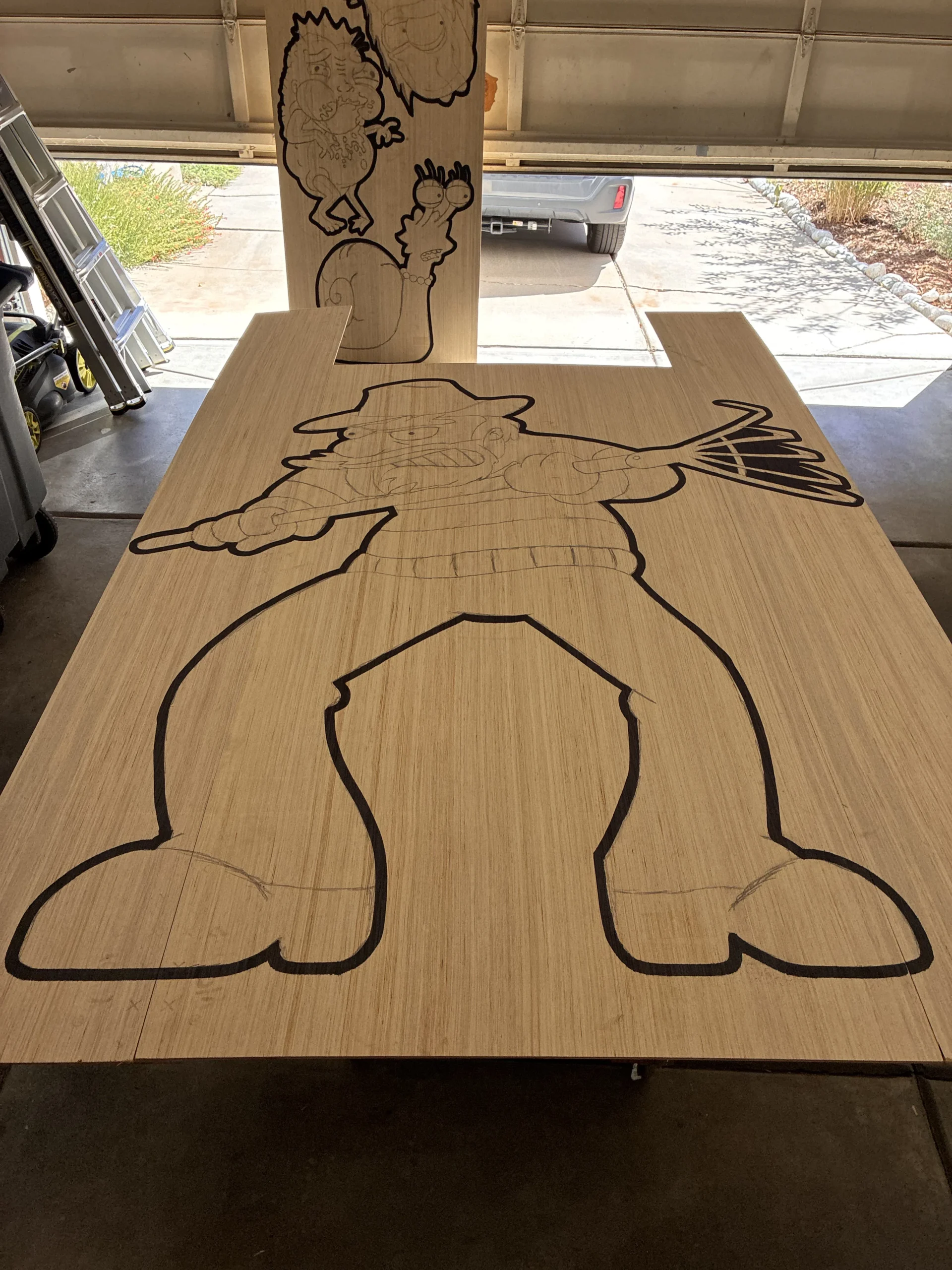
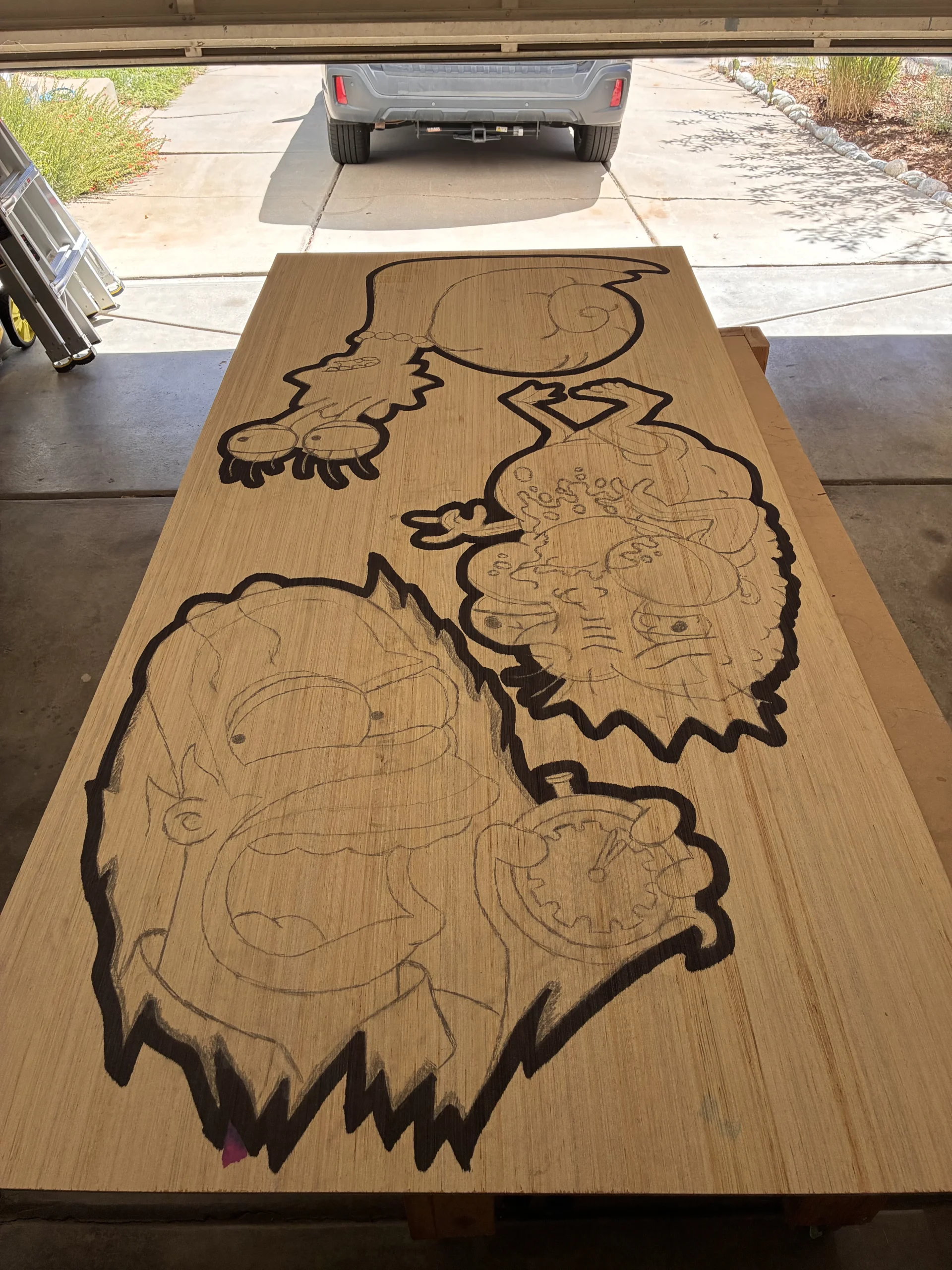
Using a router with a cutting bit I carve the characters out of the plywood sheets.
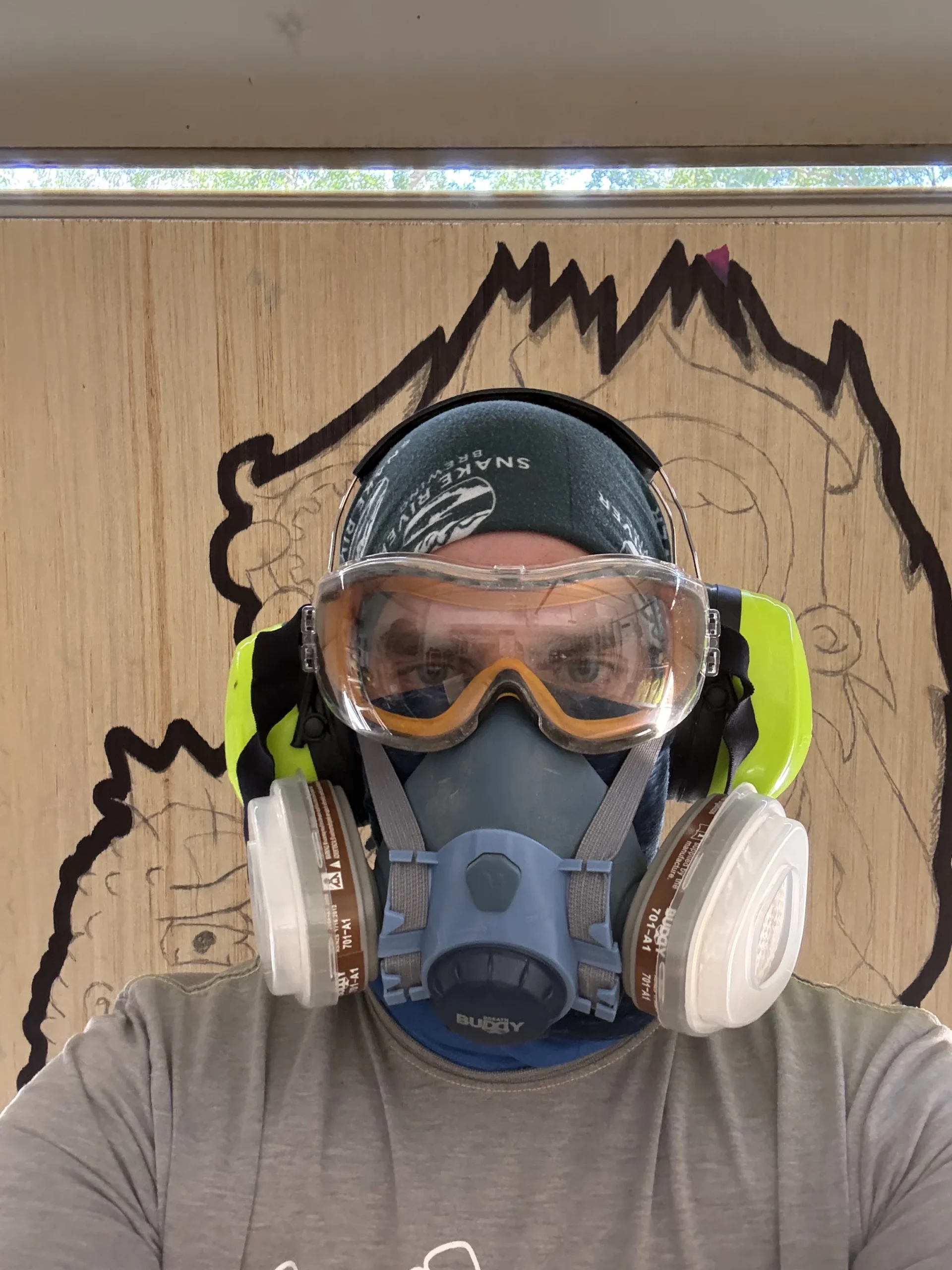
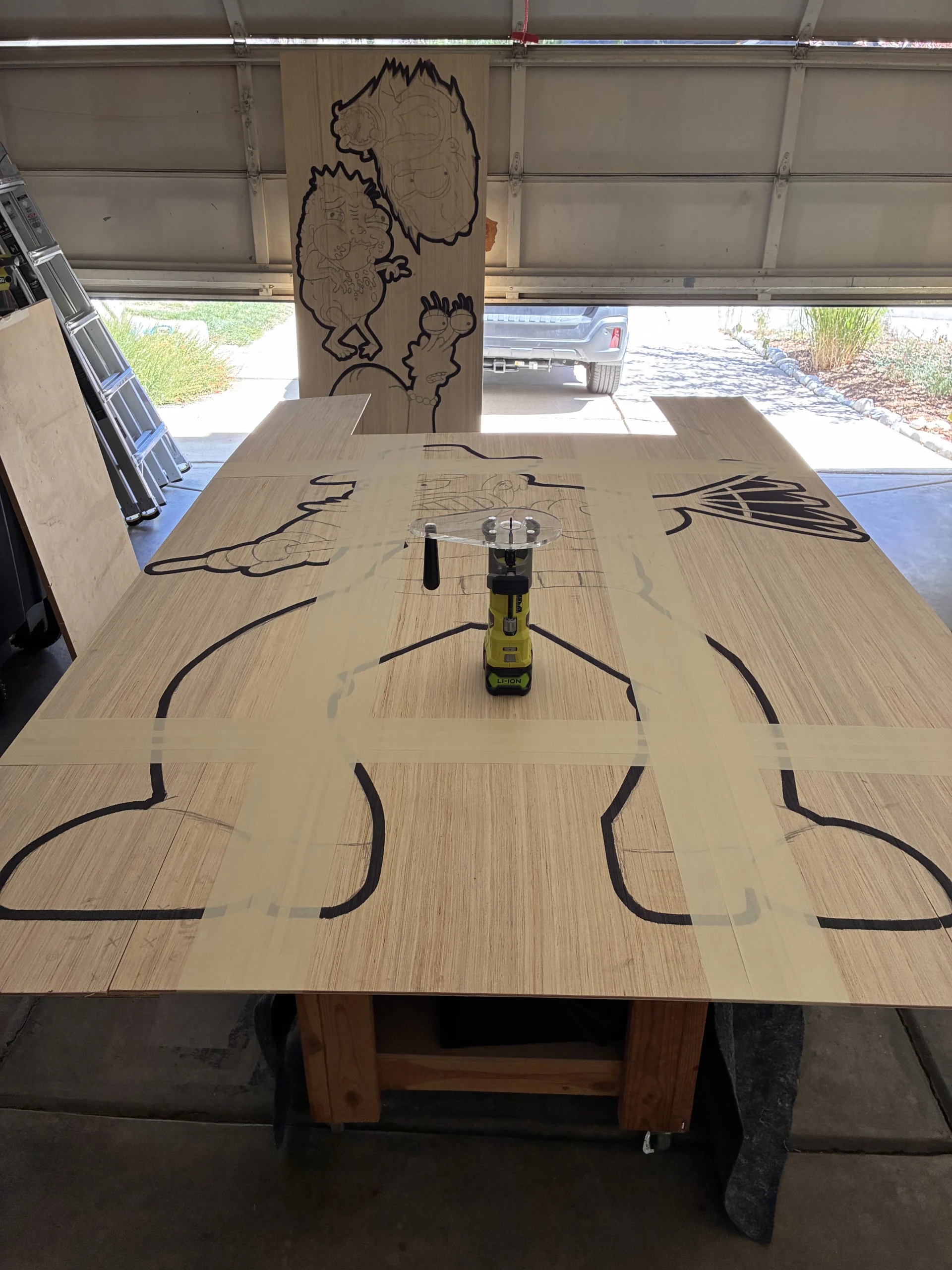
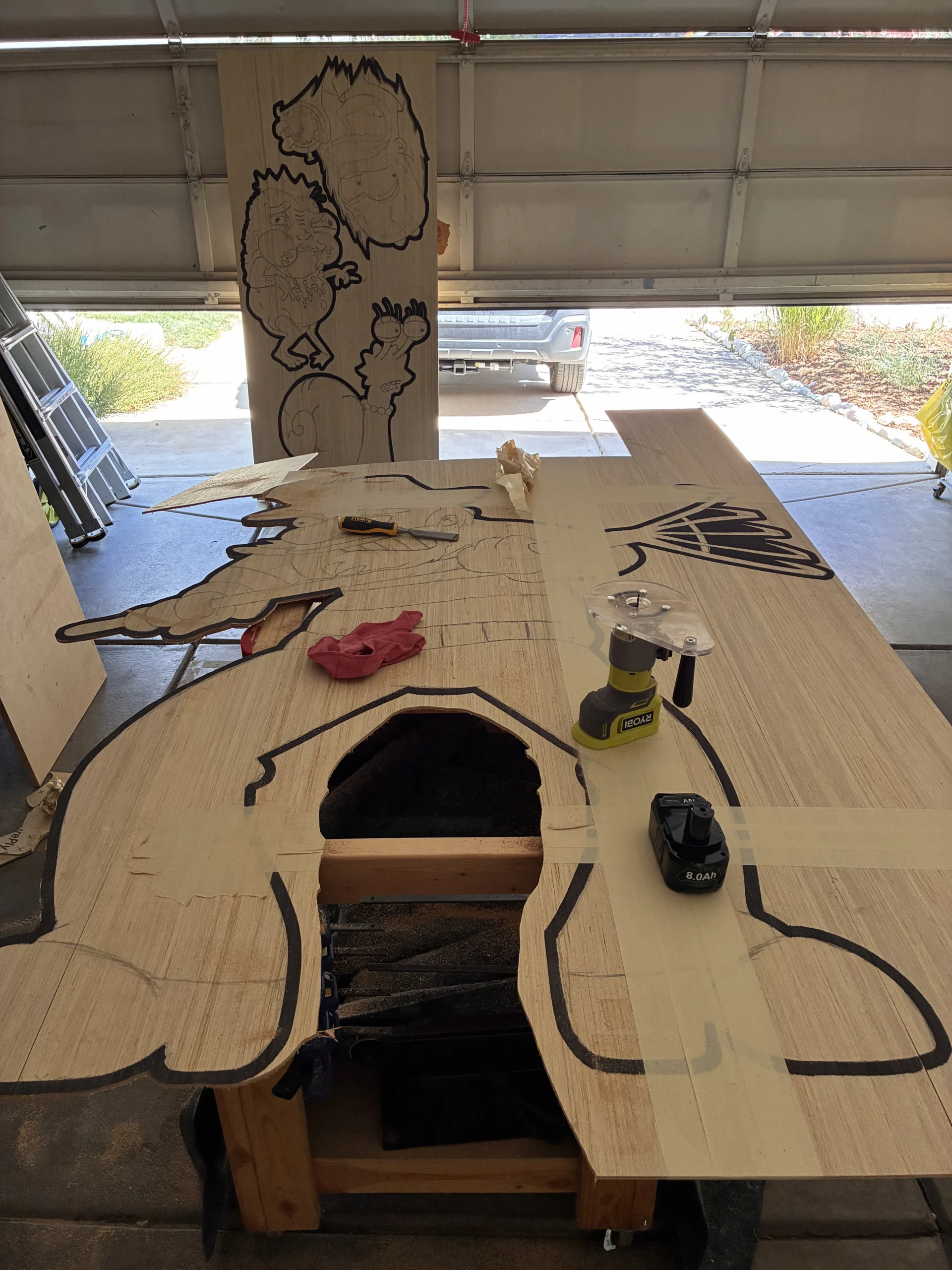
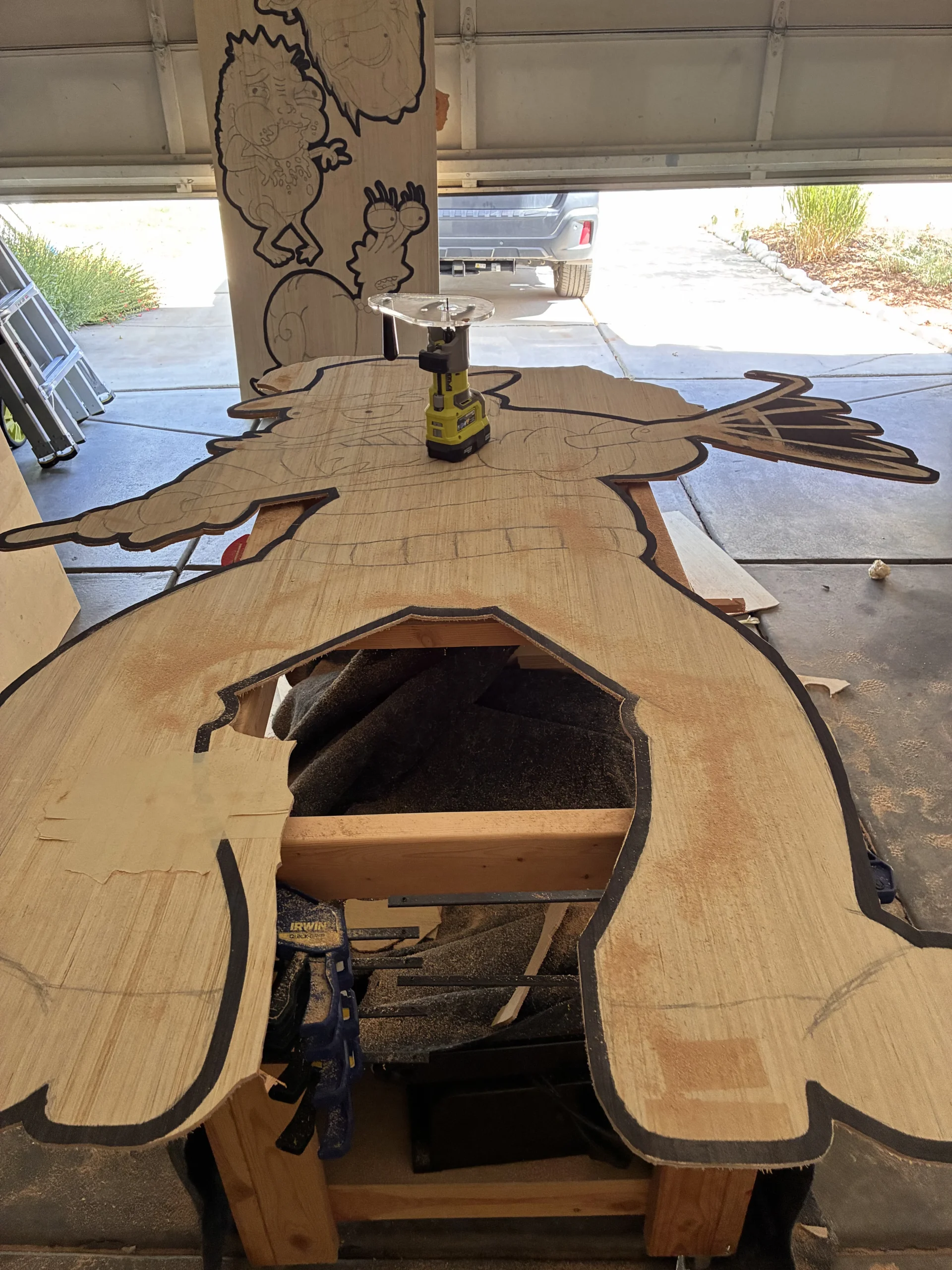
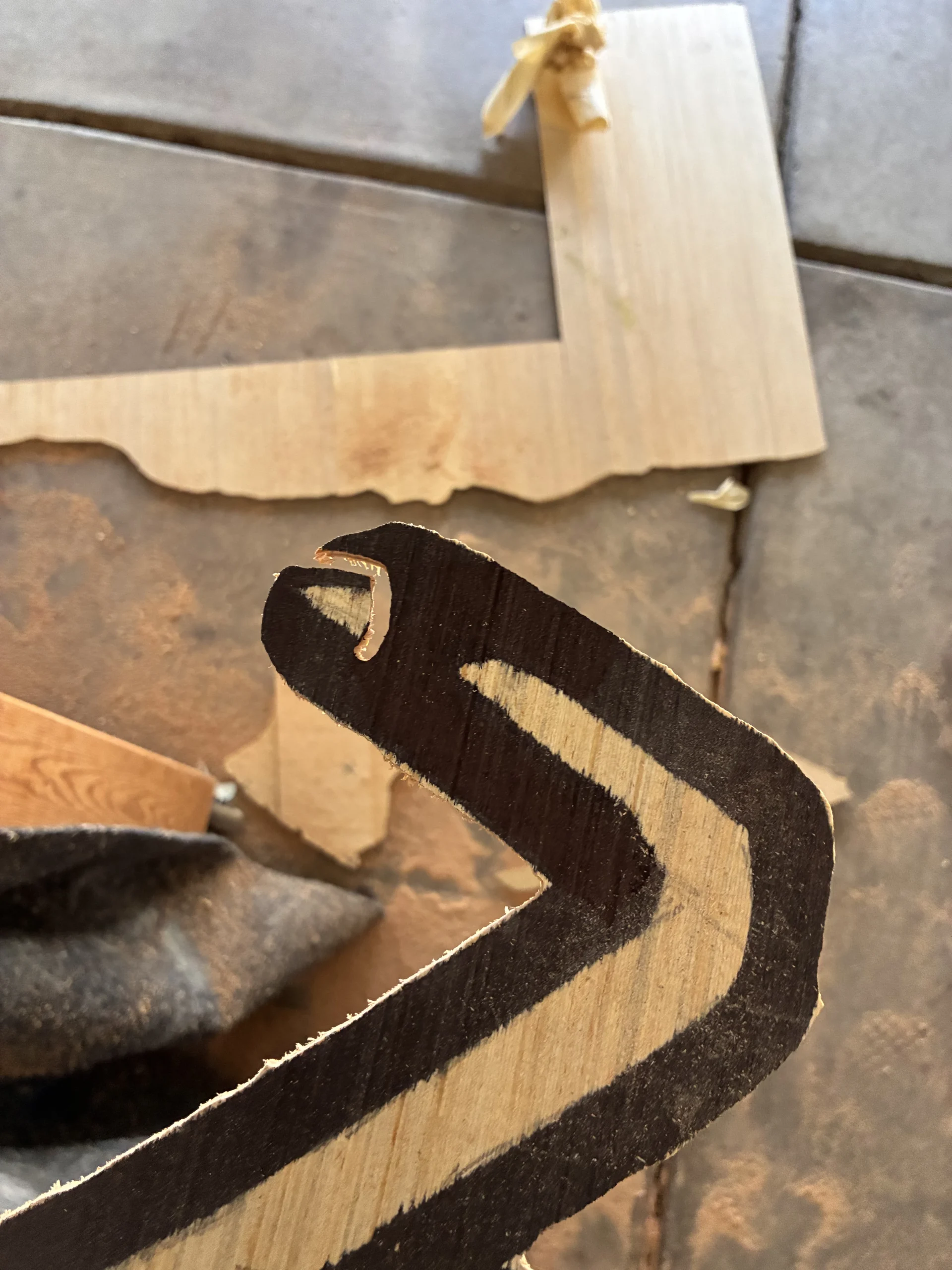
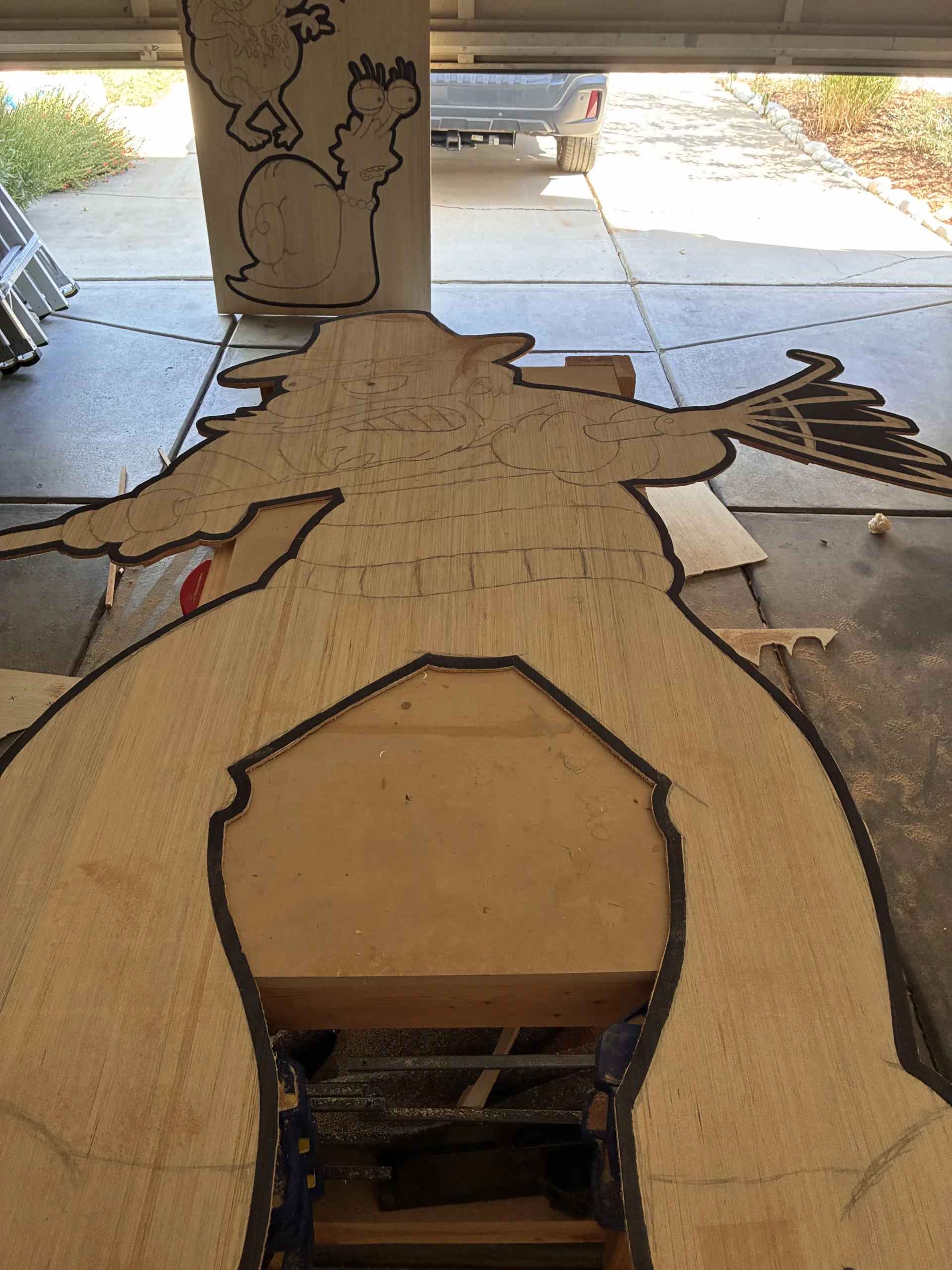
Once everything is cut out, I sand the edges smooth and clean up any rough spots before painting.
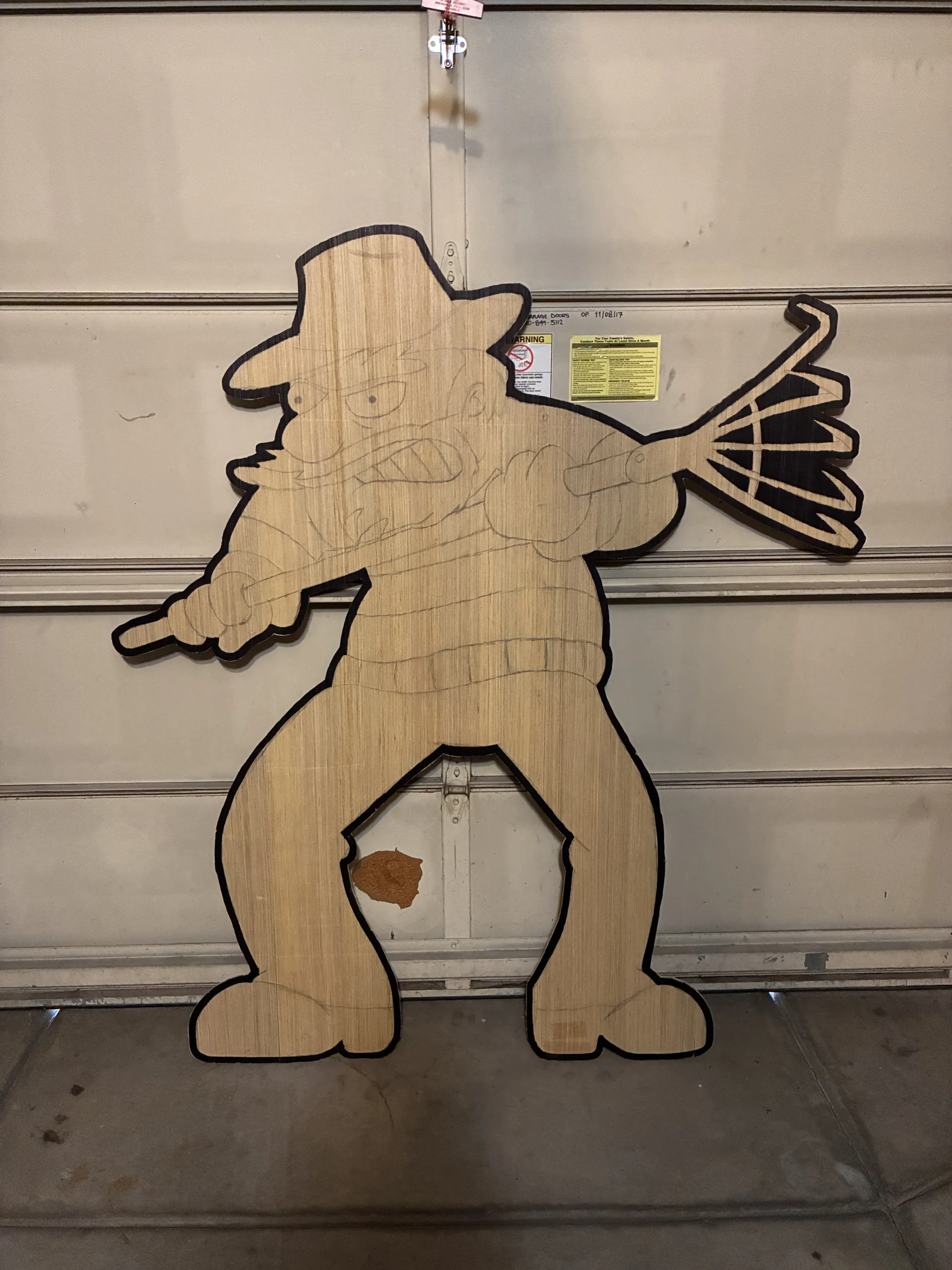
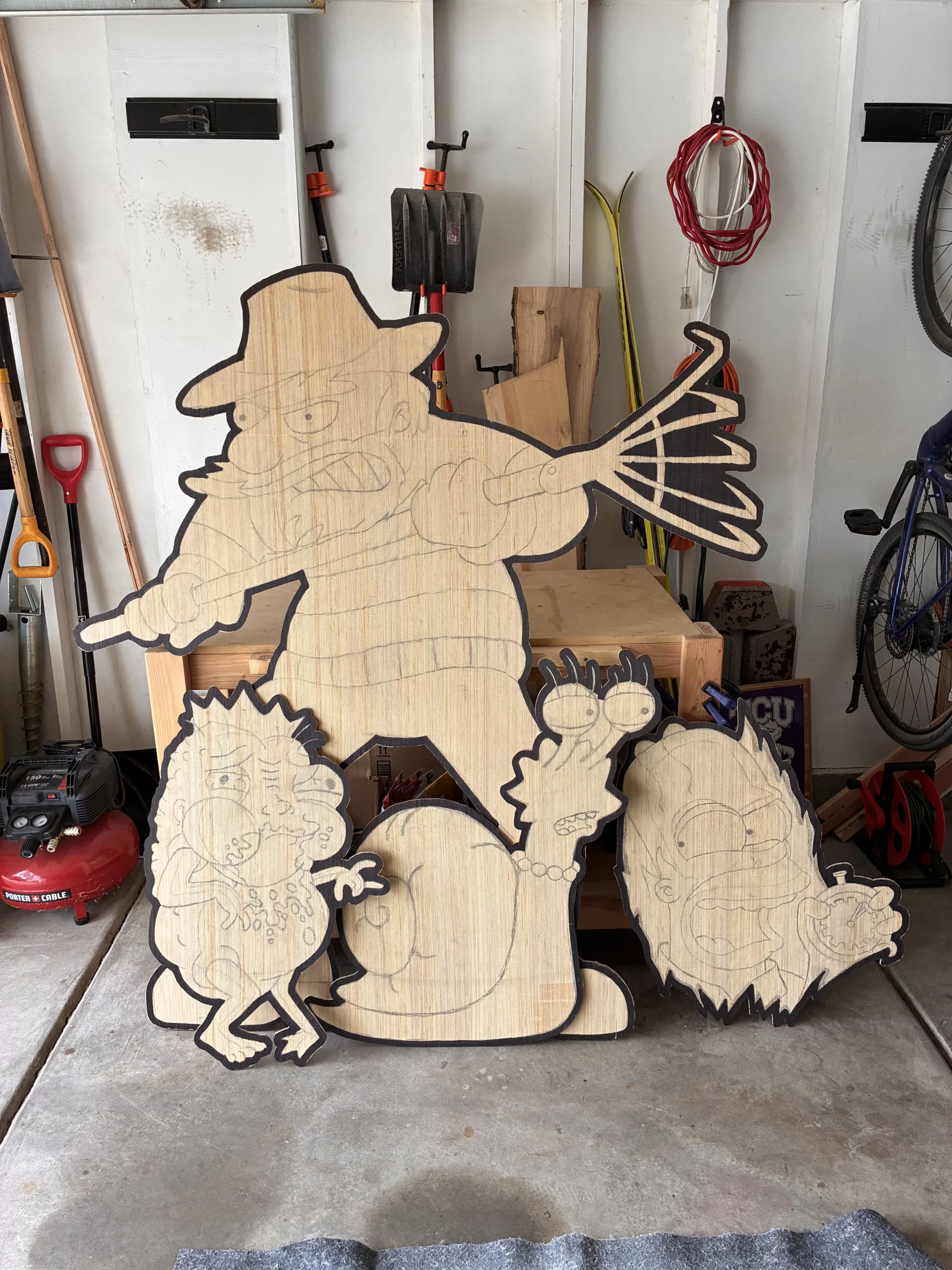
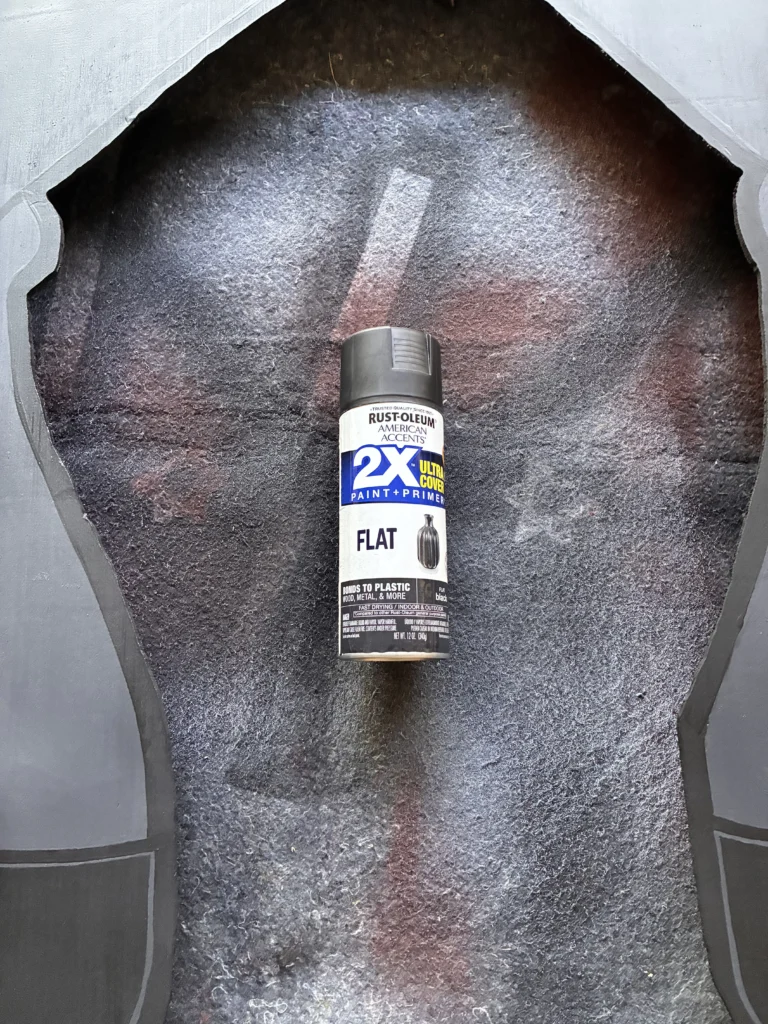
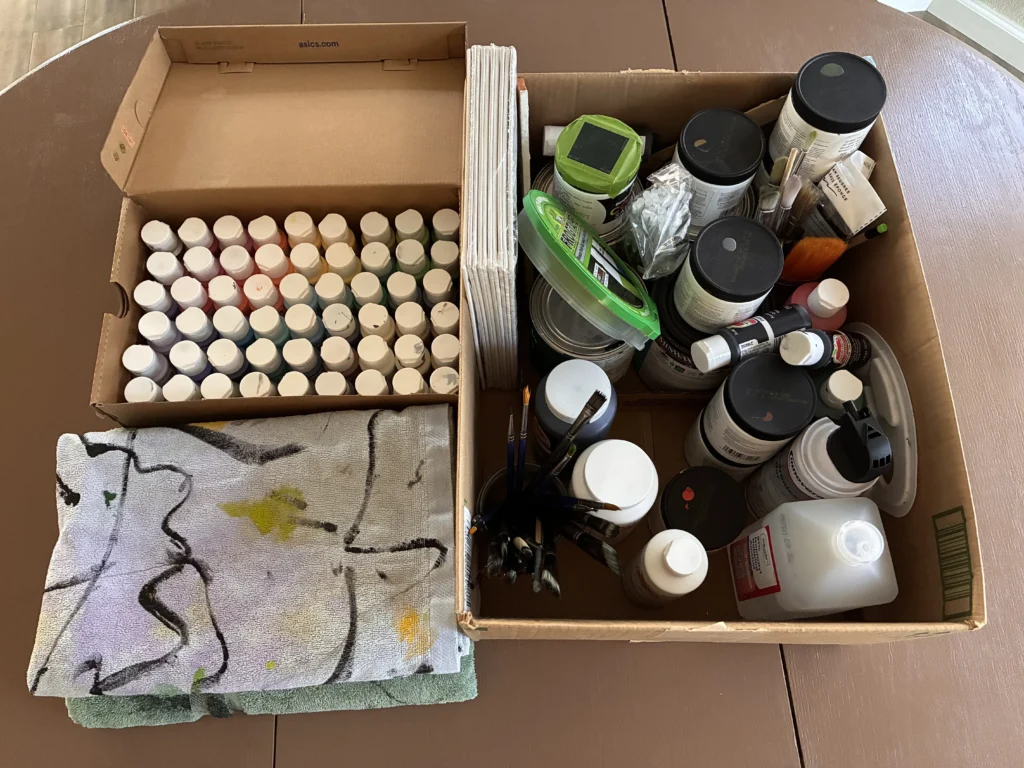
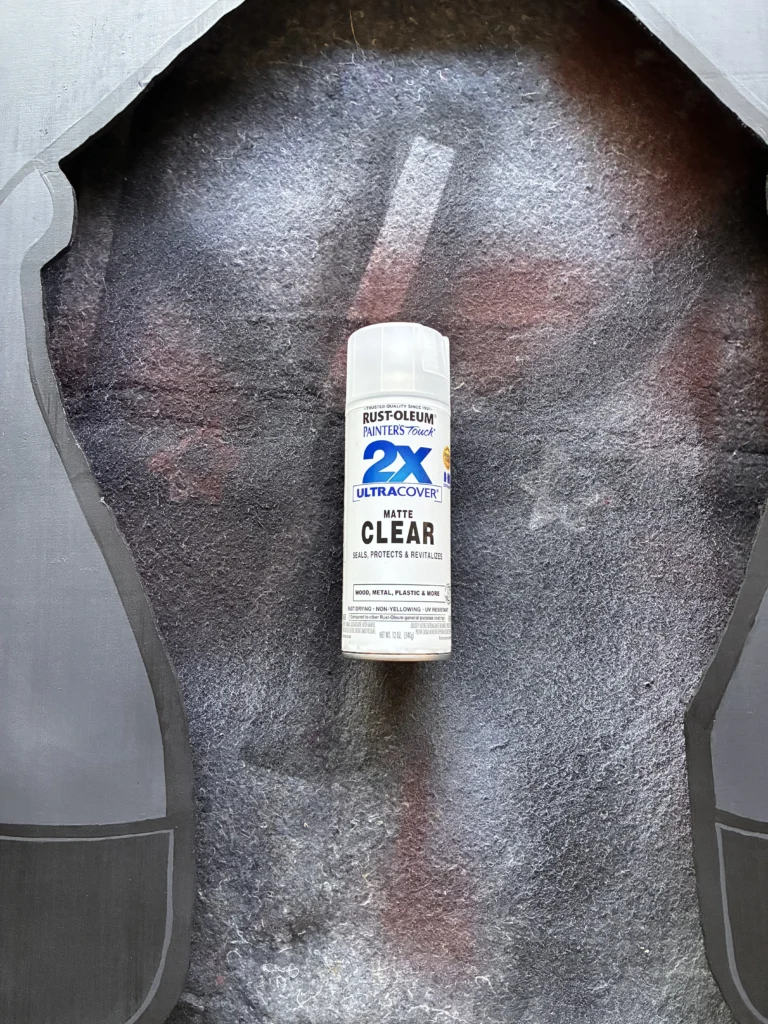
I use a matte or flat black spray paint to coat the back of each cutout, matte acrylic paints on the front, and finish both sides with a matte clear coat spray paint.
To stand the cutouts I make 1″ x 1″ dowels by ripping down 2x4s. The smaller cutouts are mounted directly on a dowel, and the larger cutouts are mounted on frames made from the dowels.
Most of the characters get an audio clip from their episode. I download the source clip from YouTube, use iMovie to trim it and export just the audio, and use Audacity when I need to do any additional editing.
From the “The Shinning” segment of Treehouse of Horror V, a parody of Jack Torrance’s famous axe-wielding bathroom door scene from Stanley Kubrick’s The Shining.
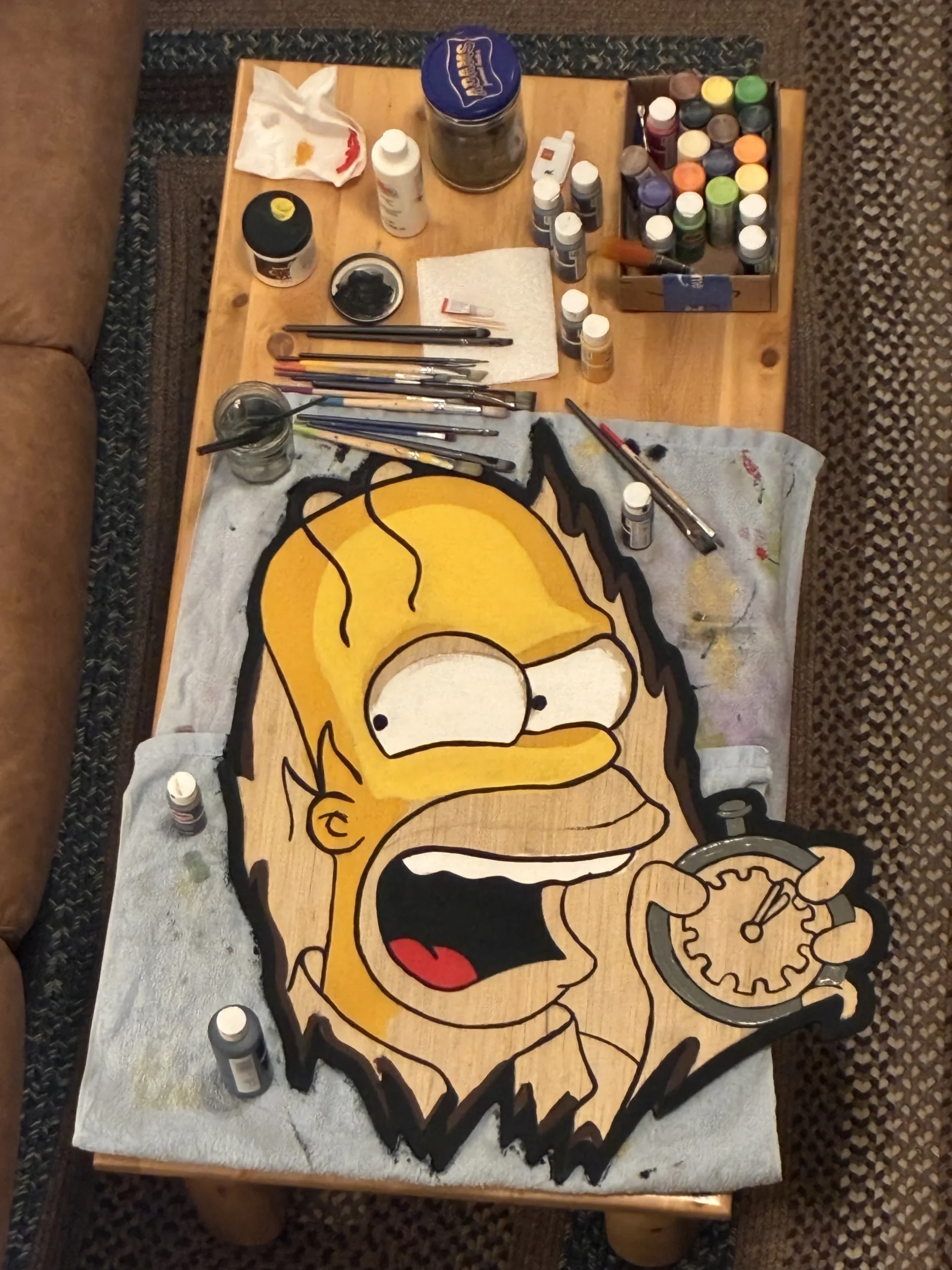
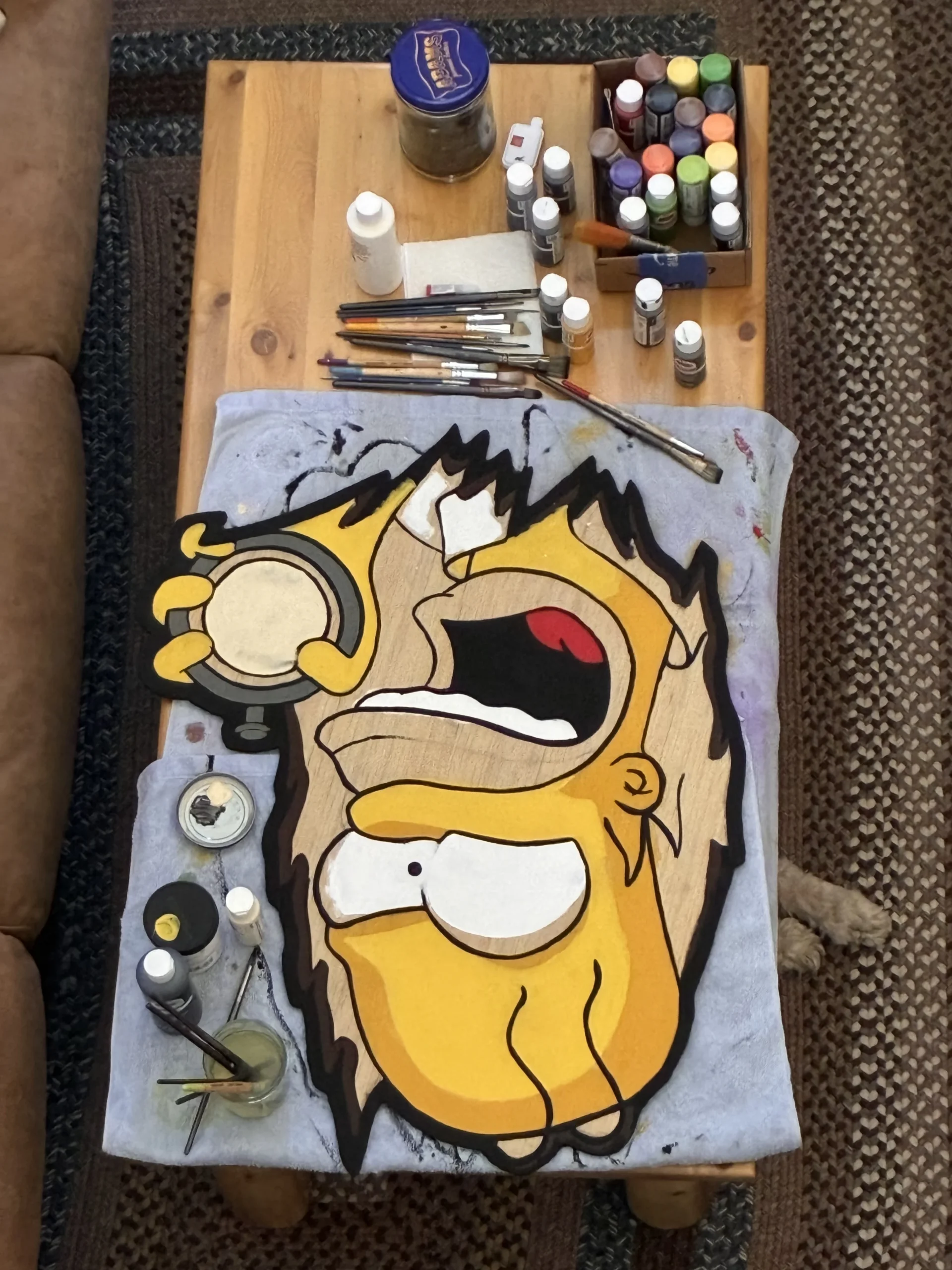
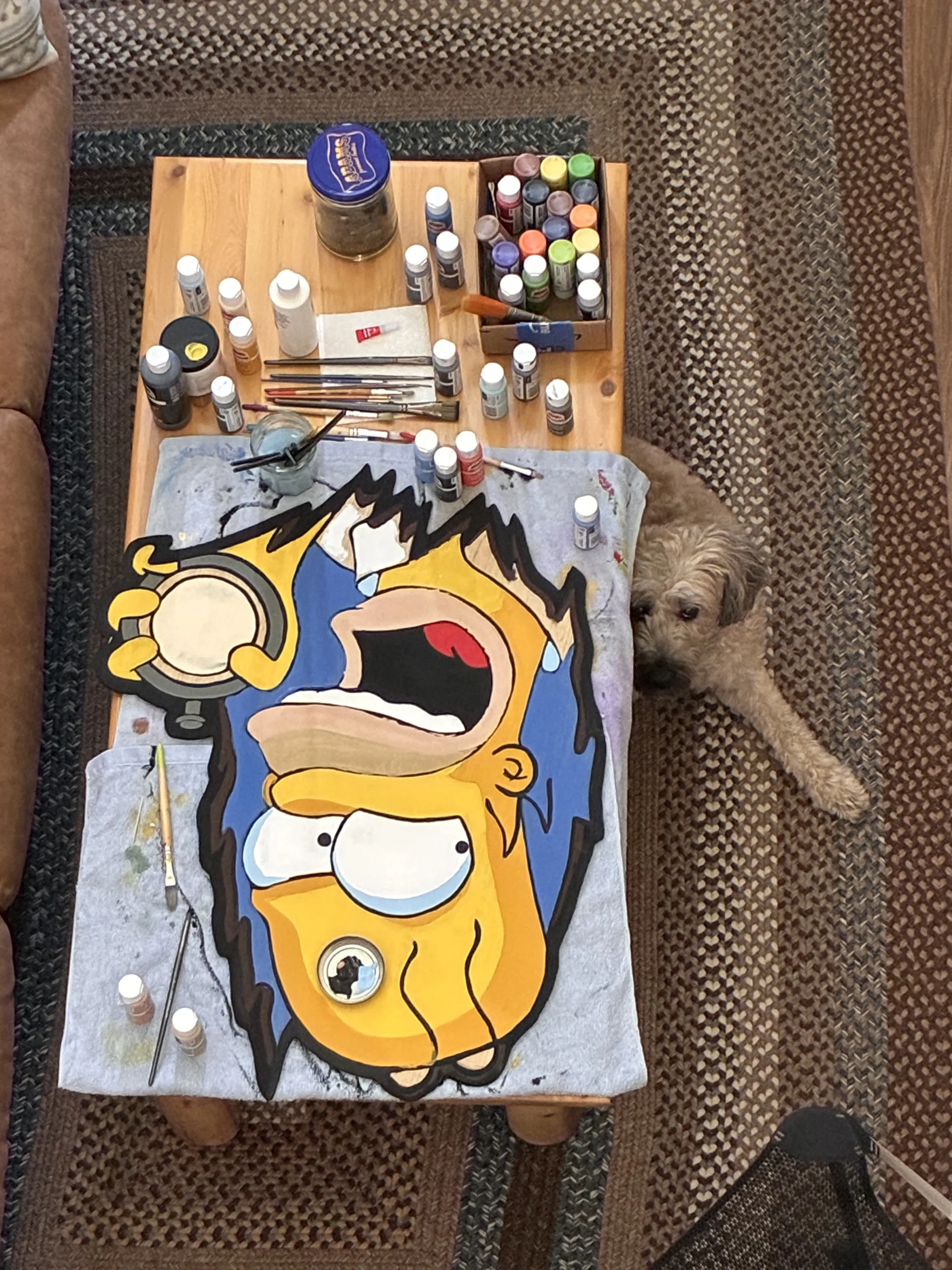
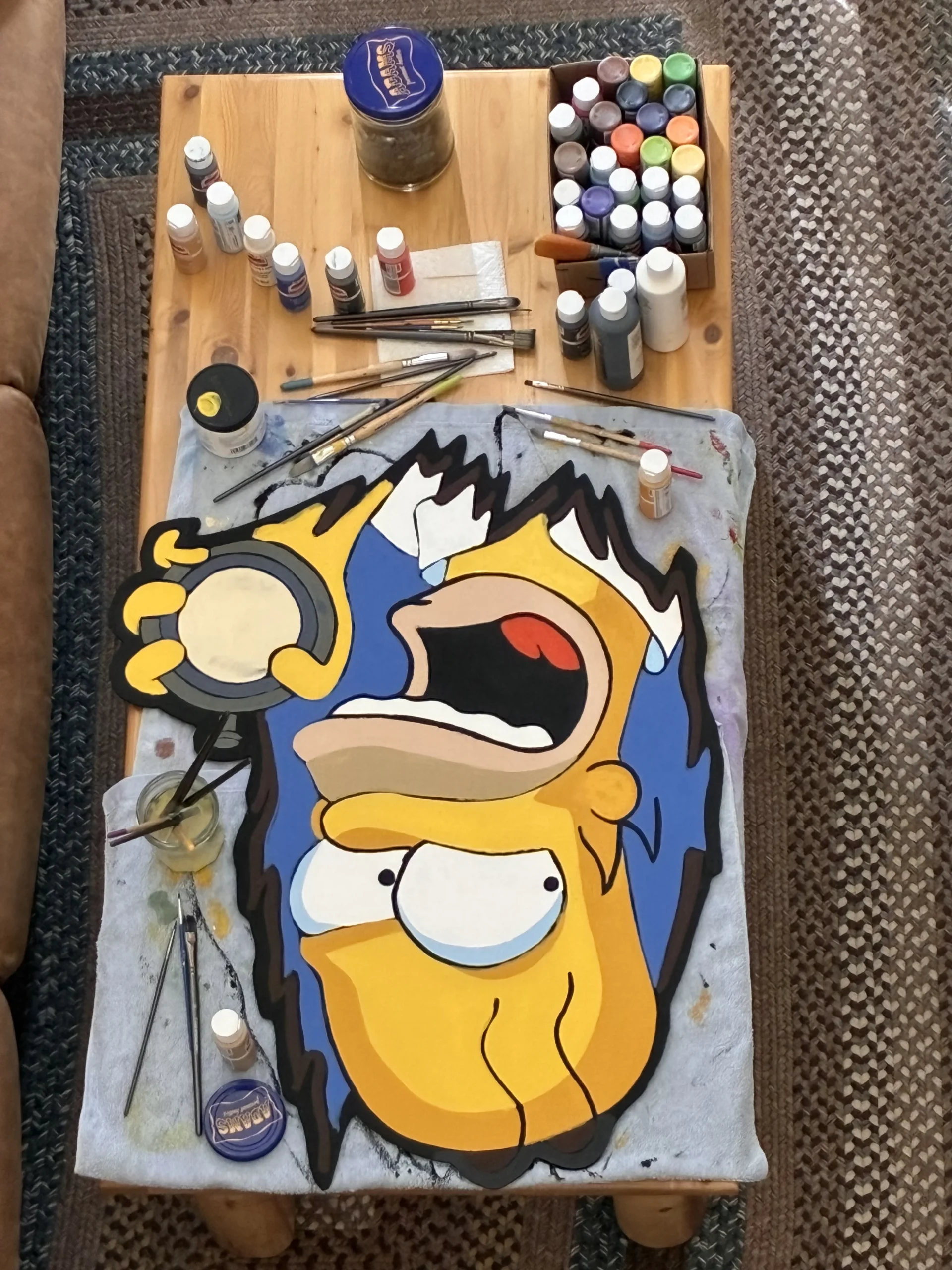
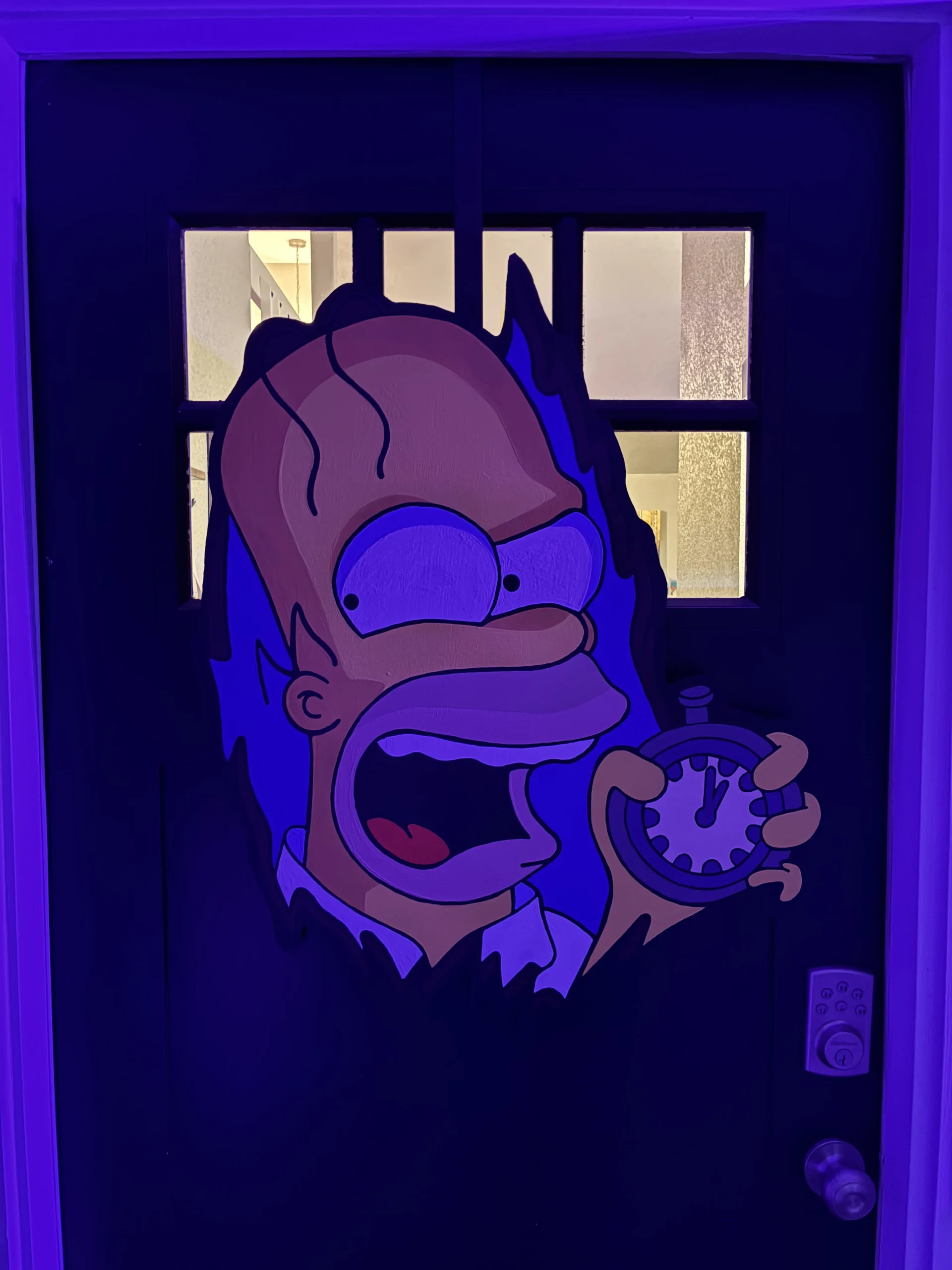
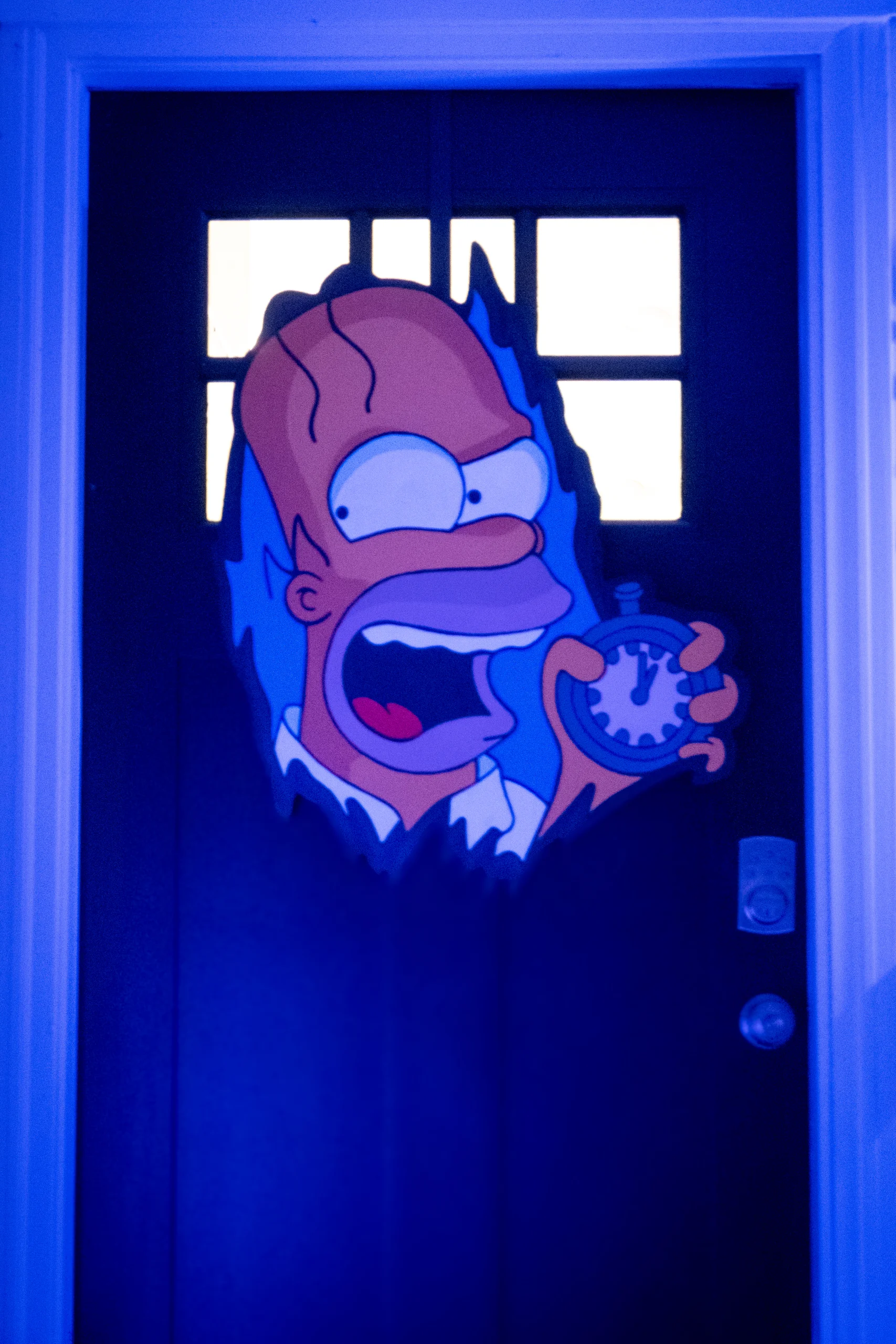
I was able to use iMovie to get a clean cut of the audio I wanted, and it’s good enough that I don’t need to do any additional editing.
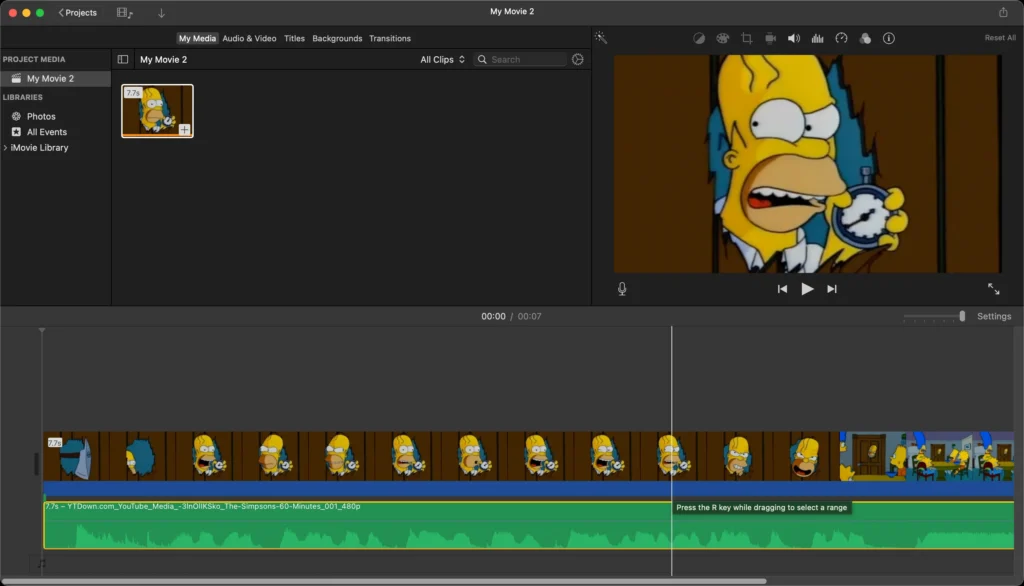
“I’m Mike Wallace, I’m Morley Safer, and I’m Ed Bradley! All this and Andy Rooney tonight on 60 Minutes!”
I used a Waytronic motion sensor speaker so that I can place it near the front door. The sensor will notice when someone walks past and play the recording.

Bart finds a book of magic and casts a spell (made up of the last names of TV detectives) that accidentally turns Lisa into a snail from the “Dial ‘Z’ for Zombies” segment of Treehouse of Horror III.
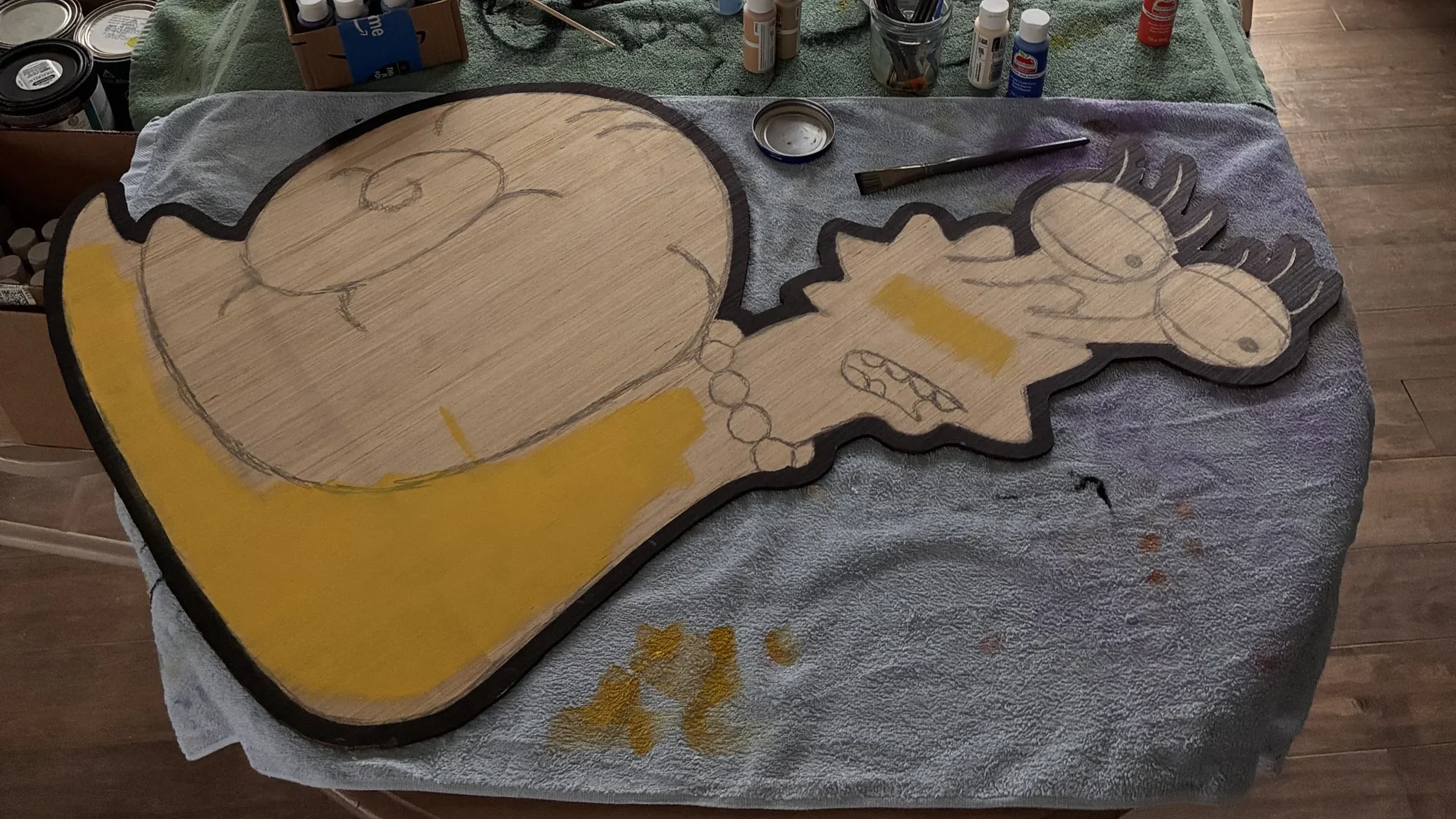
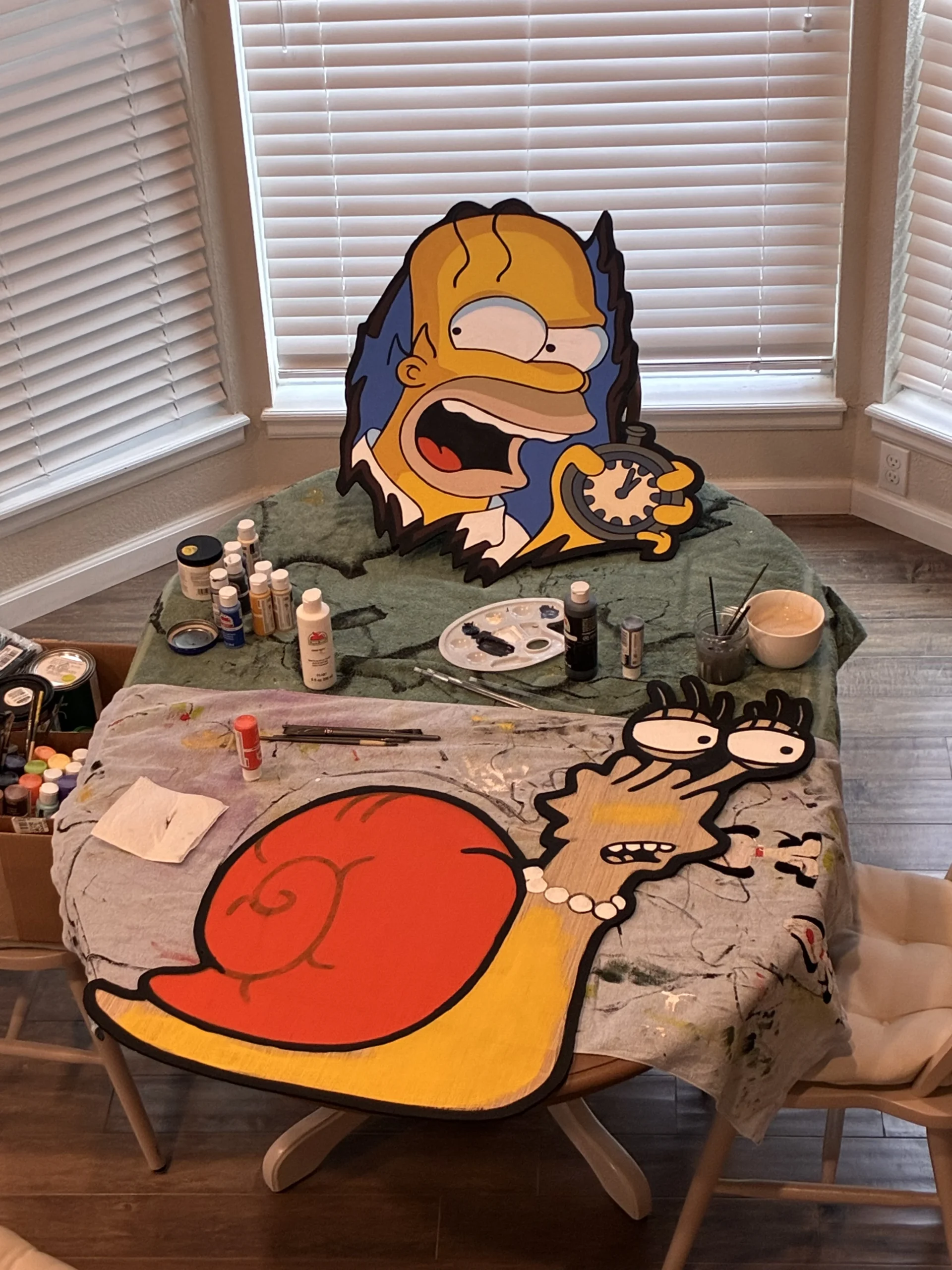
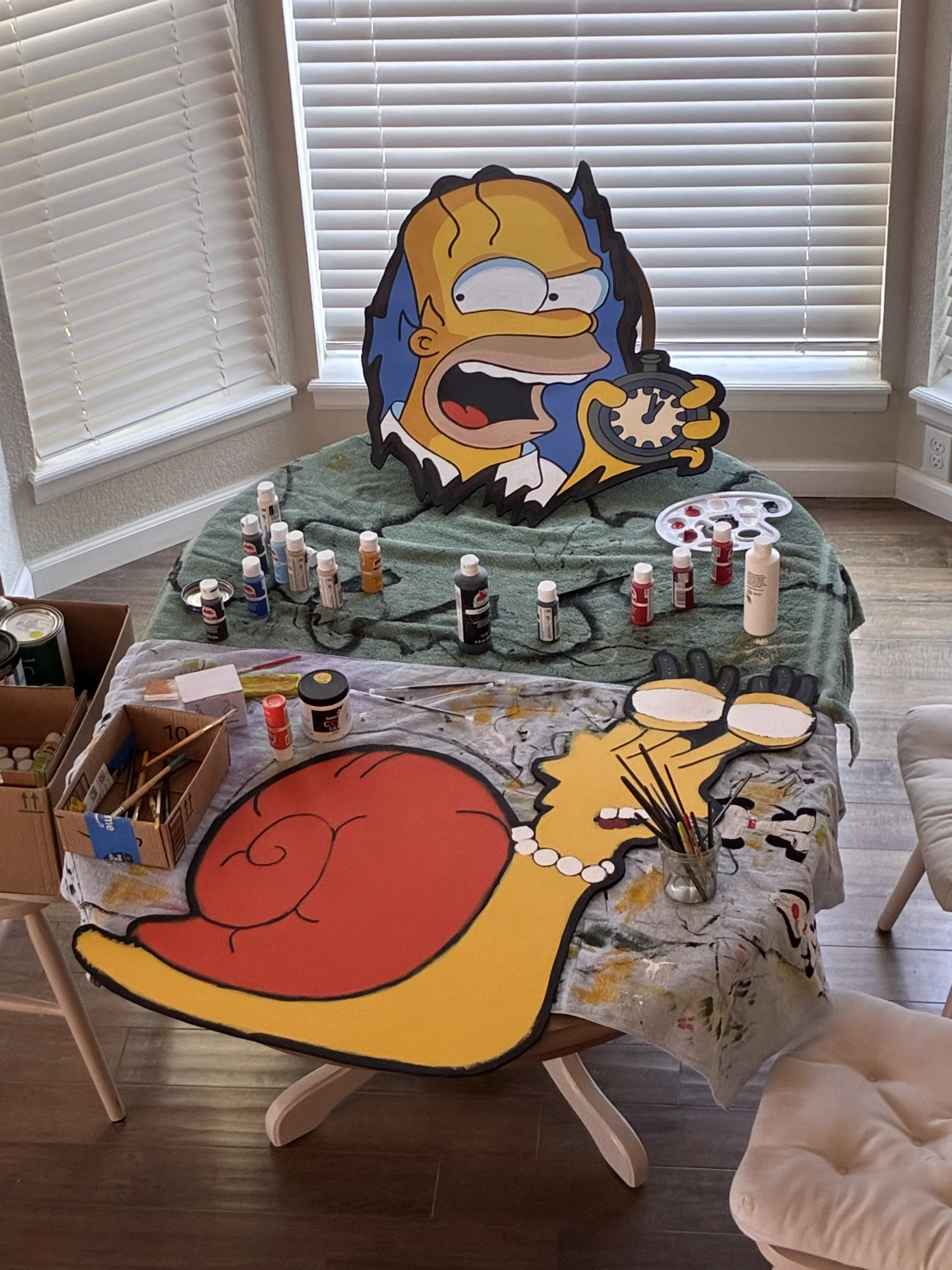
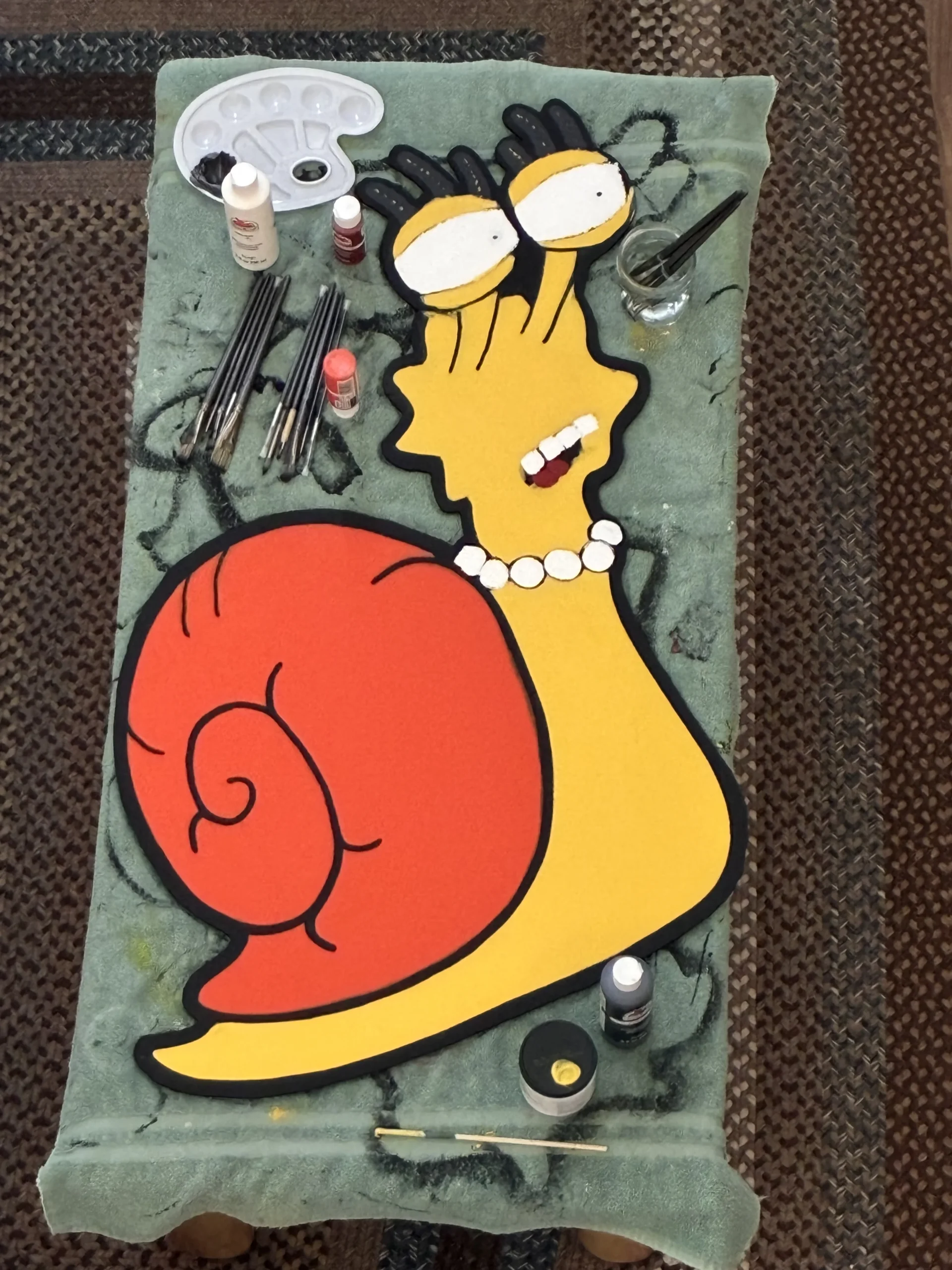
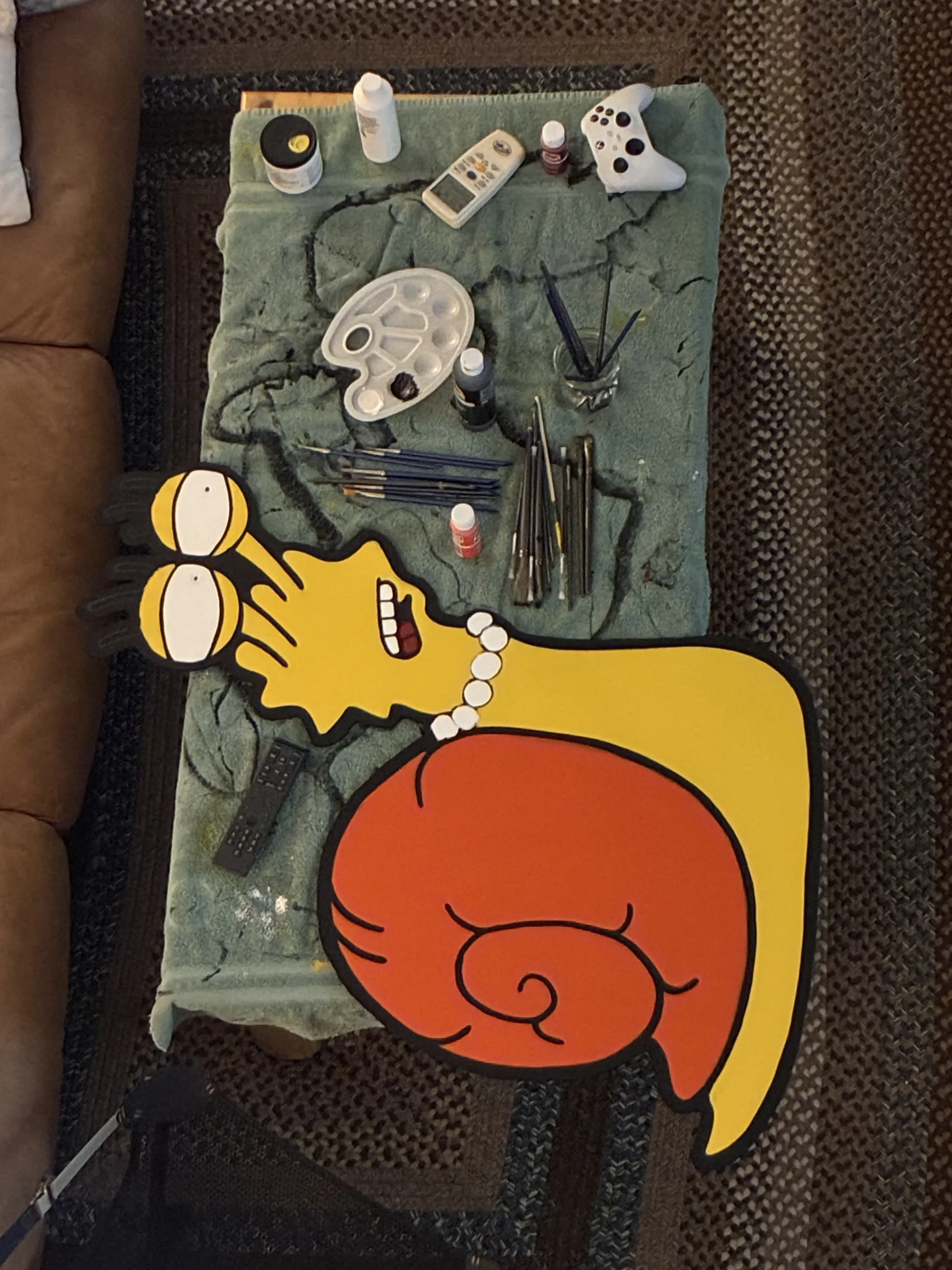
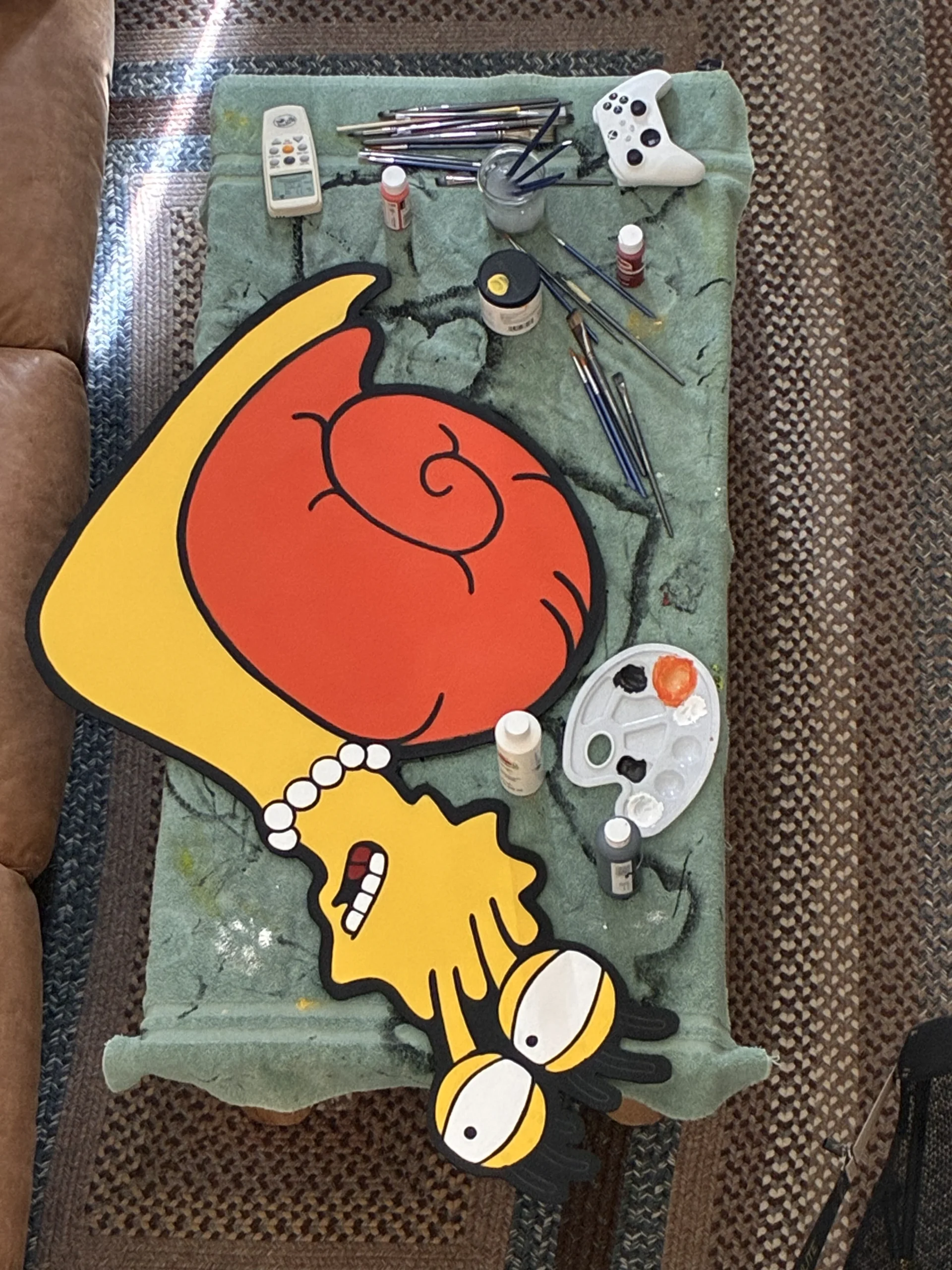
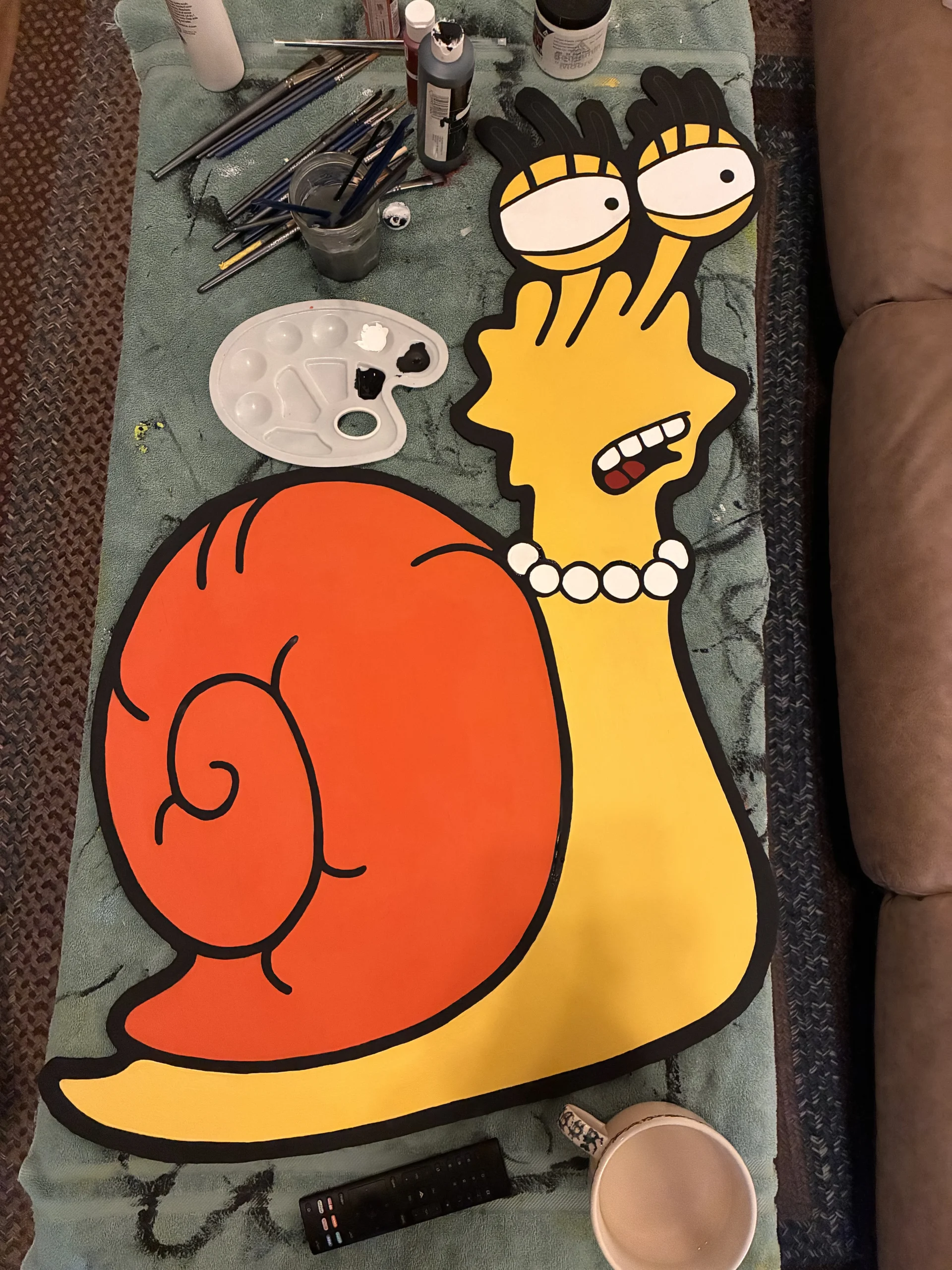
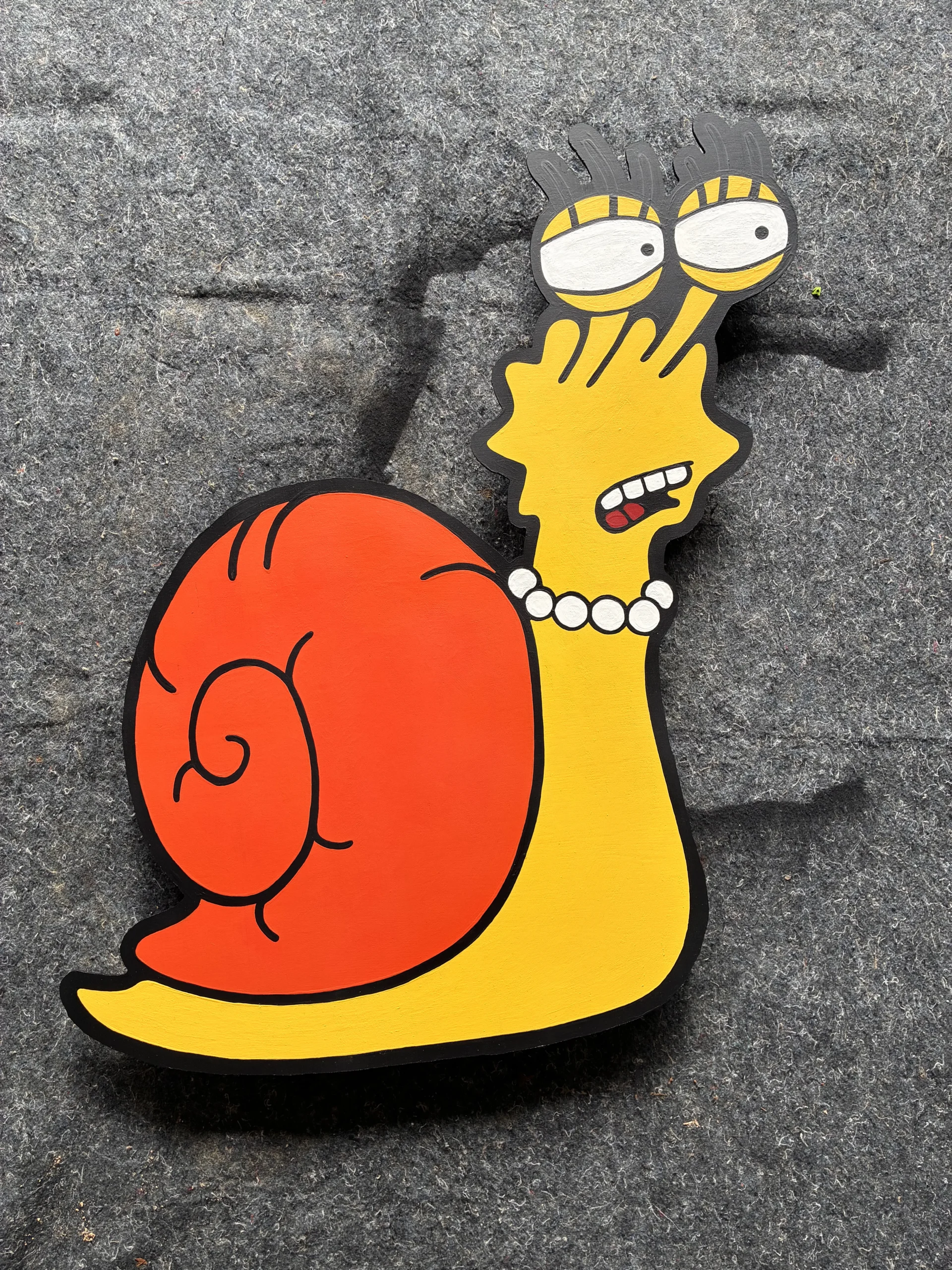
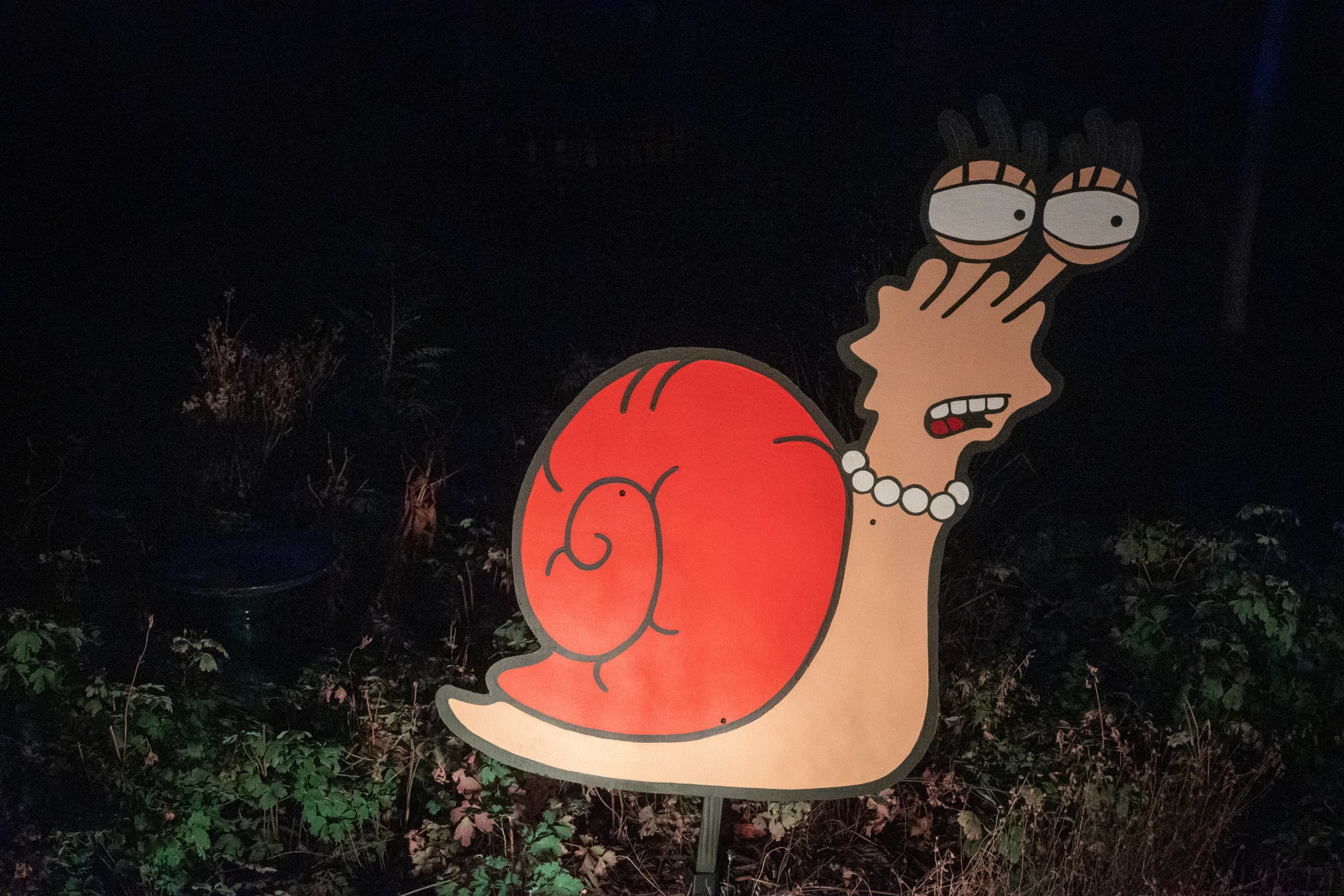
The source video doesn’t have a clear quote that makes sense on its own. Without the video the context is lost, so snail Lisa doesn’t get an audio clip.
The Frog Prince is a failed attempt of wizard student Bart to cast the frog-to-prince spell in a brief, but memorable appearance from the “Wiz Kids” segment of Treehouse of Horror XII.
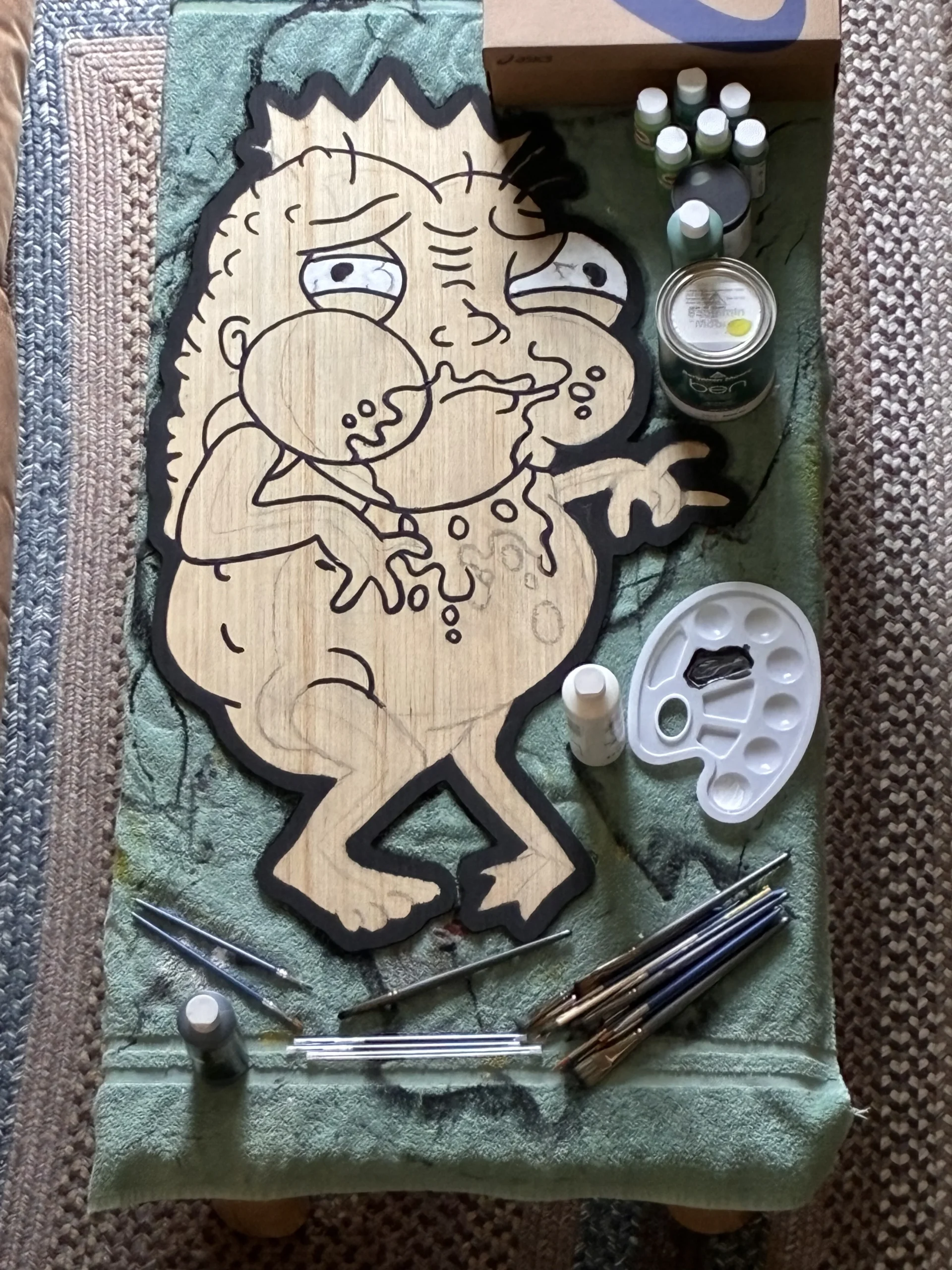
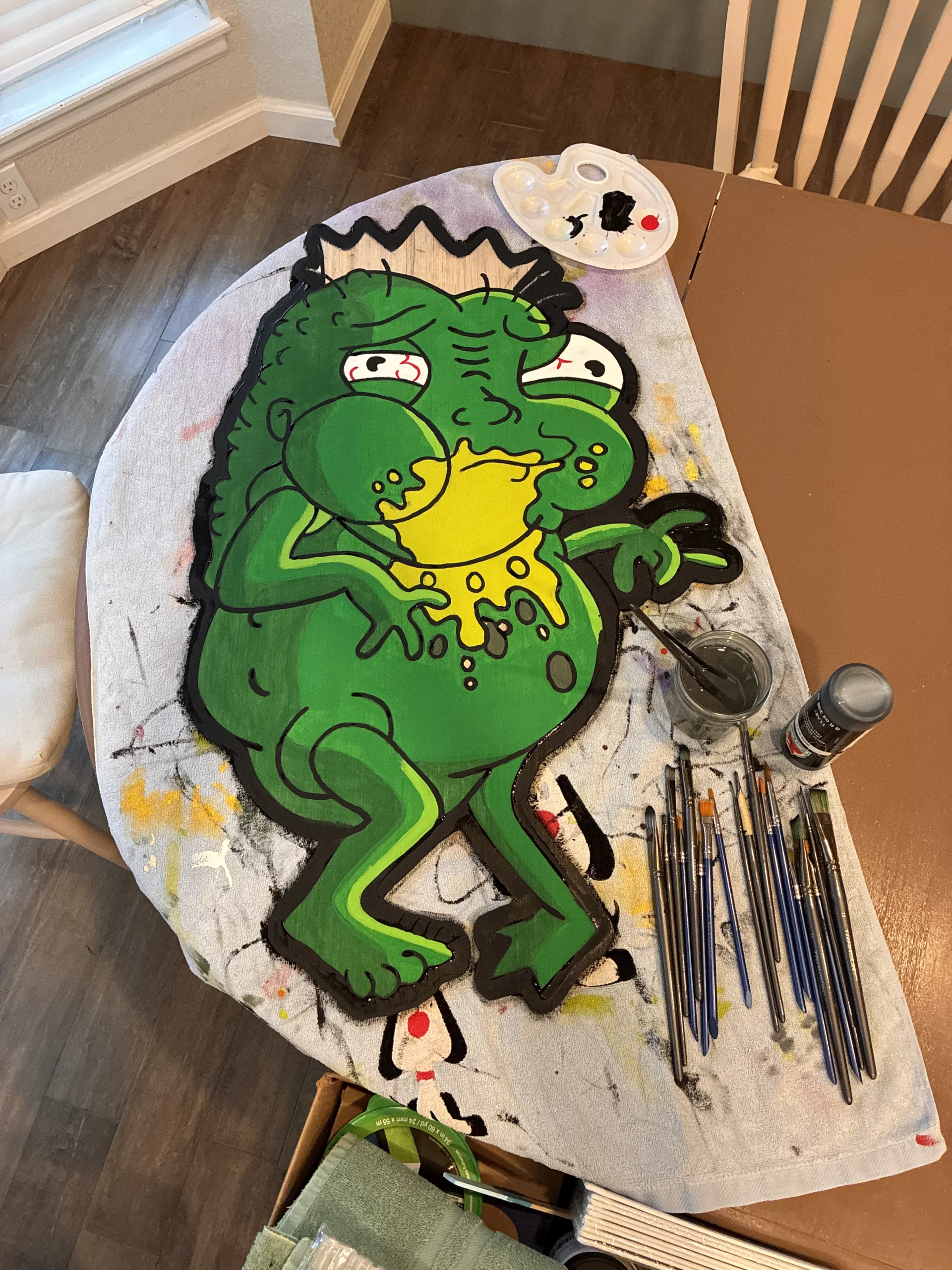
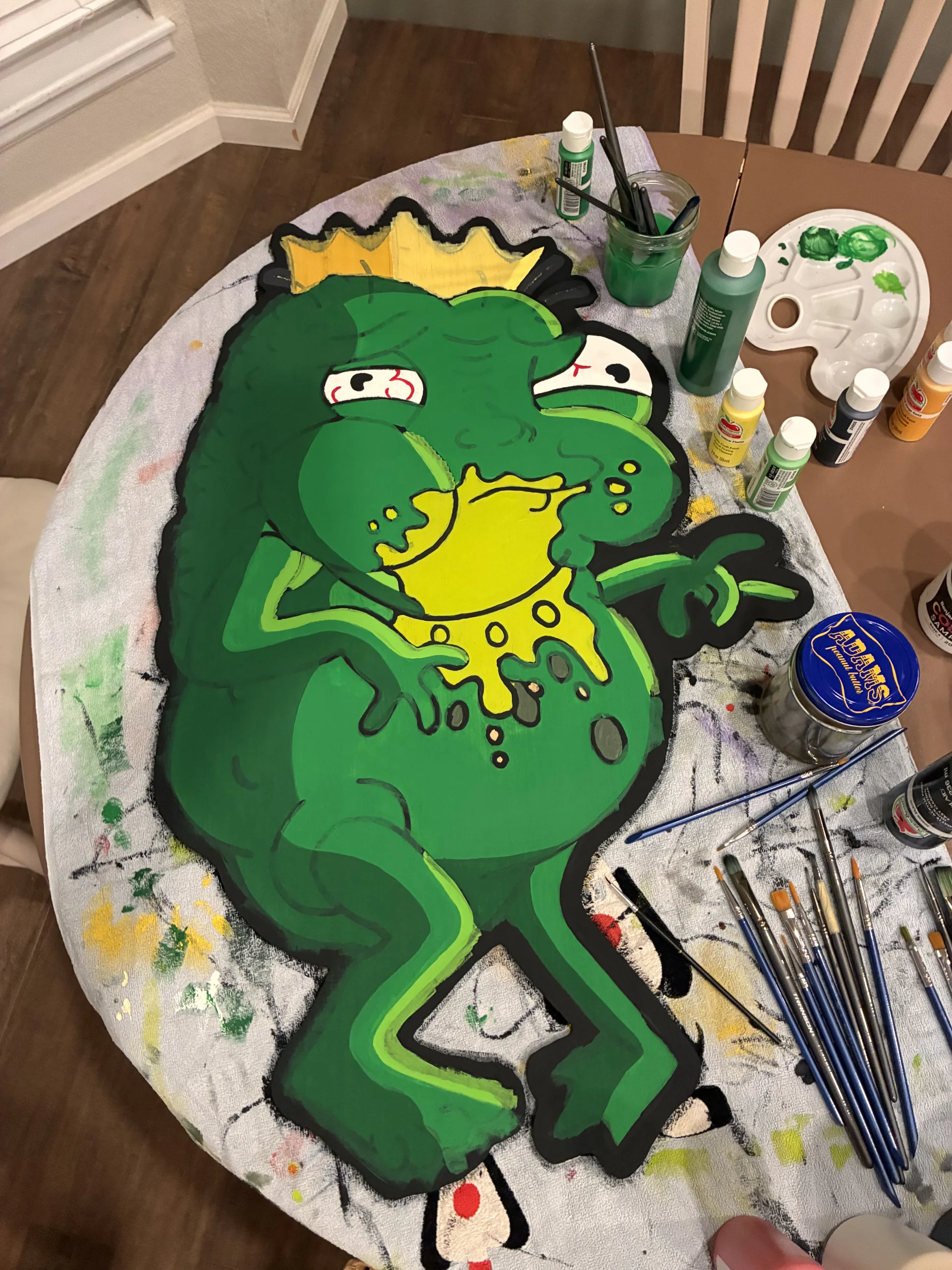
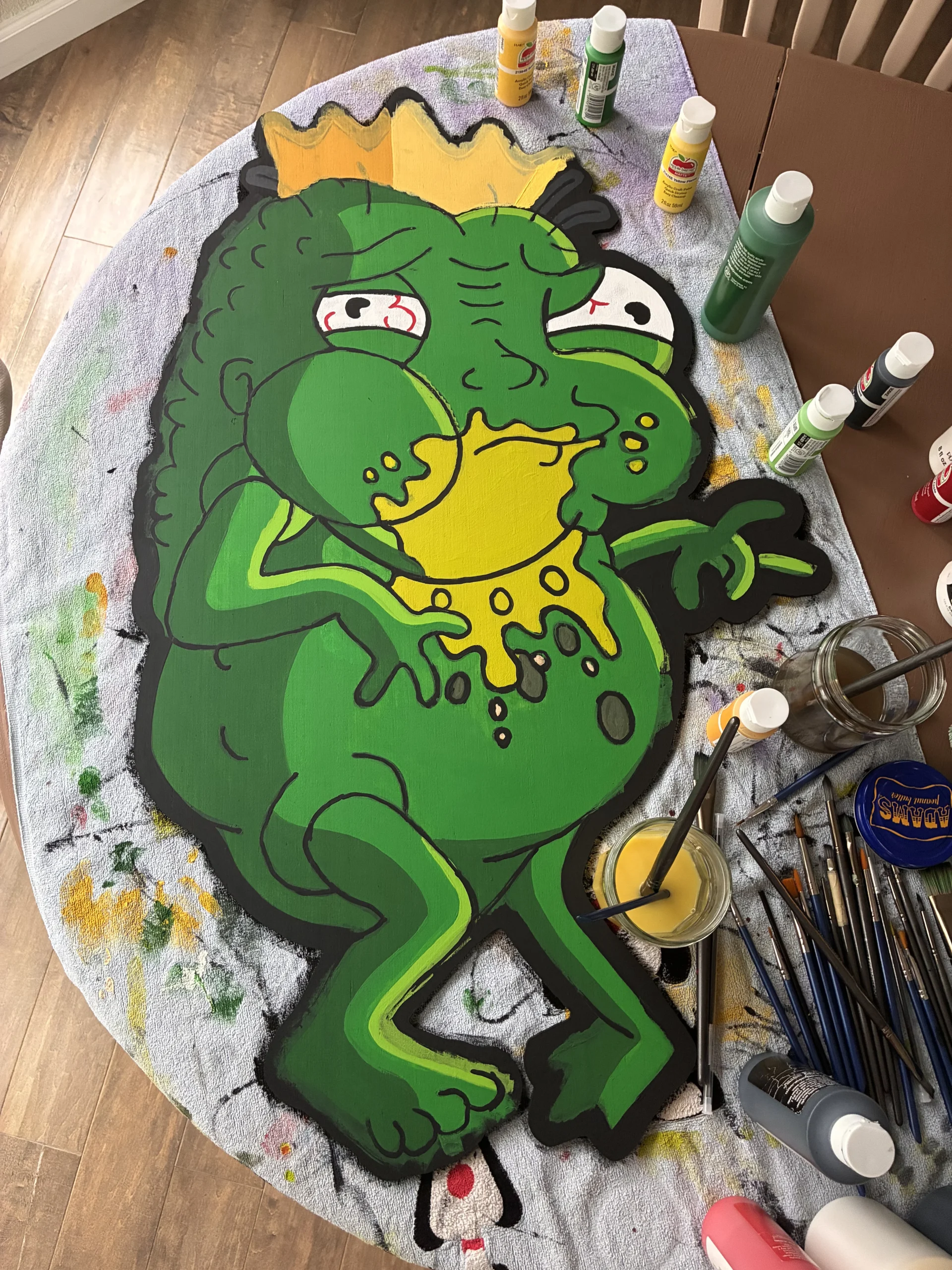
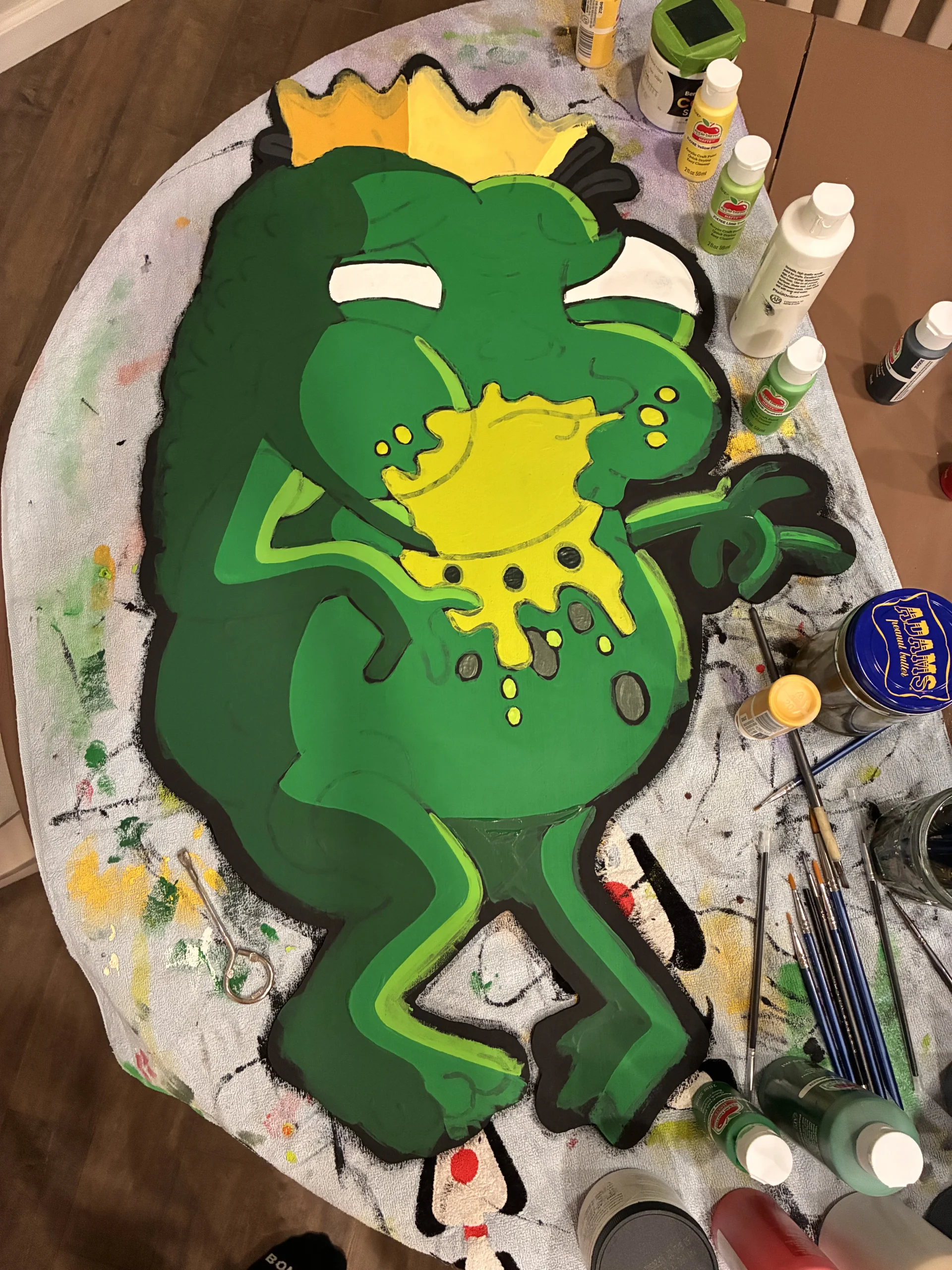
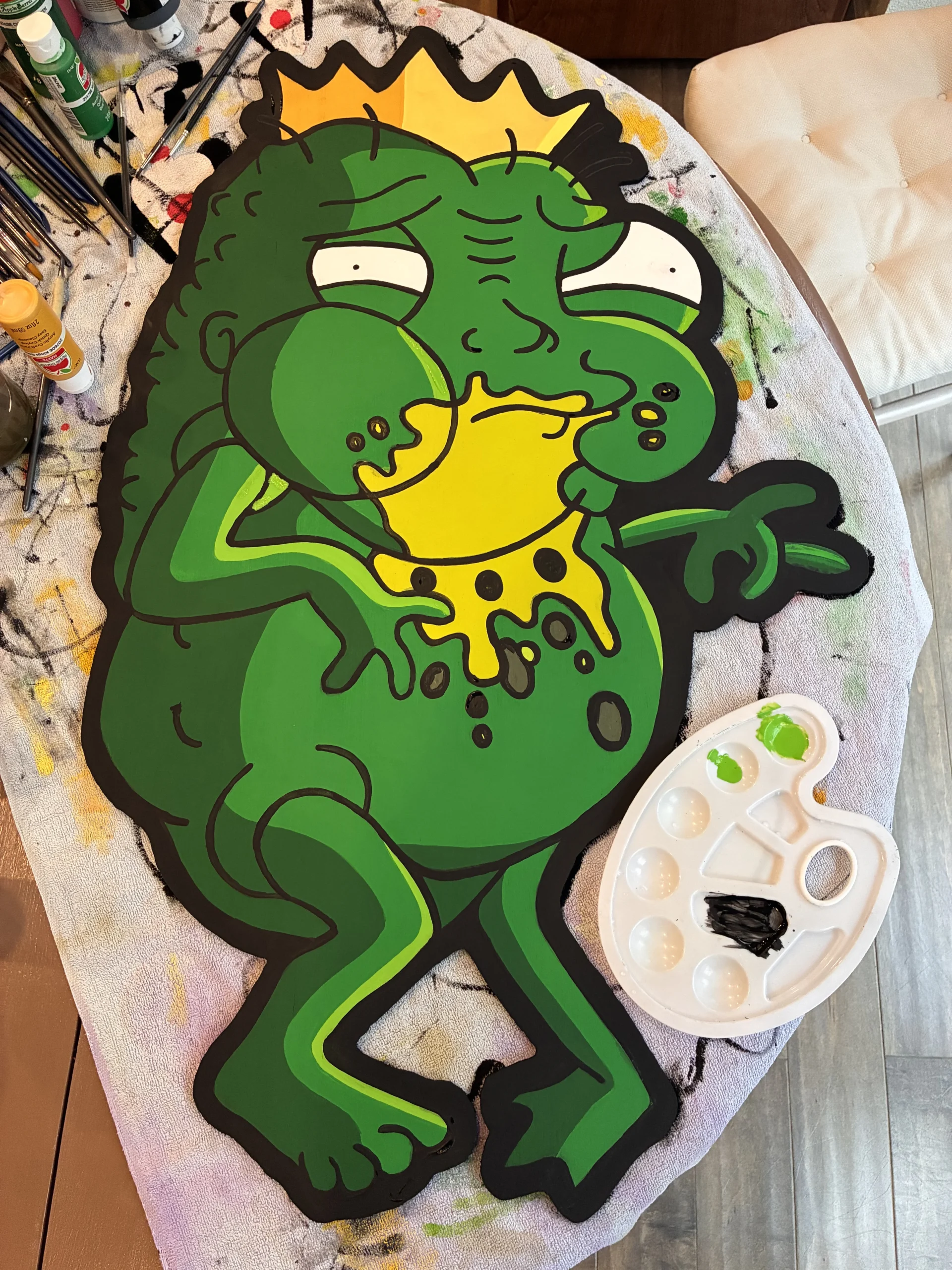
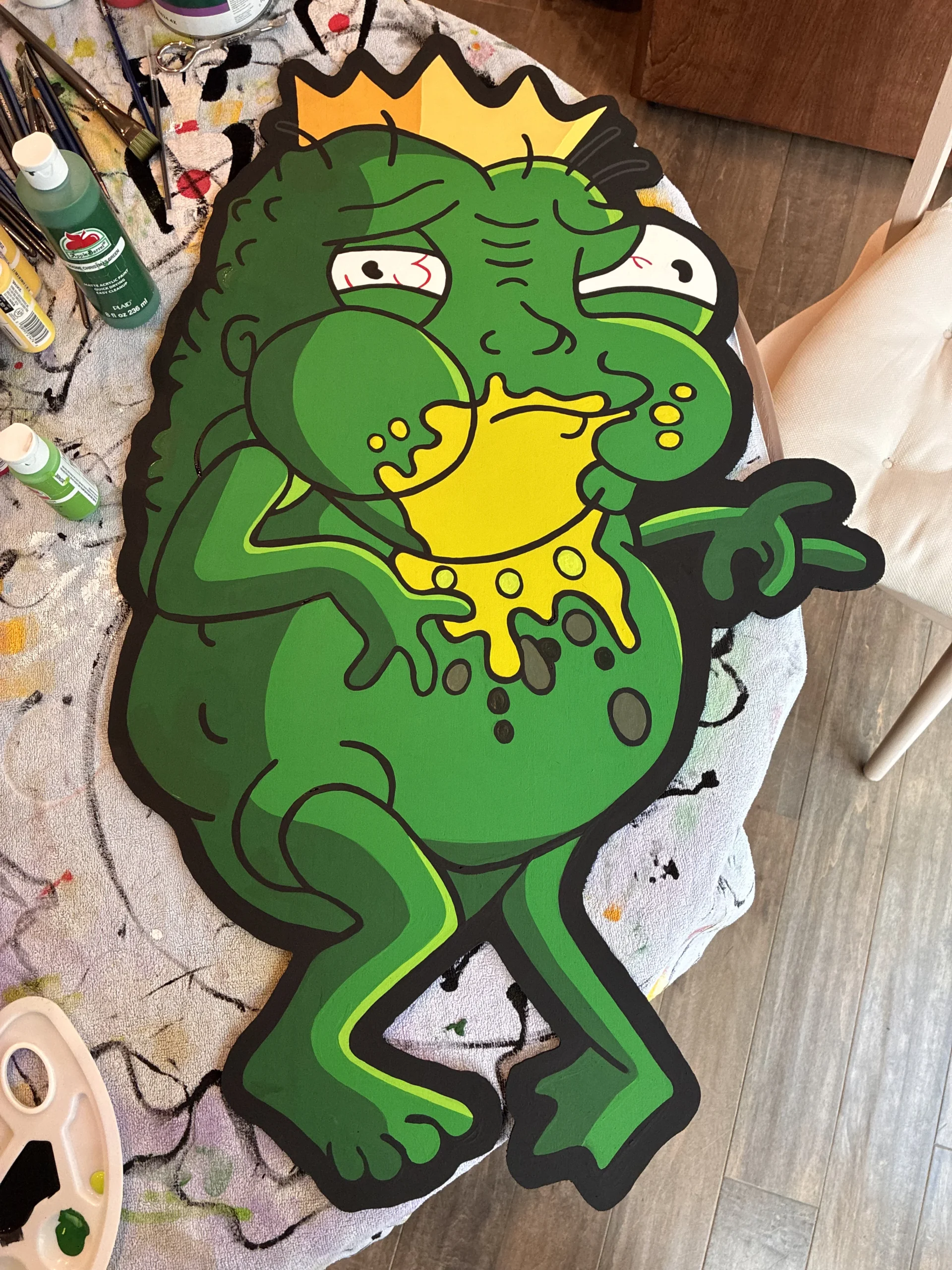
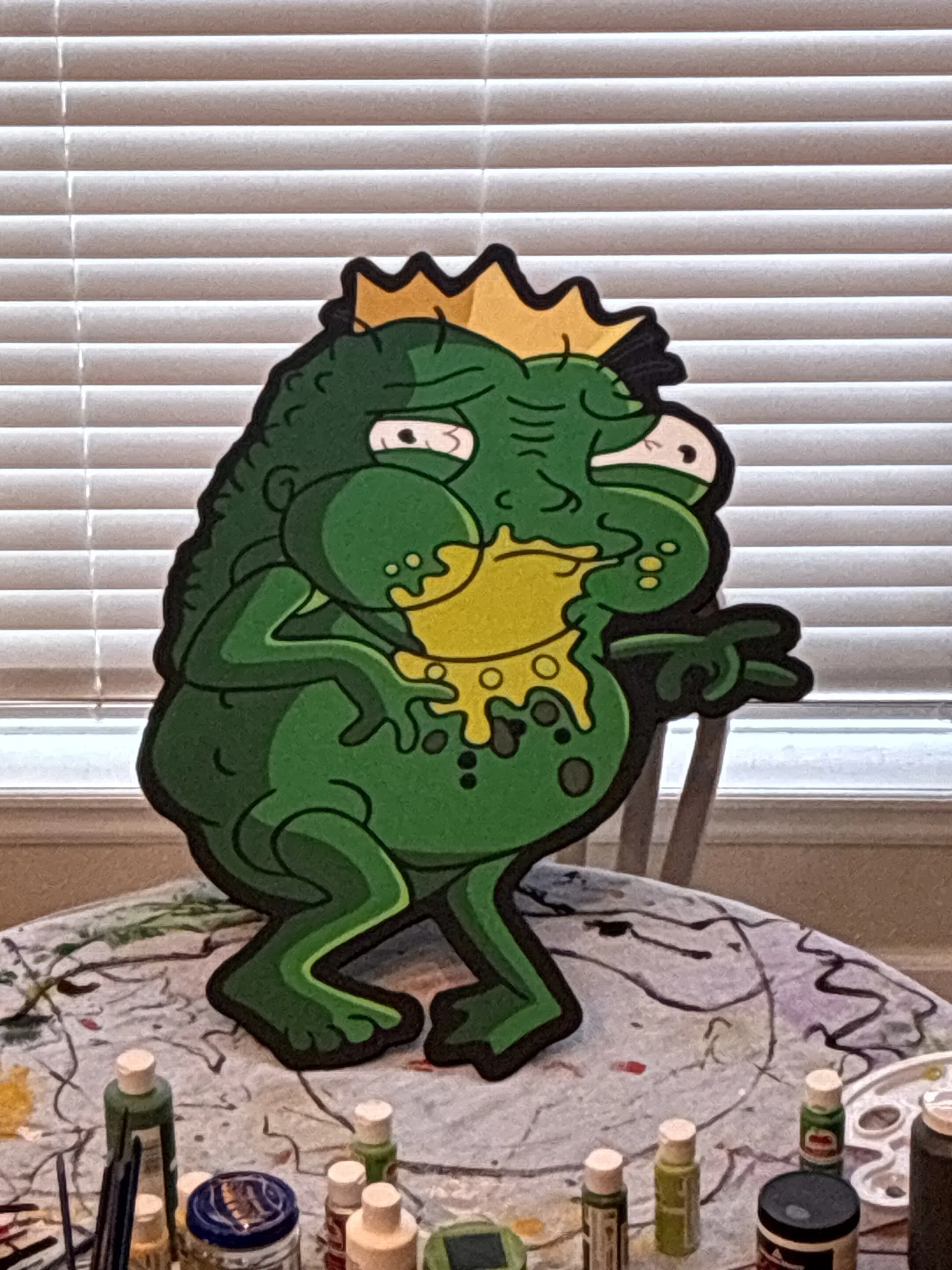
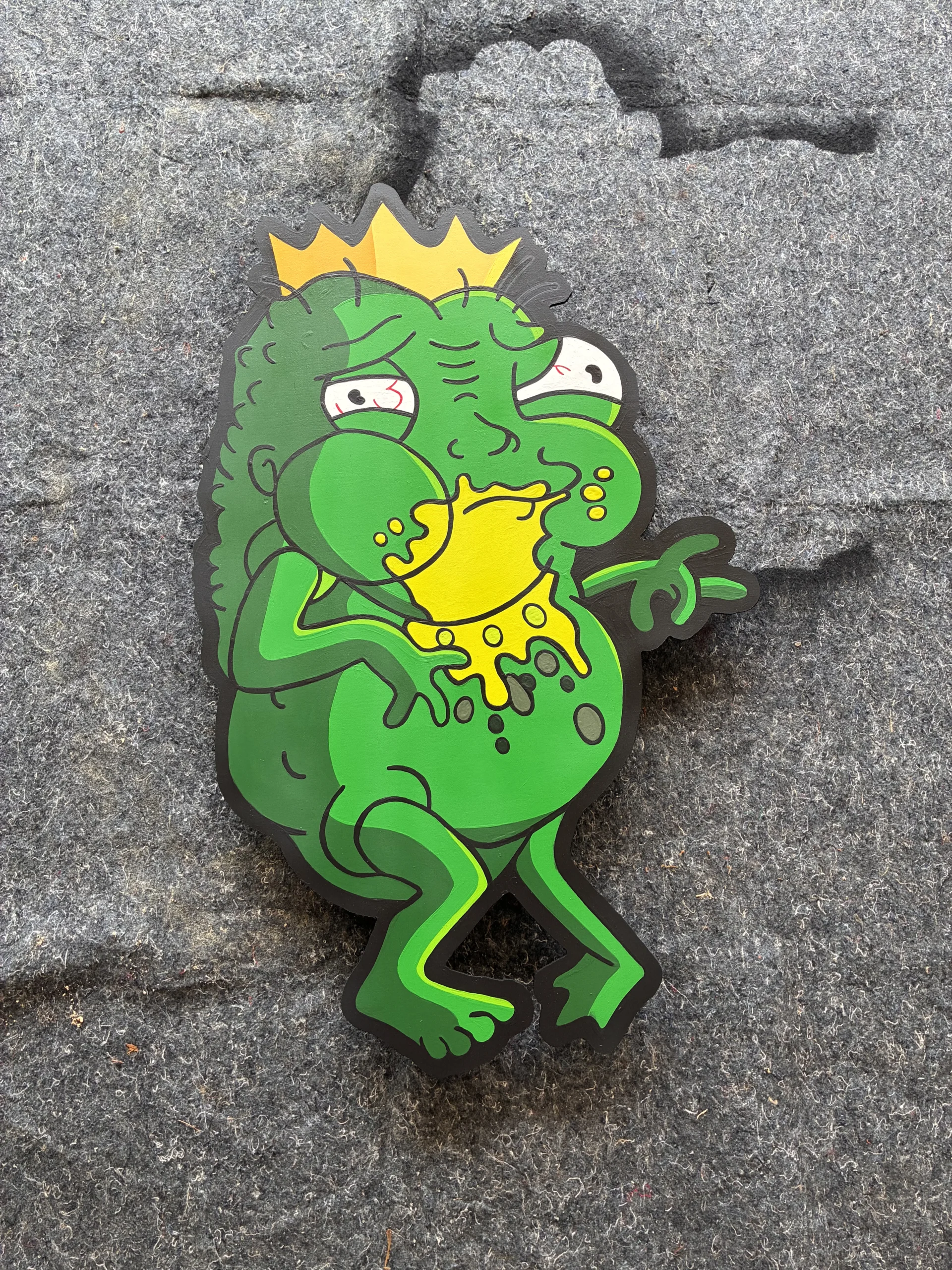
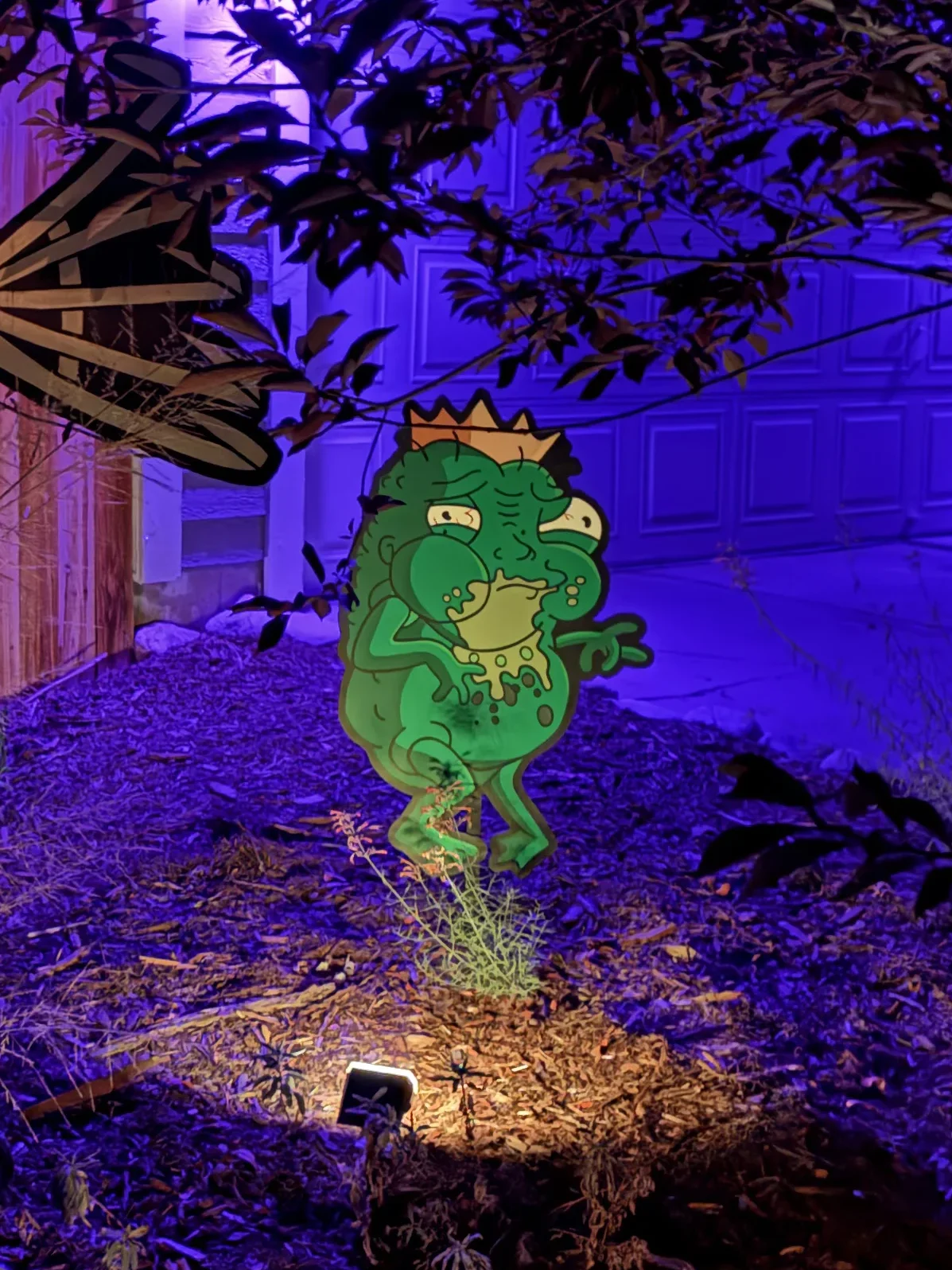
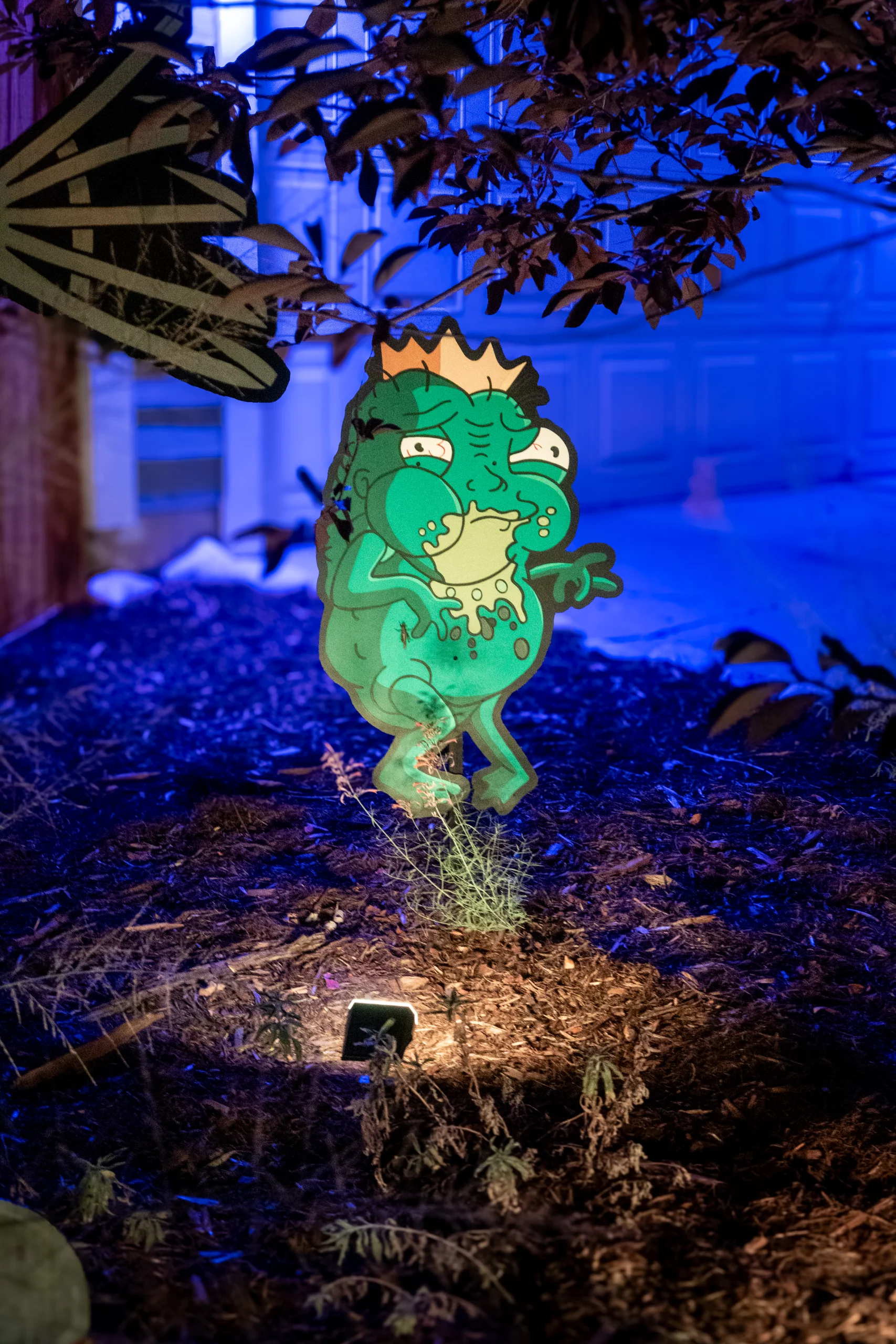
I used iMovie to clip out the audio segments I wanted.
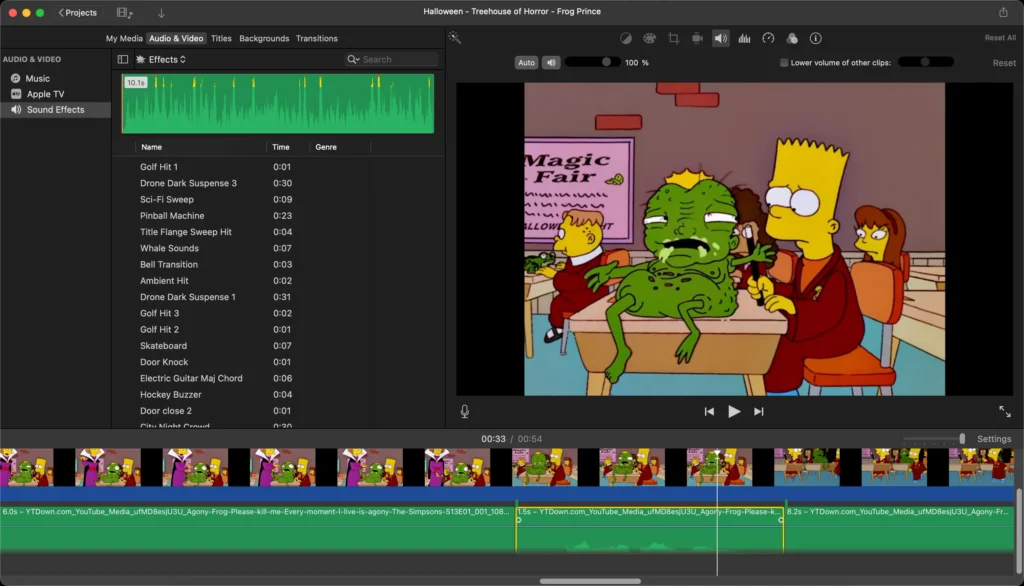
After some fiddling I isolated 3 clips from the original video clip.
“Blargh”
“Please kill me”
“Every moment I live is agony”
Using Audacity I combined the “blargh” with each of the other clips using a crossfade effect.
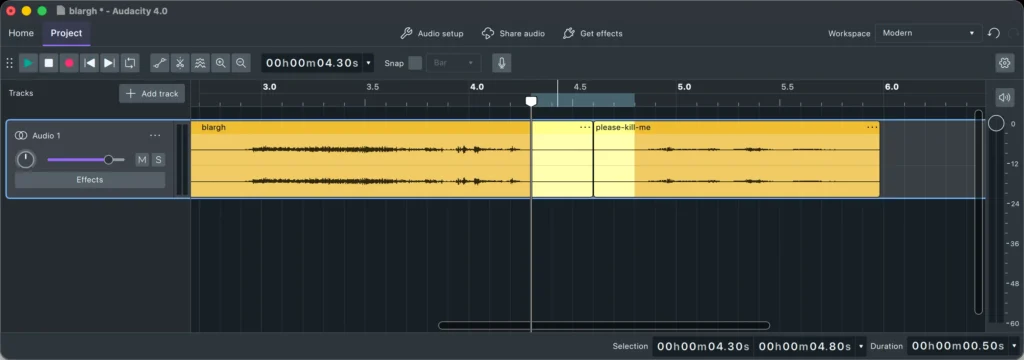
“Blargh, please kill me”
“Blargh, every moment I live is agony”
From the “Nightmare on Evergreen Terrace” segment of Treehouse of Horror VI, where Groundskeeper Willie is dressed as Freddy Krueger.
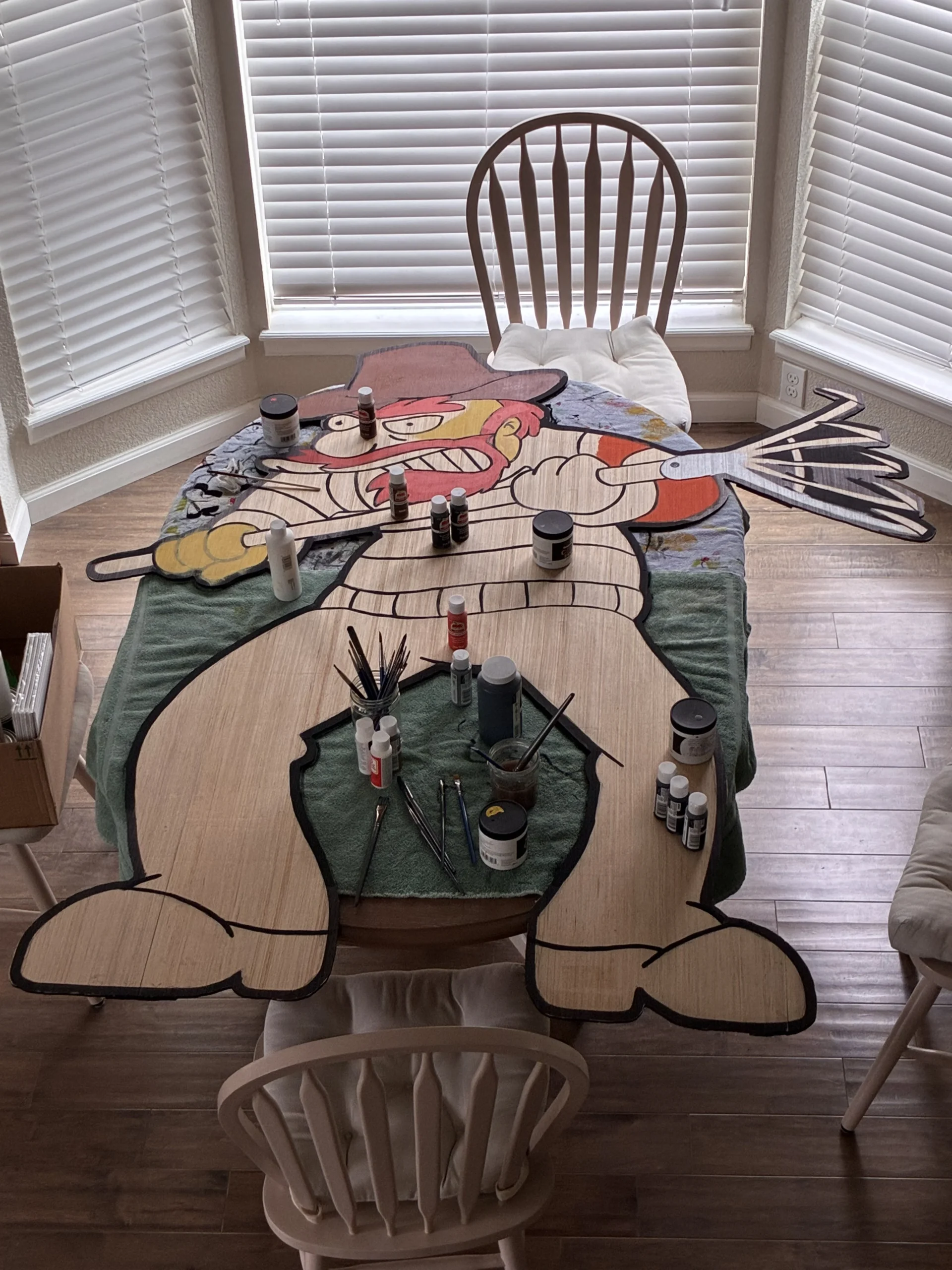
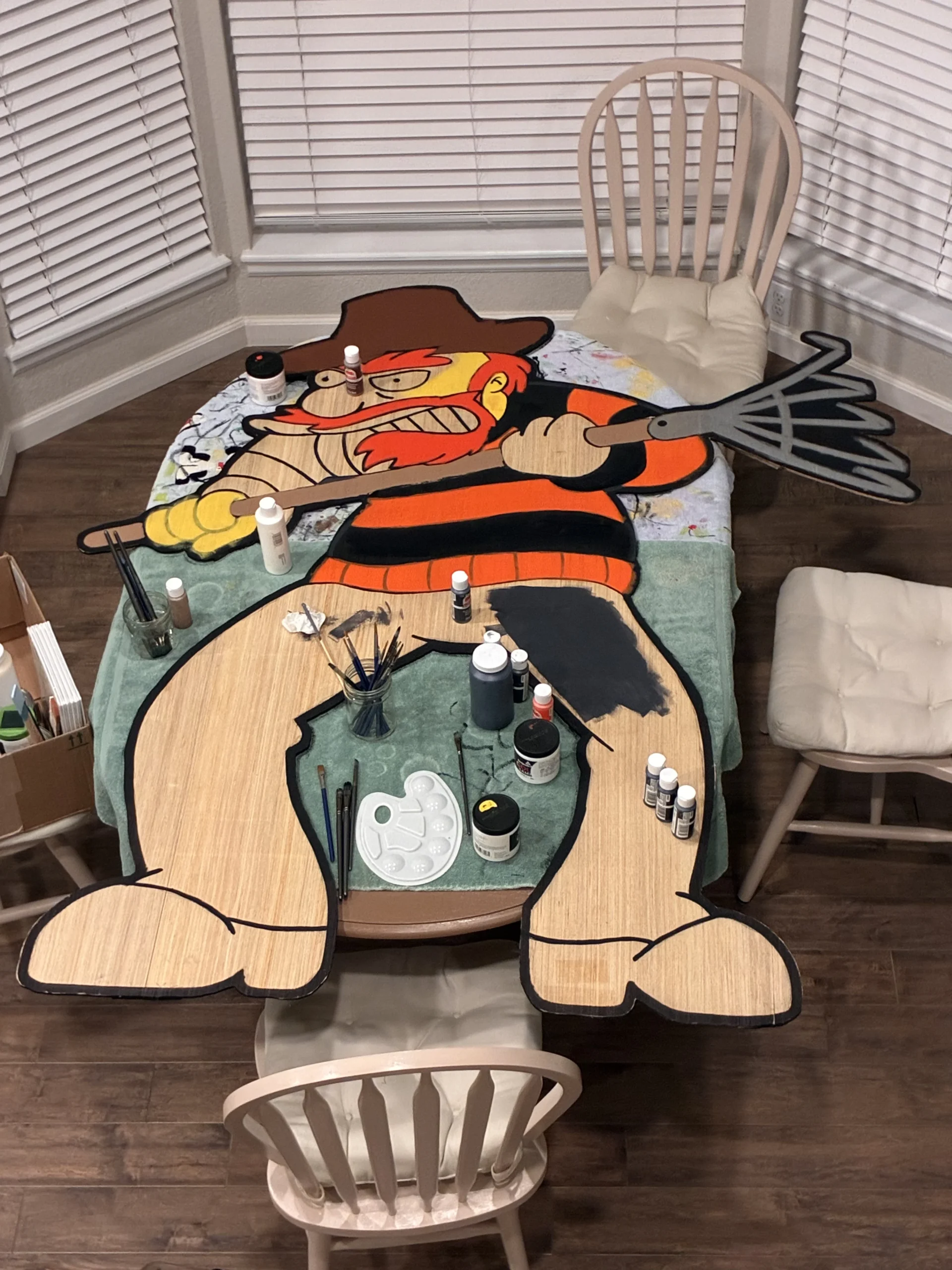
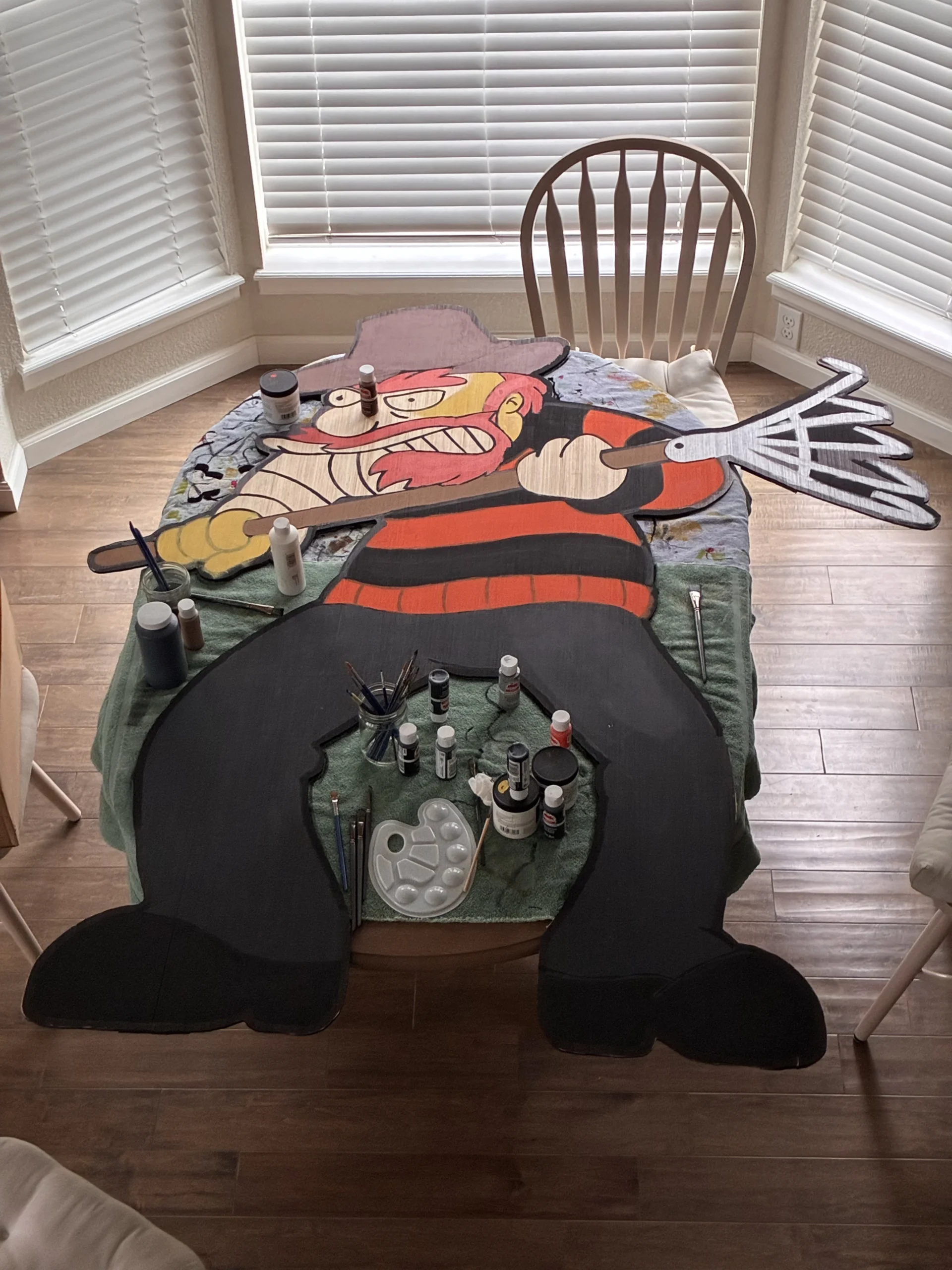
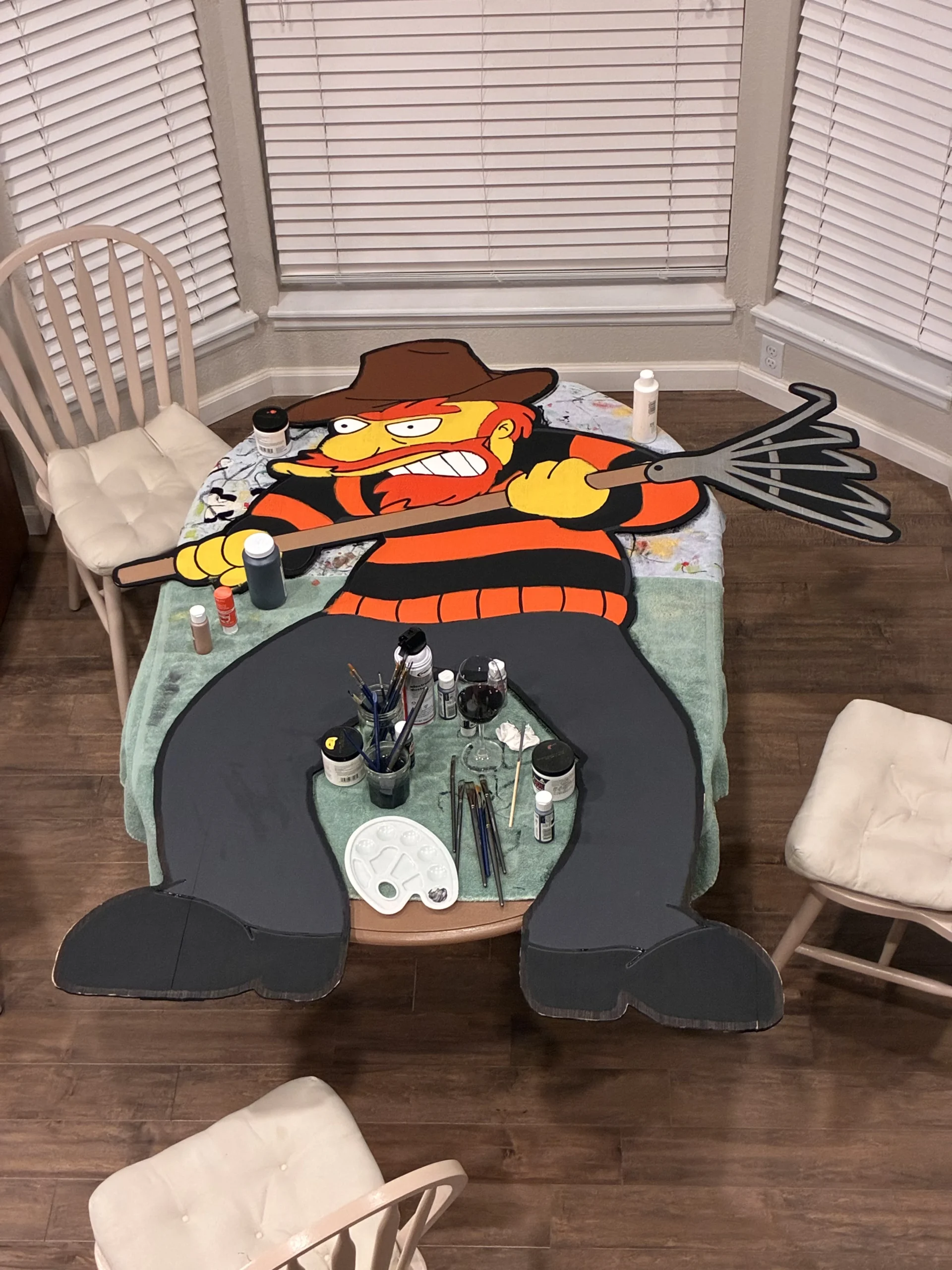
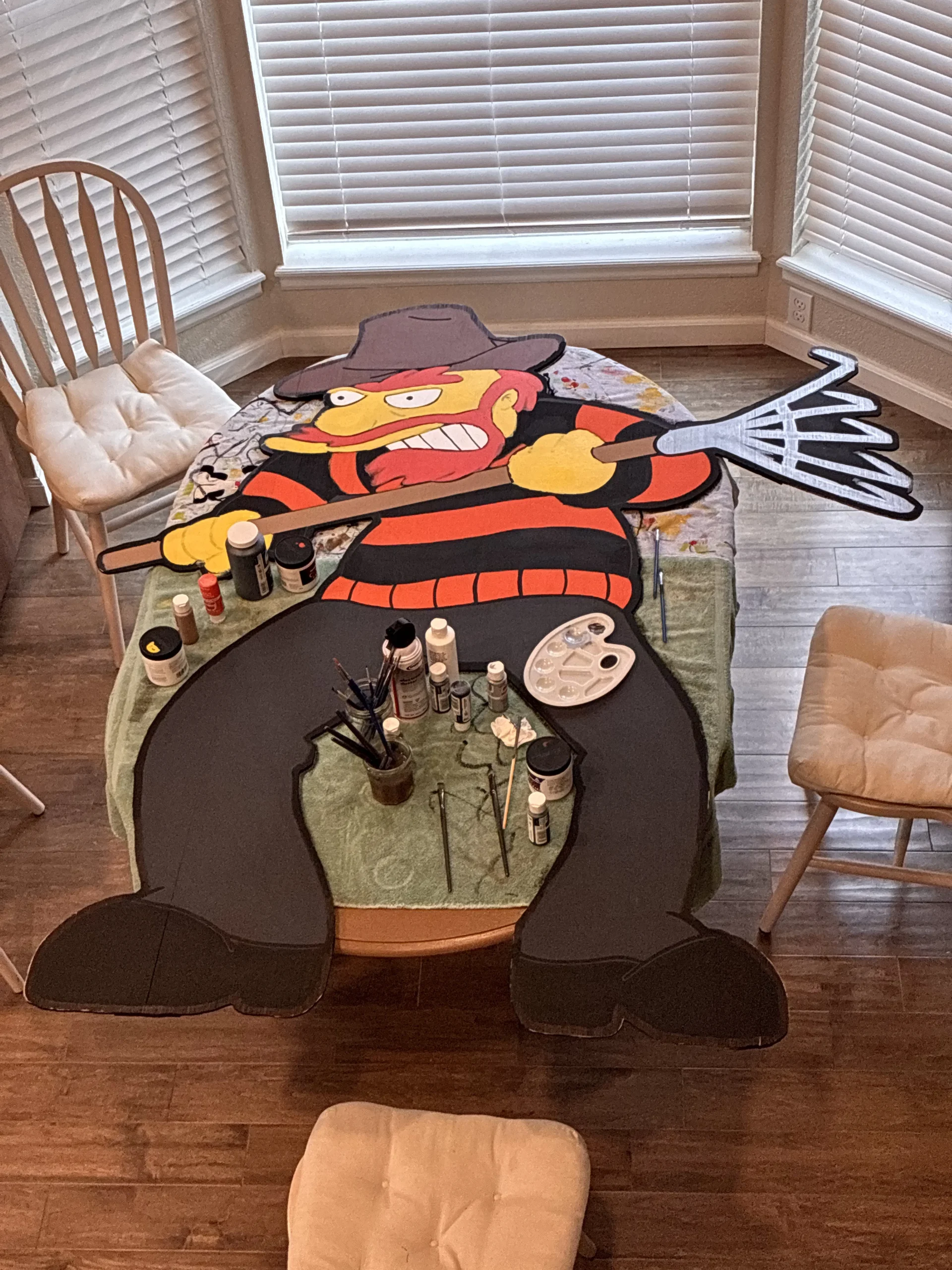
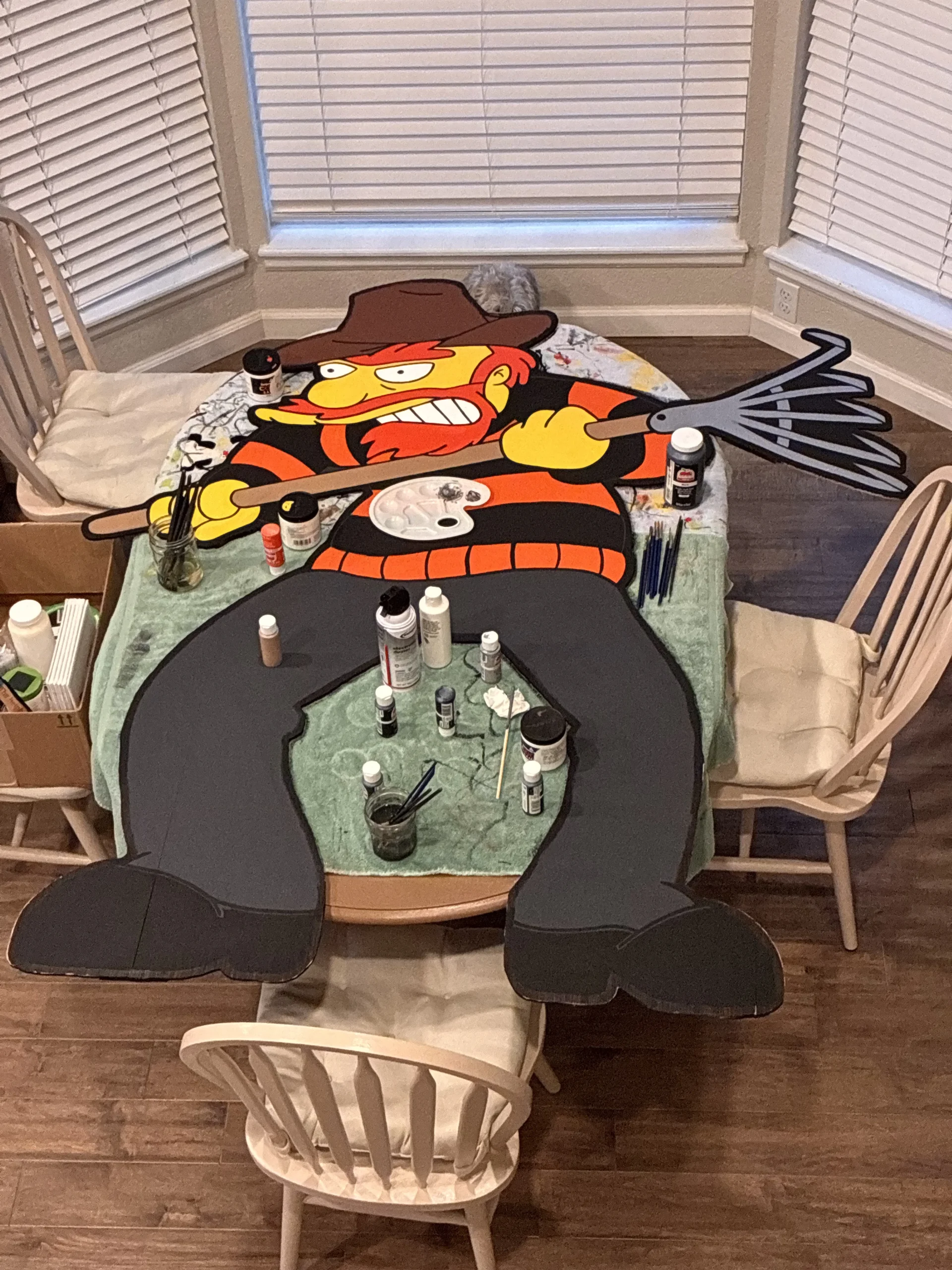
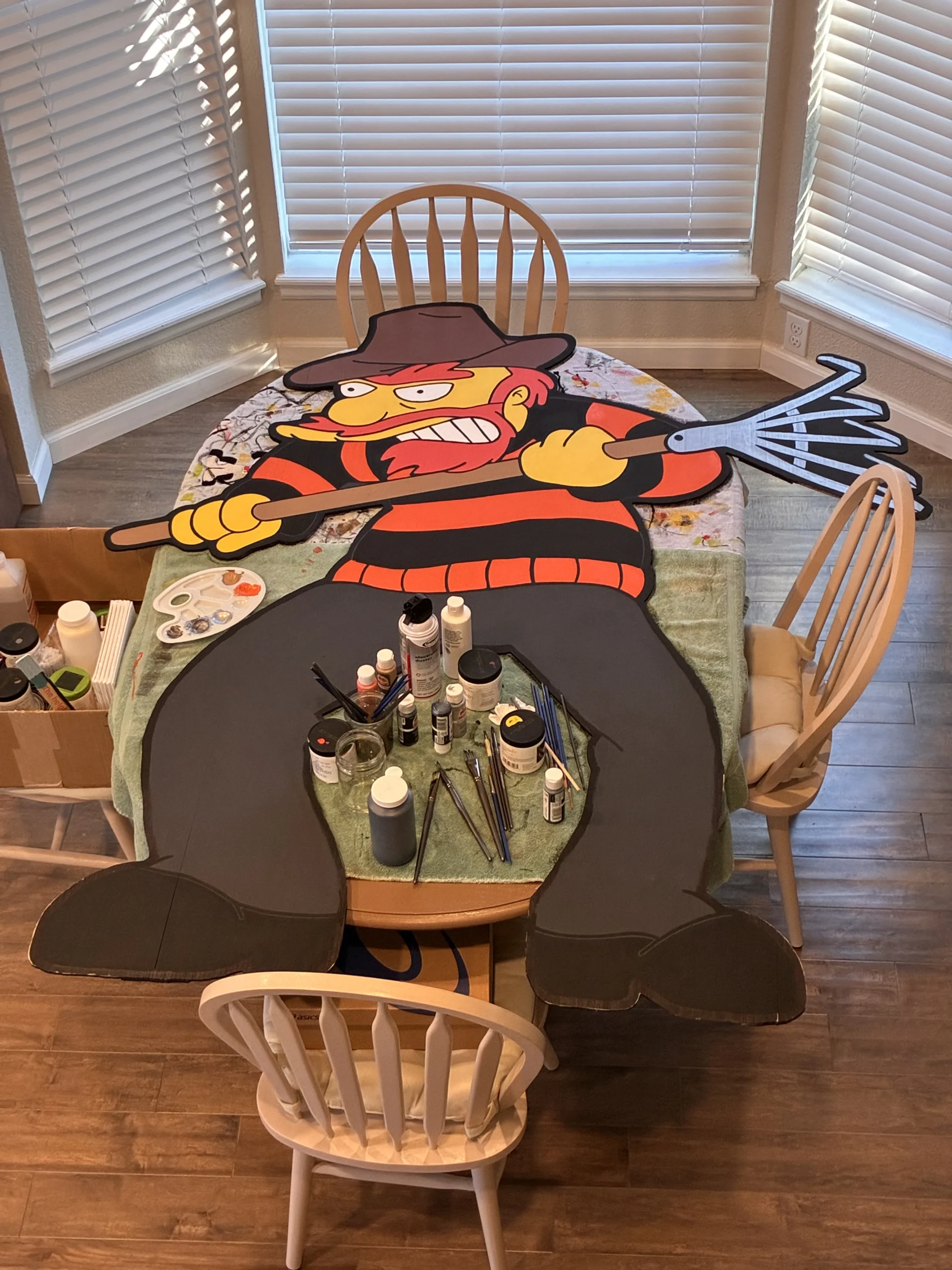
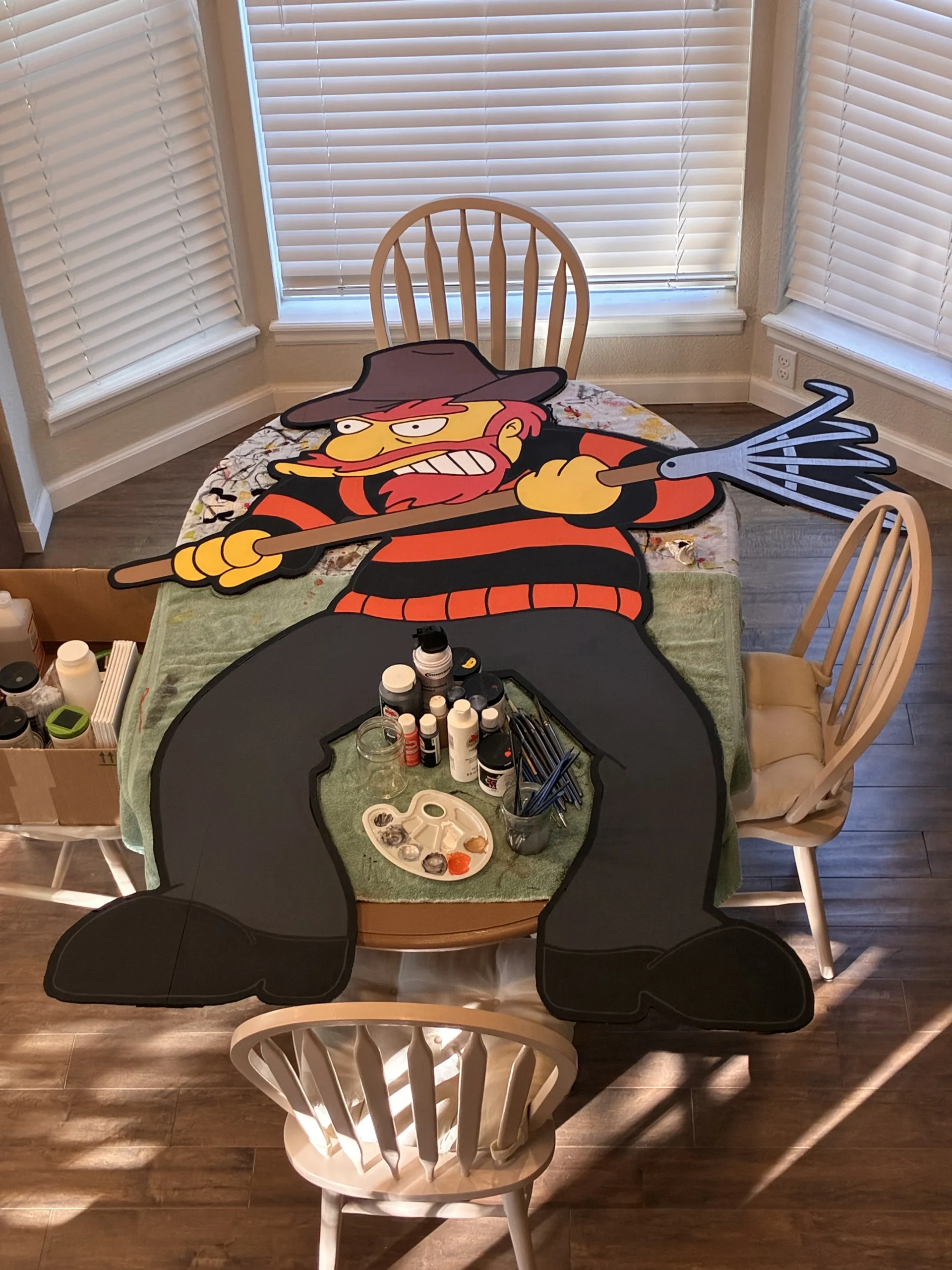
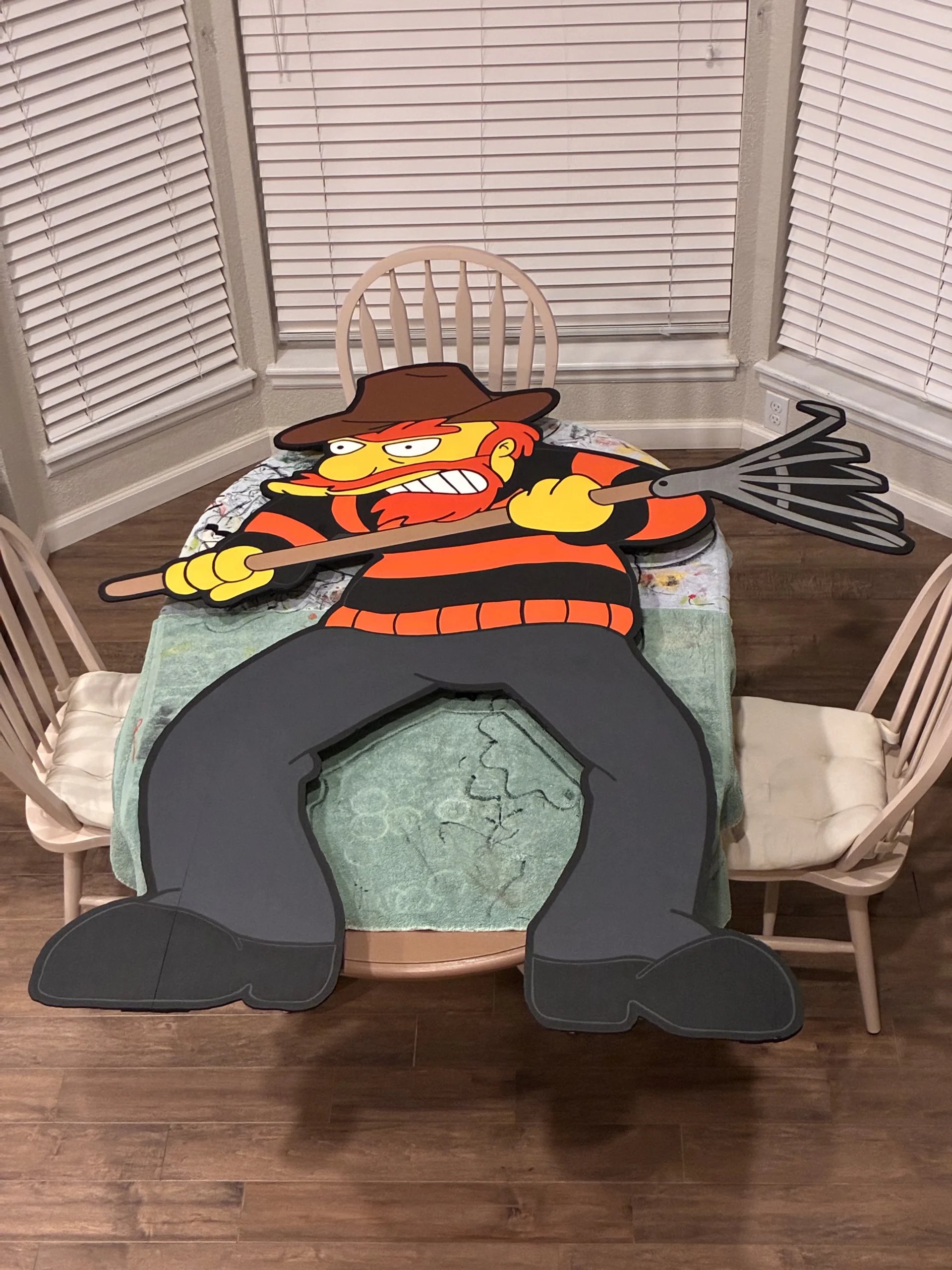
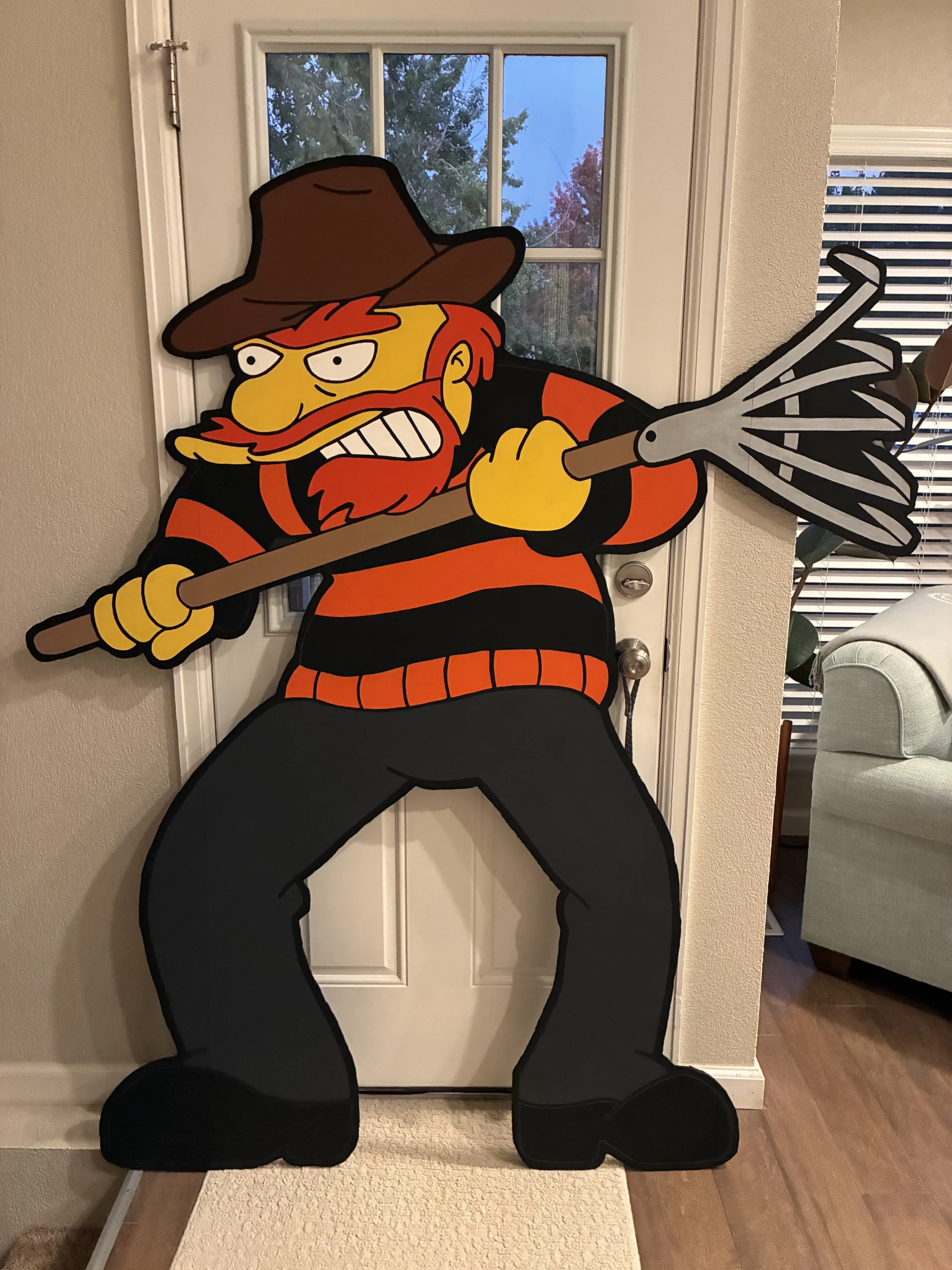
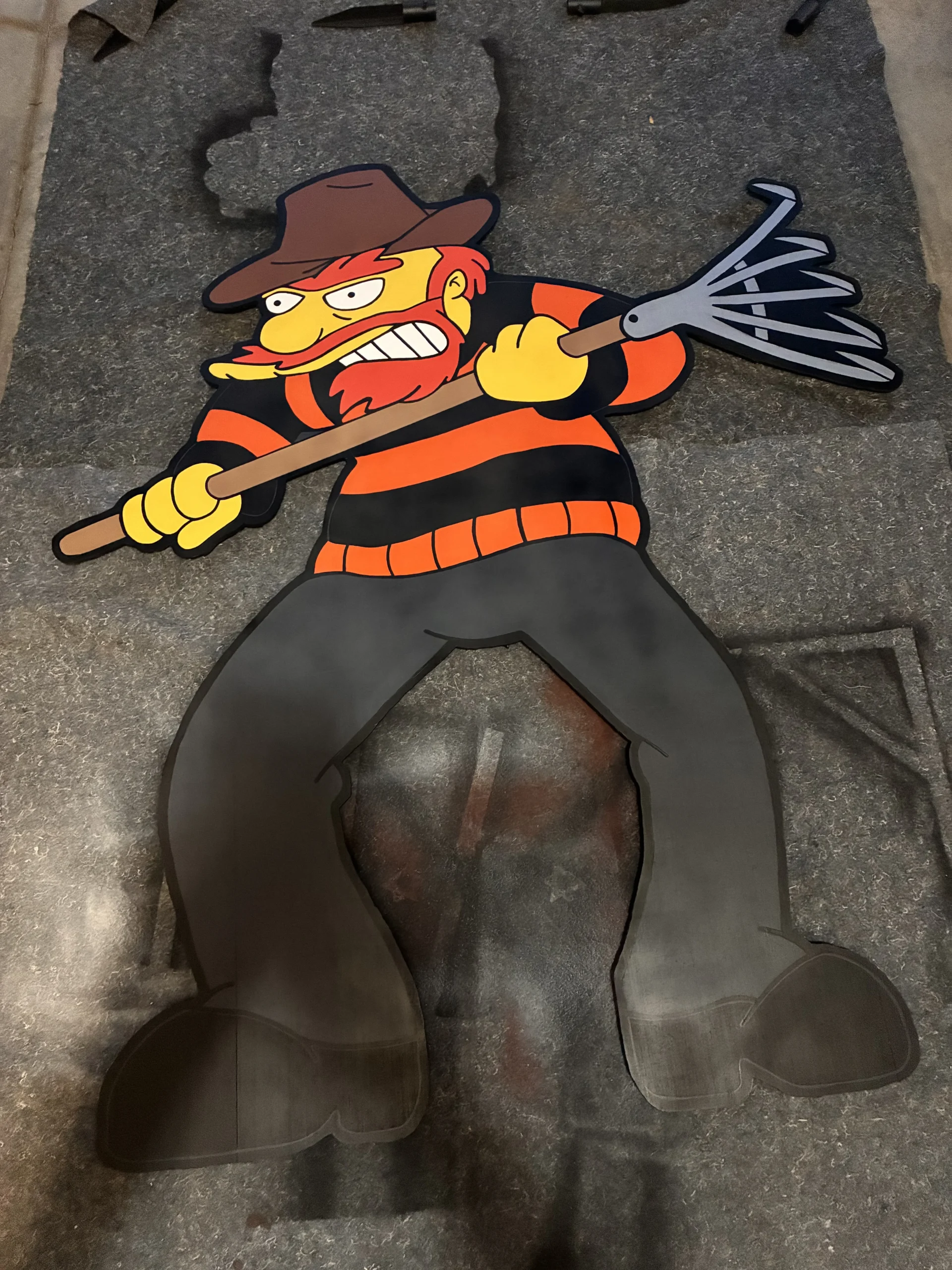
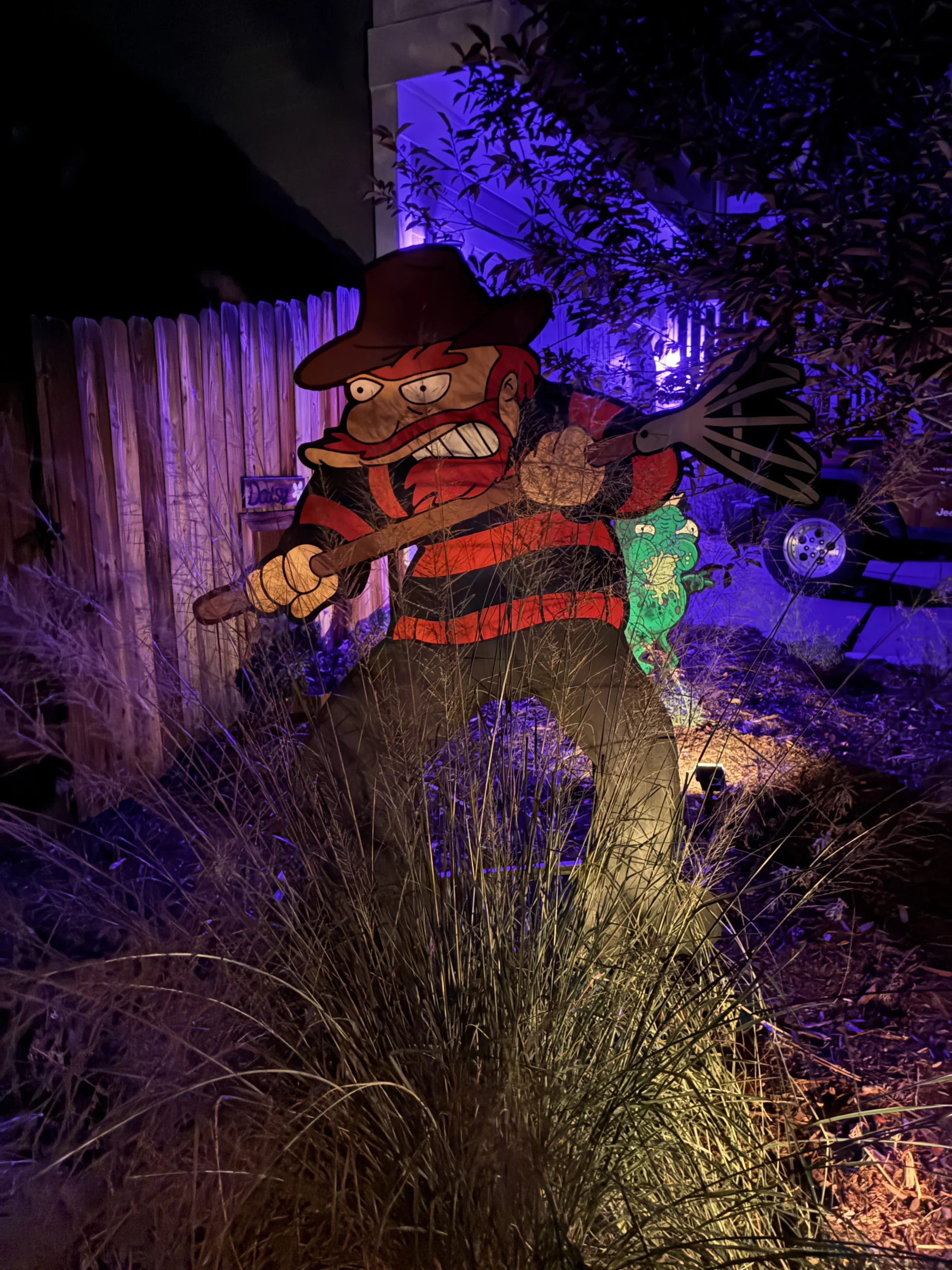
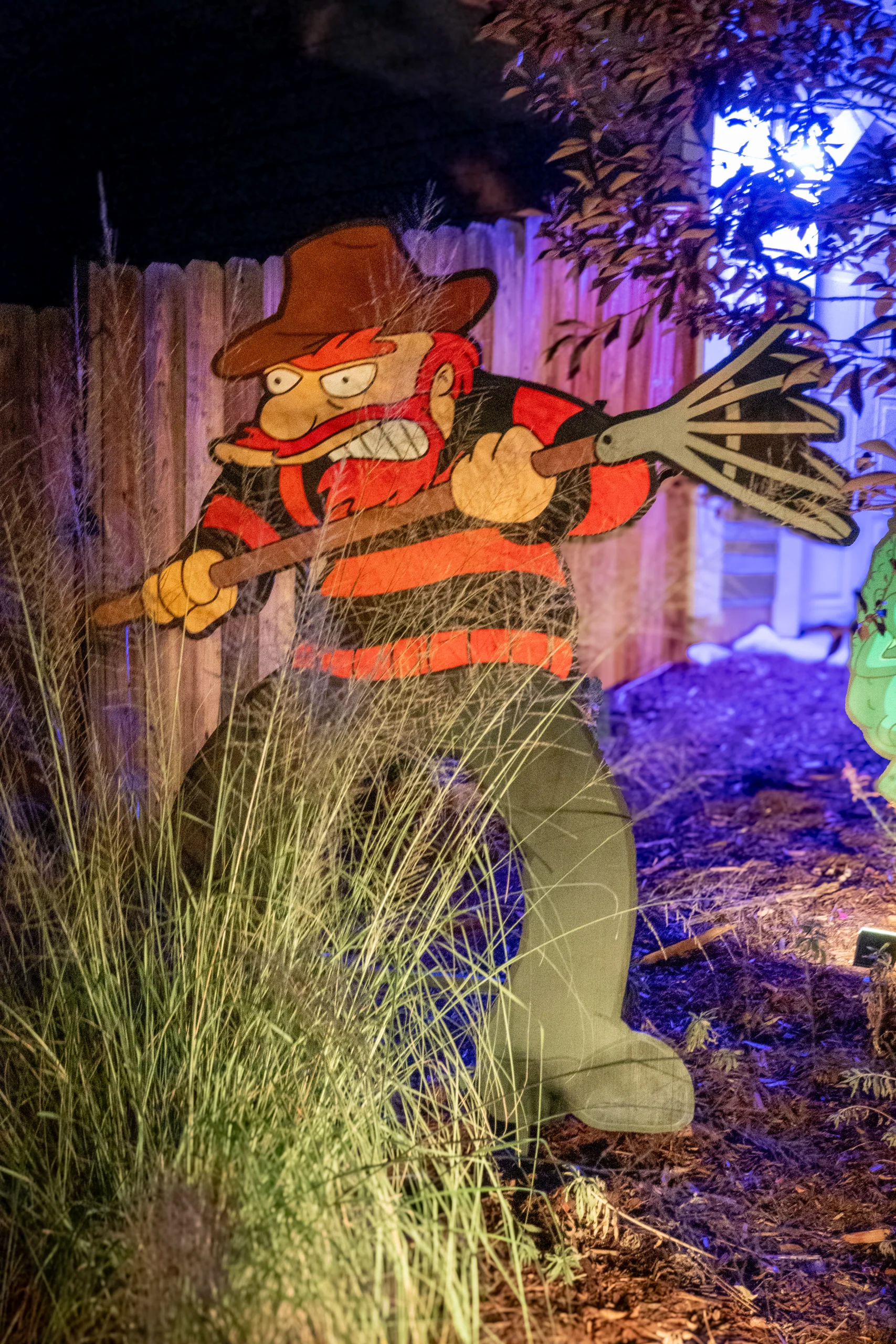
There is only one audio clip from the segment that matches the cutout I made.
The source clip I downloaded from YouTube already had a good starting point, so all I needed to do was trim the ending. I want my clip to end when the laughing does, before Bart starts screaming. I used iMovie to trim the video where I wanted it to end and exported just the audio.
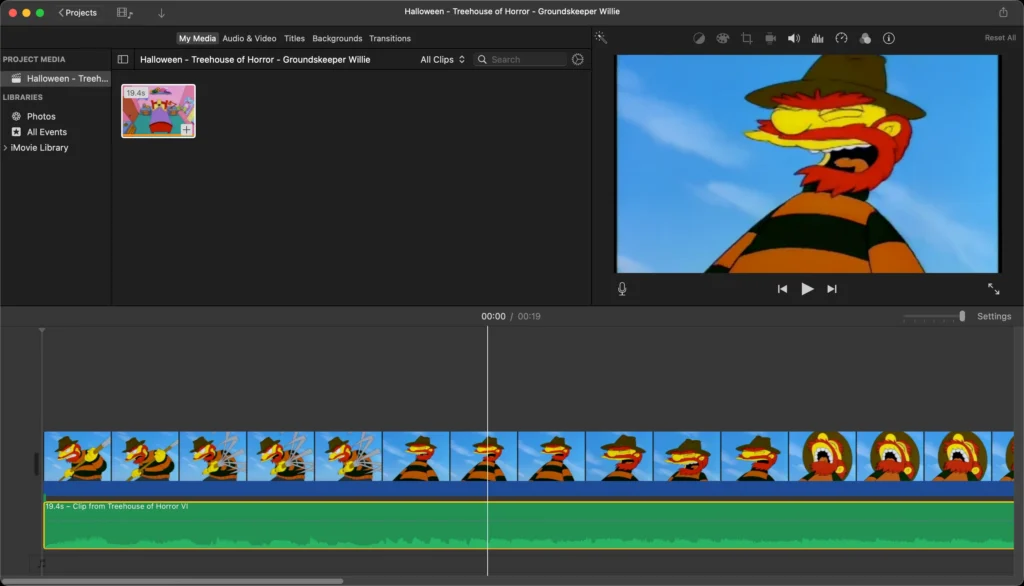
There is a brief crossover between the laughing and the swiping sound effect, so to get a clean cut I have to trim the clip with an awkward cutoff. To compensate I used Audacity to apply a fade out effect.
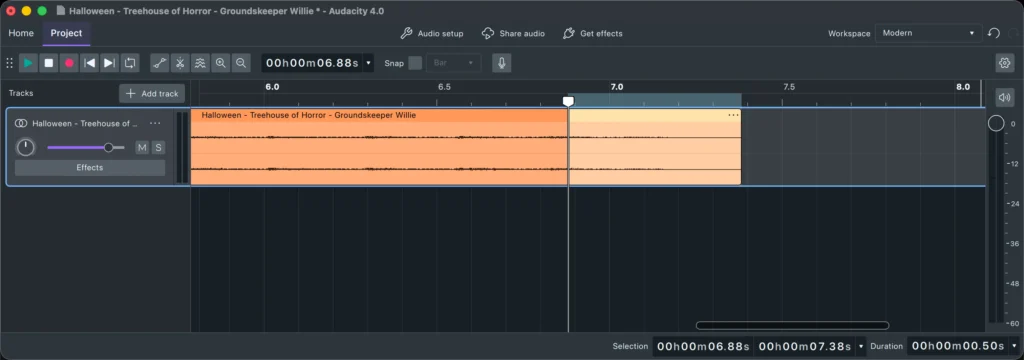
I compared four versions: the original edit (no fade out), one with a 0.5 second fade out, a 1 second fade out, and a 1.5 second fade out.
Original edit (no fade out)
0.5 second fade out
1 second fade out
1.5 second fade out
I like the 1 second fade out the best.